Hello,
That is strange. The current version is 3.1.7. Would you mind sending a screenshot of the version you are seeing?
Replies for tickets on suppota
Hello,
That is strange. The current version is 3.1.7. Would you mind sending a screenshot of the version you are seeing?
Hi,
When I download the plugin from Themeforest it still gives the same version?

Hi,
I do it , but nothing change on my page : https://www.artsixmic.fr/2021-07-13-lagenda-artsixmic-publiez-vos-actualites-153258-2/. What can i do please ? Thank you
Hello – I did omit to mention that if one person buys a bundle of more than 1 tickets, the overall stock left only reduces by 1 rather than the number of tickets sold if that helps to narrow the issue and why things have changed in the excel download.
Again though the number of tickets is correct on the order, and one the attendees button.
Hello,
From your screenshot, I can see that you were able to implement the changes you wanted. If you need any more help, please let us know. We are happy to help 🙂
Hi Jai,
If you are importing the whole site and not events alone, you can use one of those migration plugins, I would recommend Updraft. If you are importing just the events alone, I would recommend our CSV importer.
As for changing the licenses, here is a tutorial on how to deactivate your license.
Hope this helps.
Hello,
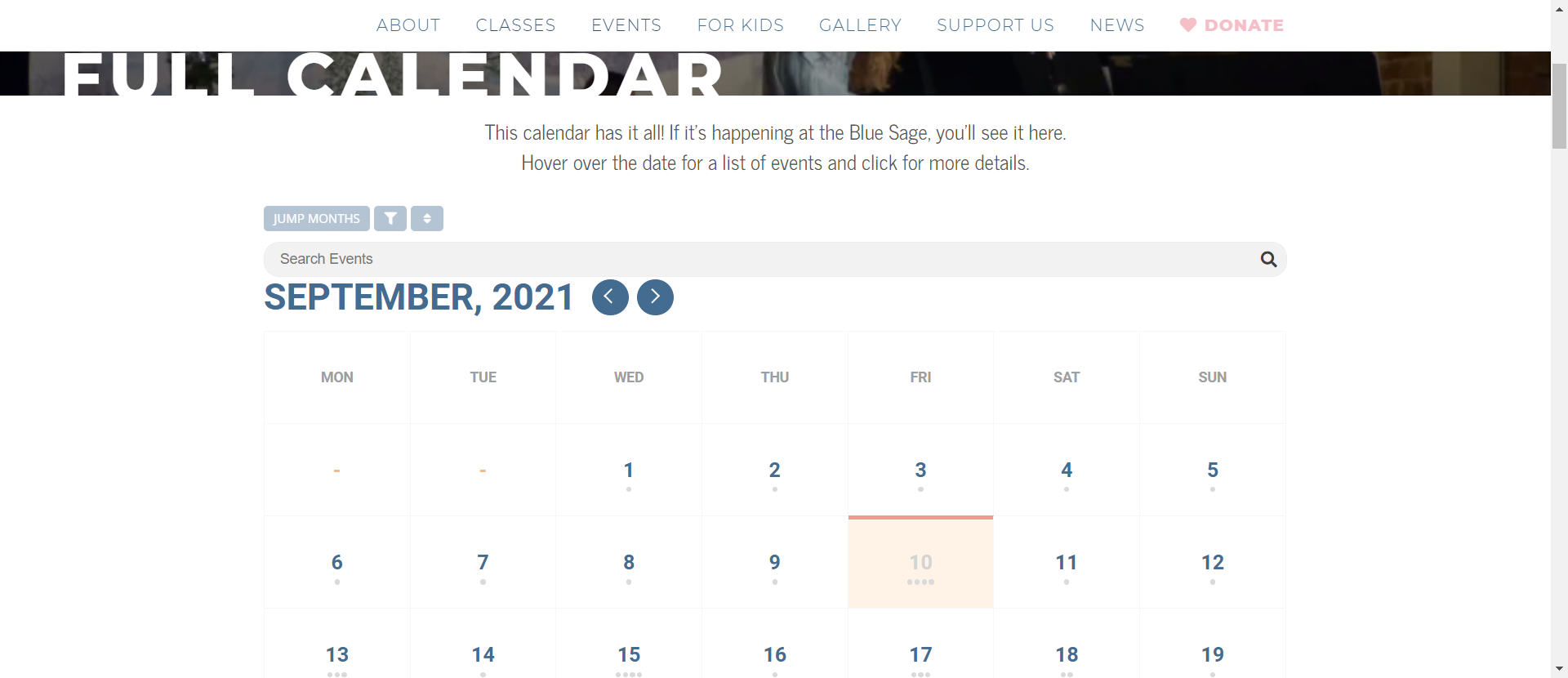
Please explain what you mean by Eventon and Full calendar is not working? At first glance, they are both loading very well on my end.

Hello,
It could be that updating the WordPress version changed the display, however, I can see that you are using a very outdated version of the eventon plugin.
To update eventon to latest version: If you are unable to do autoupdate, you can go to codecanyon your account > download and get the latest eventon version as zip file. Then you can go to your website, deactivate old eventon, activate (Do not delete eventon settings & data when EventON is uninstalled) from eventon settings, delete old eventon, install new one and activate. This link will further explain the process it.
Do let us know how this goes.
hello Ashan,
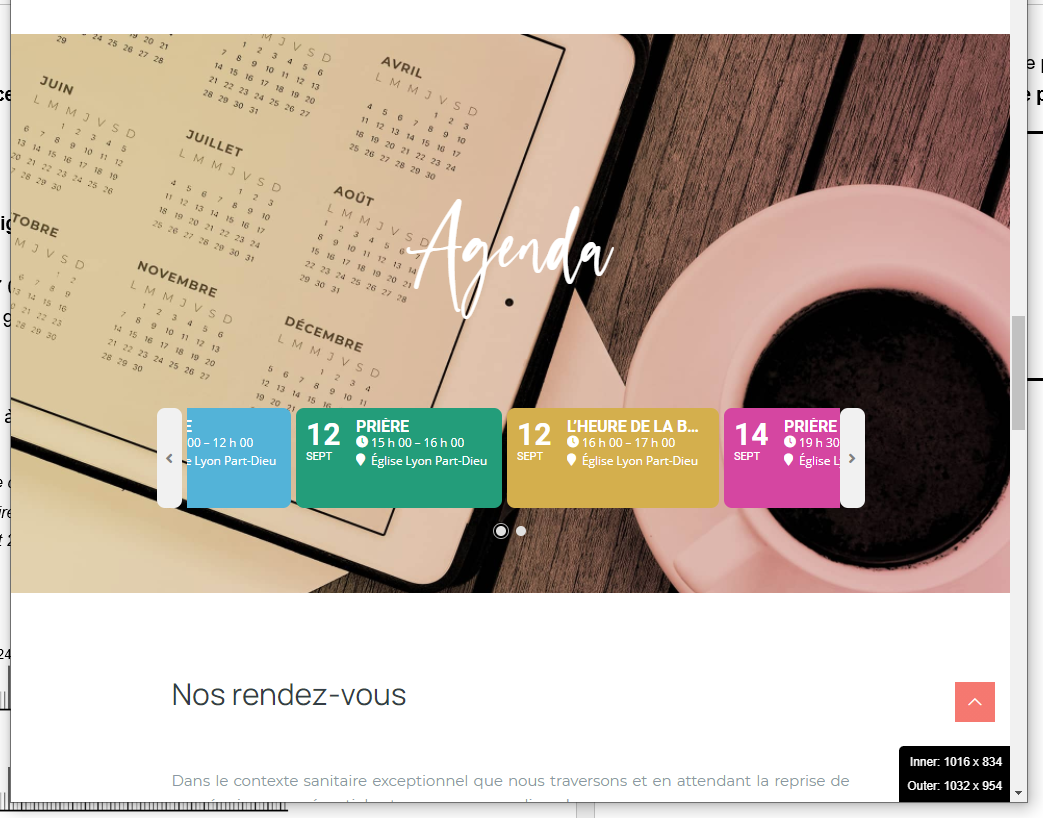
I just checked again on desktop it appears through the average window width of 1032px while resizing window. I join you a capture I just took. Resizing screen taller to smaller or smaller to taller at this average screen size point made the bug appears.
I think this could happen on Tablet too but haven’t check.
Thank you again
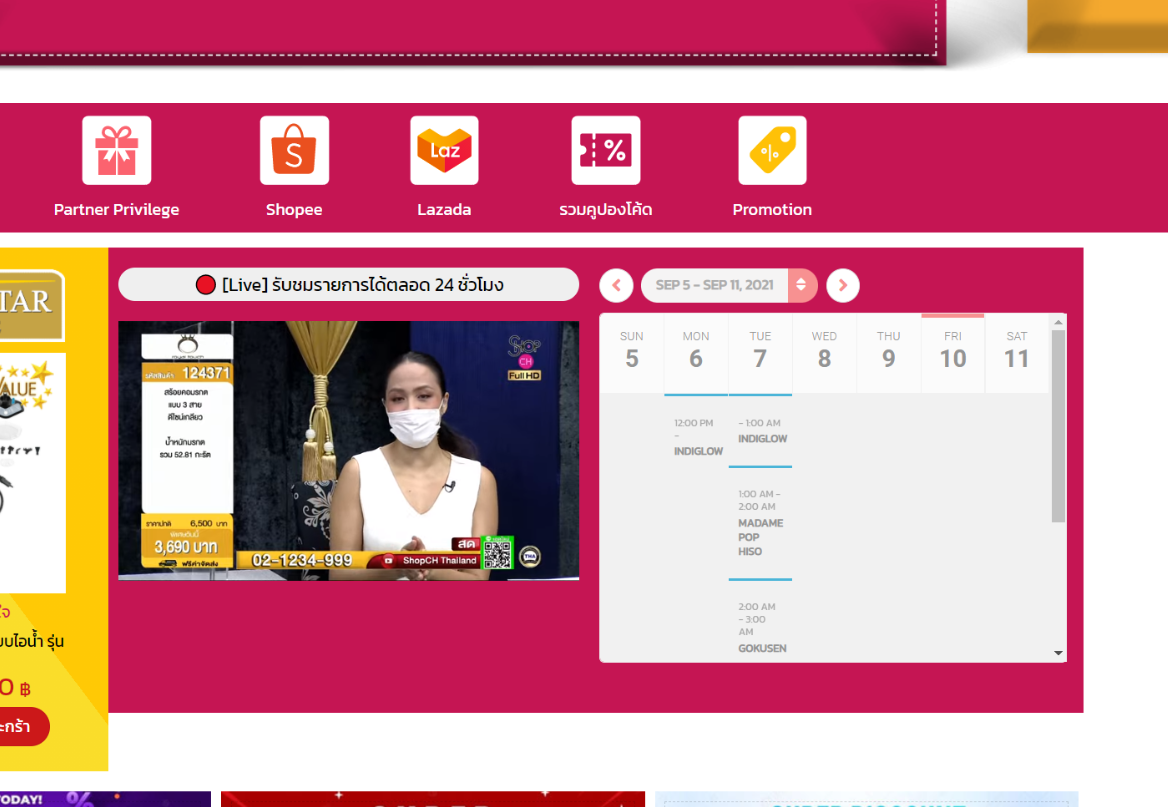
I’ve tried it.
thanks for the help