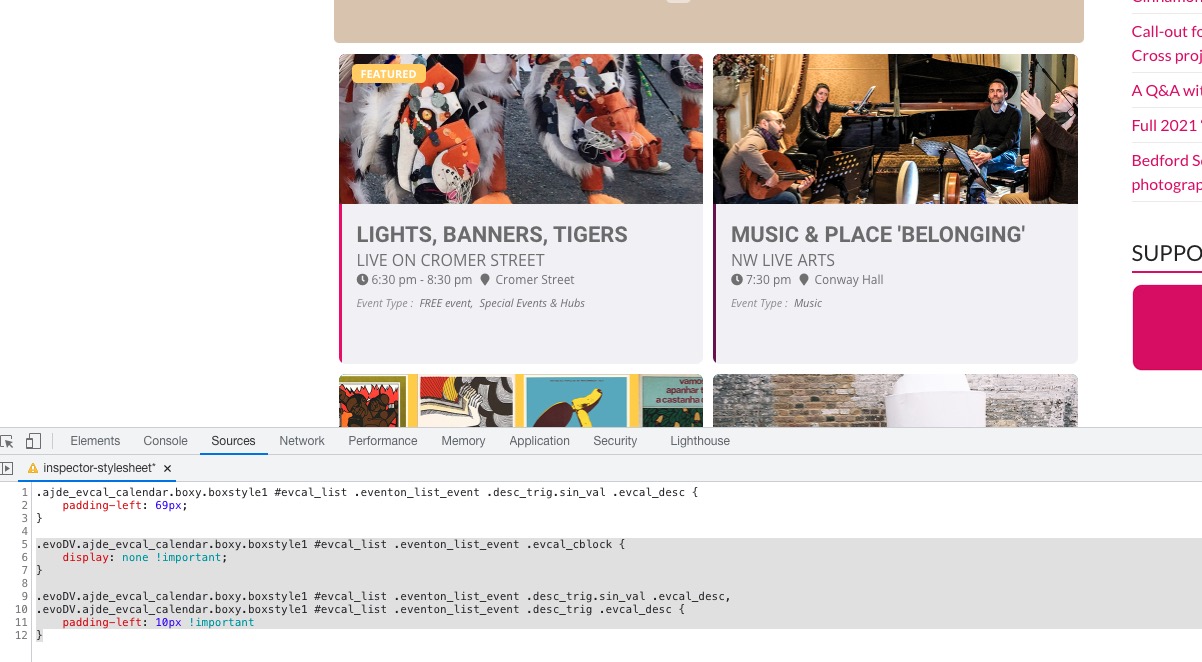
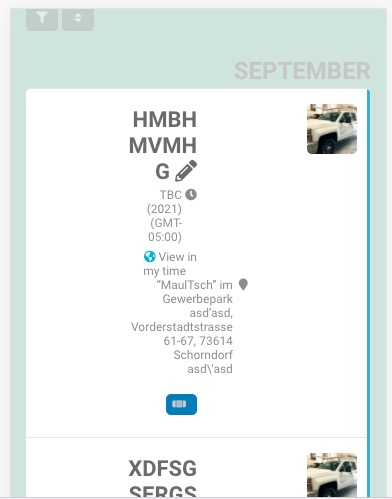
Please add this CSS code to EventON > Styles (If you don’t see any change, EventON > Scripts & Styling > turn off Write styles to header > save settings > turn on Write styles to header).
If you want to stop it from overlapping:
.ajde_evcal_calendar.boxy.boxstyle1 #evcal_list .eventon_list_event .desc_trig.sin_val .evcal_desc { padding-left: 69px; }
If you want to remove the left time:
.evoDV.ajde_evcal_calendar.boxy.boxstyle1 #evcal_list .eventon_list_event .evcal_cblock { display: none !important; } .evoDV.ajde_evcal_calendar.boxy.boxstyle1 #evcal_list .eventon_list_event .desc_trig.sin_val .evcal_desc, .evoDV.ajde_evcal_calendar.boxy.boxstyle1 #evcal_list .eventon_list_event .desc_trig .evcal_desc { padding-left: 10px !important }

okay and which shortcode use to do that please ?
Hi – thanks.
For anyone else trying this – I have found a reasonable “workaround”.
Install “Log in as user” free plugin.
Allows admin to simulate being logged in as a user.
I have then also installed “Payment Gateways by User Roles” free plugin
Created an “Offline payment” option using the “Cash on Demand” type payment in WooCommerce settings.
Created a new Role “Temporary-Offline-Payment” using a User Role Editor free plugin
Then an admin can quickly add the new role to indiviuduals for whom they need to “buy” the ticket.
Login as that User. Select the “Offline Payment” option (so the admin doesn’t have to pay the class fee!!) – and then that user is registered for the class.
Just need to remember to remove the “Offline Payment” role from the User once complete.
Obviously only works on small numbers – but that is the case for me.
Hopefully the client is OK with it!
Thanks
Tom
Thanks
I don’t have that code in the shortcode – this is what I am using:
[add_eventon_dv dv_view_style=”oneday” tiles=”yes” tile_bg=”1″ tile_style=”1″ fixed_day=”15″ fixed_month=”10″ fixed_year=”2021″ event_order=”DESC” ft_event_priority=”yes”]
If I uncheck time on the eventtop settings, it removes the time from underneath the title, but that what I want to keep! It’s the time at the top left of the tile that I would like to remove?
Great! Please keep us updated.
Thank you this patch works fine 🙂
The only option is https://dev2.myeventon.com/27706-2/
[add_eventon_slider]

OK thank you I will look in this direction for this little matter.
Hello there !
Thank you for your answer.
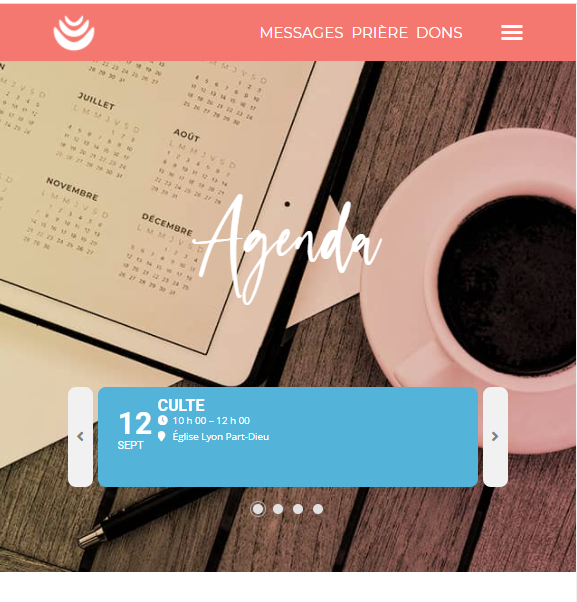
What we would need is something as you can see on the linked screenshot… Can’t this be just a feature request ? We previously had the same component with the framework The Event Calendar that we dislike for other reasons…
Best regards,
Guillaume