its not a feature of eventon but i’ll assign ashan to your ticket
Archives: Replies
Replies for tickets on suppota
Reply to: tickets(250835)
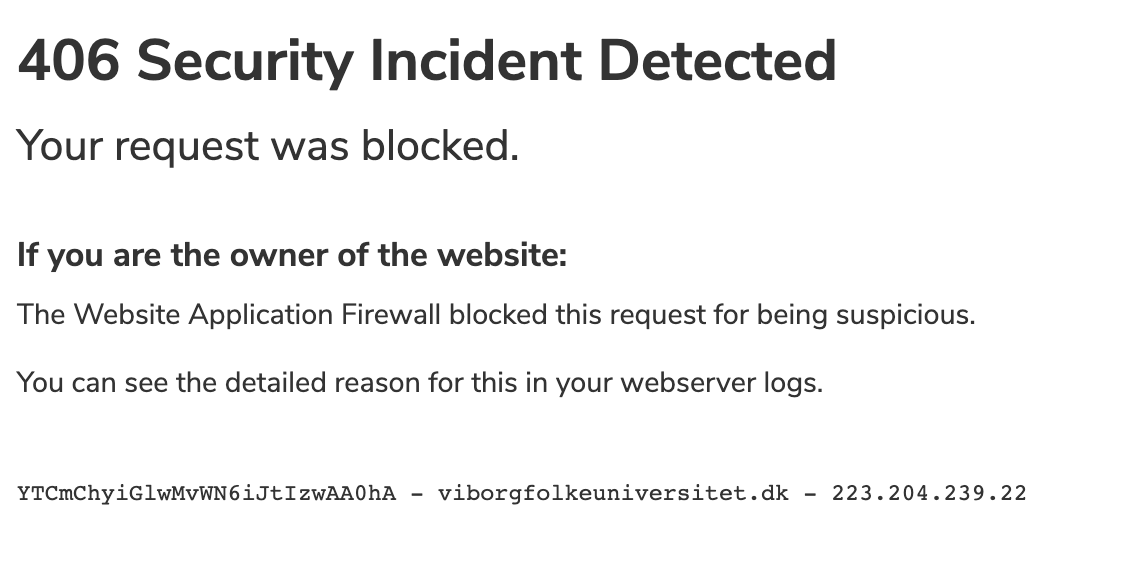
And the message I get in the browser:
Reply to: tickets(250835)

Sure..
Here is the login URL: https://viborgfolkeuniversitet.dk/wp-login
User:
temp_user
Password:
2o7$rQ$)41W%ezVm0J0zPfXn
Reply to: tickets(250836)
“i am not sure if that will effect the tickets side of things- they might not show on the attendee list” – could you check for me please? I don’t want to begin exporting and importing if it has unforeseen consequences. I’m sure Ashan knows.
Reply to: tickets(247363)
I am way ahead of you. I have started a dev site and determined that it is an issue with the theme. It has some built in “packages” and when a user is assigned to one, they can’t see the calendar. This is not true for any WP Role, or an Woocommerce Role like “Customer”. All of the “usual” WP user roles can see the calendar events. This is not logical to me and, of course, I am seeing no errors at all.
Its a real shame as a lot of work has gone into this site and a lot of data put into it. I can’t change the theme, and I really don’t want to change the event calendar. There is not one out there as good as EventOn. I’ve opened a ticket with the theme producer, but if you have any ideas, it would be very appreciated.
Thanks!
Reply to: tickets(250836)
i am not sure if that will effect the tickets side of things- they might not show on the attendee list
Reply to: tickets(250836)
while untested you might be able to export orders from one product and inport them to another
https://wordpress.org/plugins/order-import-export-for-woocommerce/
Reply to: tickets(244479)
Yes I just learned about this- I have alerted Ashan to this as top priority
Reply to: tickets(247363)
Best thing to do is create a staging site so we can fully diagnose and turn off things without it effecting your live site
Reply to: tickets(250855)
also sales page for action user says 2.5.5