Hi
No we did not resolve the issue. At the moment we only have a small number of days left in the calendar month and therefore the number of events displayed is a lot less.
When an event image is trying to load, the full image size is loading in the background instead of just a thumbnail size – is there anyway to adjust the maximum event image size to 700px wide?
Hi,
as written in the first ticket we are already using the last version of fullCal. We installed it in the first place. Seing that it still cause a problem we opened a ticket. How can we go on to solve the issue? Can you intervene to fix it?
Thanks for looking into this
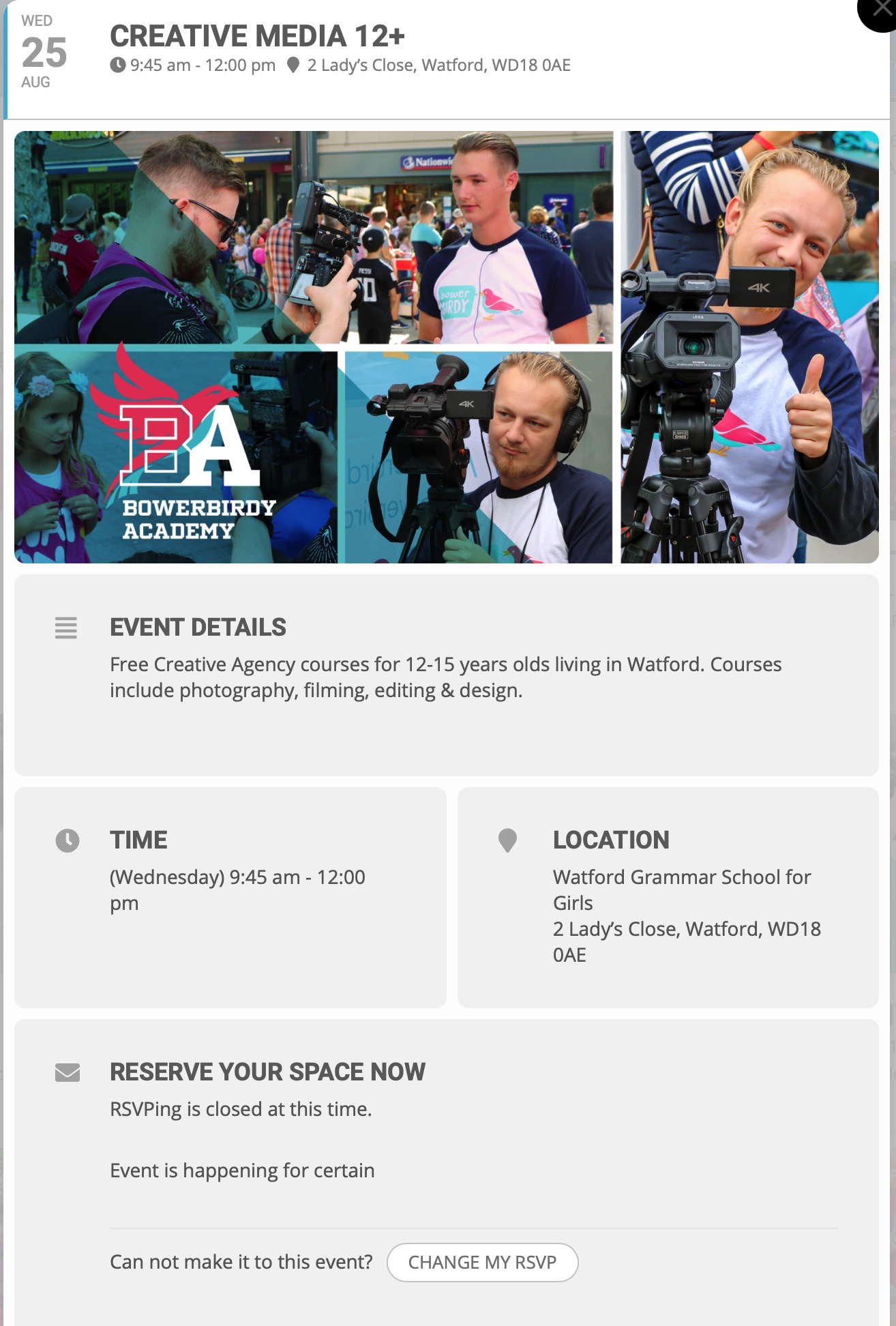
All events have that “RSVPing is closed at this time.” problem
You can check another event such as:
CREATIVE MEDIA 12+ on WED 25 AUG at 9:45am
Is there a setting to stop it saying “RSVPing is closed at this time.”?
Hello Brant,
You do not need an account to purchase the addon. If you start the process of purchasing, during checkout, that is when an account will be created for you.
I hope this clears things up.
woo sorry thats too much its asking for me to download an app to verify.
we are not going to do that.
please deactivate that or set up an account where we can log in and get to diagnose
on that event
https://watson.events/wp-admin/post.php?post=8107&action=edit
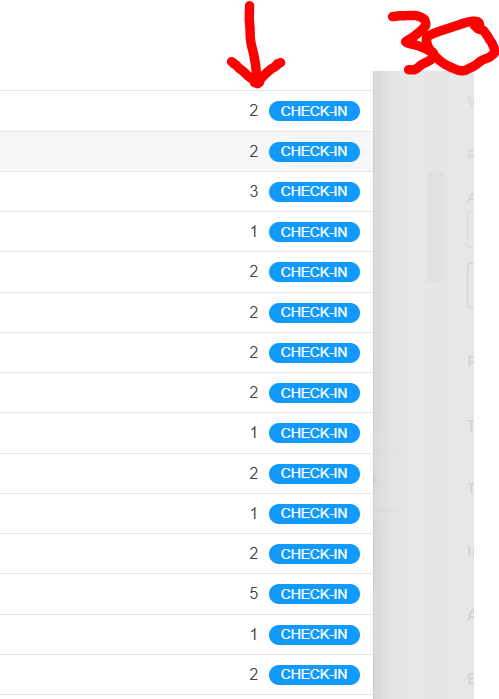
you have set the capacity to 30- and there have been 30 rsvp’s
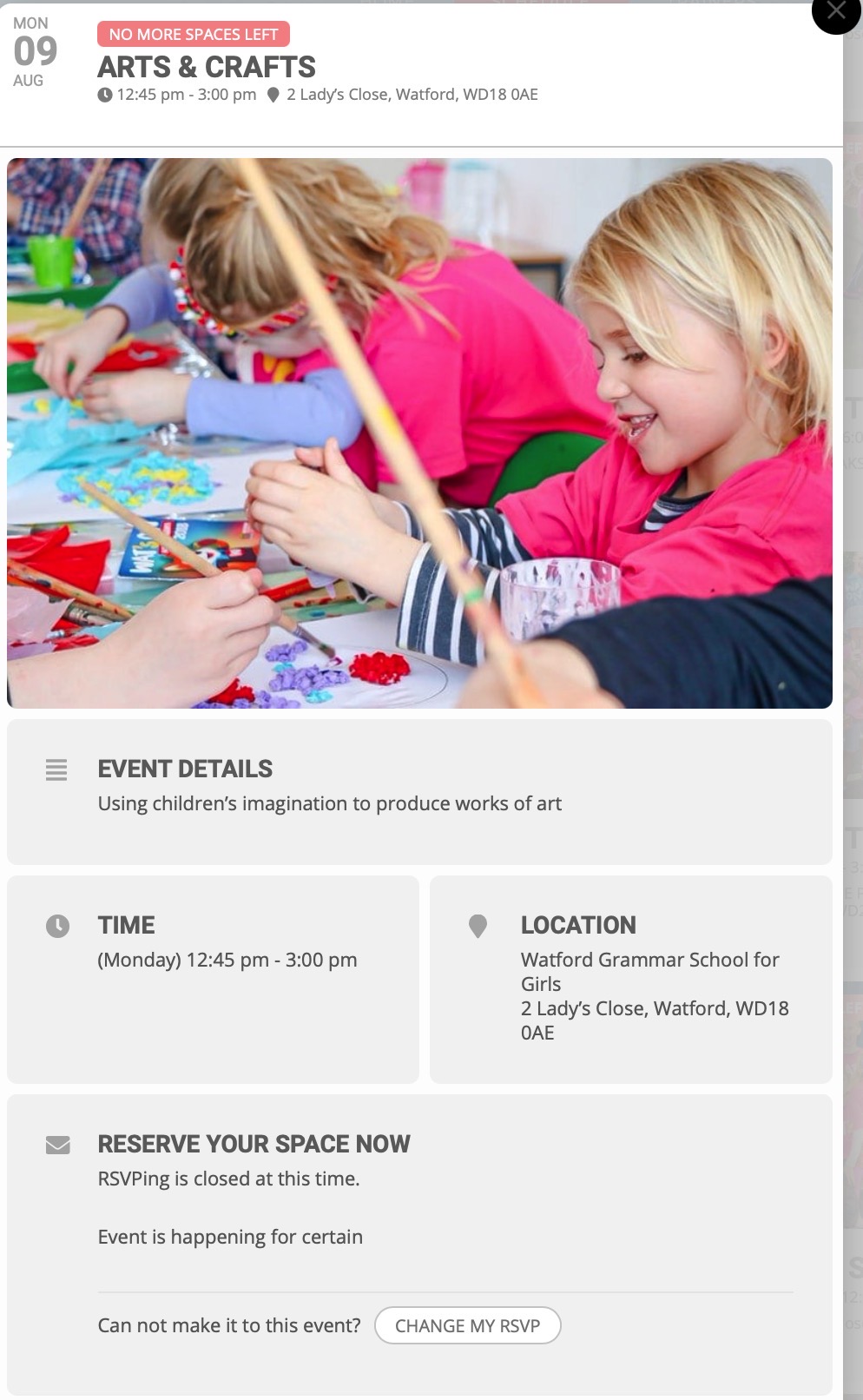
Here is a screenshot.
The event still has spaces left for the event, but it says it is closed.
Hi Lorraine,
I have looked at your site and the speed seems to have improved greatly.
Kindly confirm, were you able to solve your issue?
Hi Harald,
We are glad your issue is resolved, if you have any further questions or concerns please create a new ticket. If you have a moment, we would greatly appreciate if you could kindly leave us a review at codecanyon from your account > downloads.
Cheers!
Hello Paolo,
To solve the error, please update the FullCal addon to the latest version. You can check the version from here https://www.myeventon.com/latest-versions-of-addons/. To update eventon addons: You can download latest eventon addons from myeventon > my account. Then you can go to your website, deactivate old addon and install new one and activate then delete the old addon. This link will further explain the process.