oh sorry the last one I copy was the demo user , there was other adobe for admin account , this one
User: dev
pass: Rrz9fjc7YJ^vj^RpO(czve5k
Replies for tickets on suppota
oh sorry the last one I copy was the demo user , there was other adobe for admin account , this one
User: dev
pass: Rrz9fjc7YJ^vj^RpO(czve5k
Hello,
Thanks for your last answer.
I replicated what you did and it works too when i add another admin email address directly in the event page itself.
However, if we don’t do it, the default admin email (configured in My Event On / RSVP settings) still don’t receive confirmation email.
Could you please try to add your email address as an admin email in RSVP global settings and try again ?
I will need to fix this for another website too, so could you also tell me what was the first problem and how you solved it ?
Regards,
Nicolas
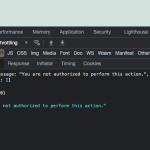
Sorry David I will need some more time. To see why register_rest_route() function returns wp_die with 500 error code. If you find something on this please share in here. — Never seen this before myself…
We are seeing this error when trying to fetch events using API from lakecountybloom.
Let me check to see if we can get around this…
Paul I have gone ahead and refunded you for the addons please request refund for eventON via codecanyon. Look forward to seeing you use eventON in a future project 🙂
here is the problem
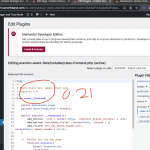
here you go i reinstalled the event lists addon and it did the trick.
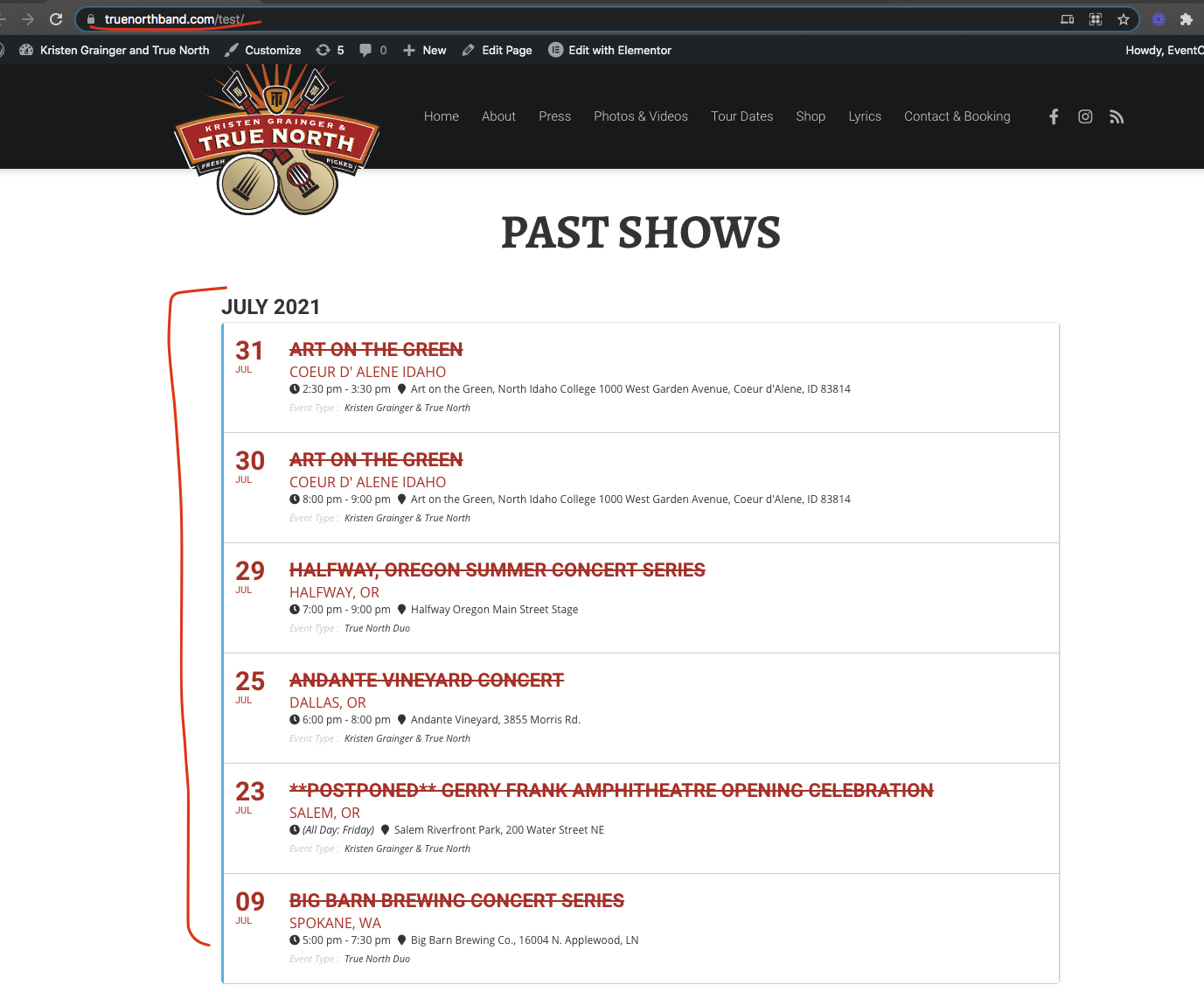
I am very sorry it took us this long. I have found a problem and have resolve the issue direct on your website.
I believe I have resolved the issue please take a look https://www.loom.com/share/c5bc3037e5984d15ad674320594e86be and let me know if there is anythign else that is still not working.
Hey Ashan,
No apologies needed! I tried everything from recommended step 1: disable all addons except for EventON + EventON addons. I even switched out the entire theme to a default WP theme. Combined both steps and they still both failed. So I went as far as creating a new gmail account (using simple password vs MFA password) to try for SMTP and also tried Office 365 SMTP (my business account) and both didn’t work either. I do like EventON and recommend and use it for some of my client websites (non-rsvp) but probably not for this case as it’s for a wedding website. Time constraints and all to start handing out invitations etc.
Let’s move forward with the refund. Thank you for jumping on this!
Thank you very much for this 😉
No problem I waiting next release.
Best regards.
Paul, sorry I could not get back to you sooner. Take a look at this it works just perfect on our end. https://www.loom.com/share/b3fe5823dcdf4f578a7caa8fa0bc71bc
If you do not want to figure eventON out that is fine I can go ahead and refund for RSVP addons. Let me know.