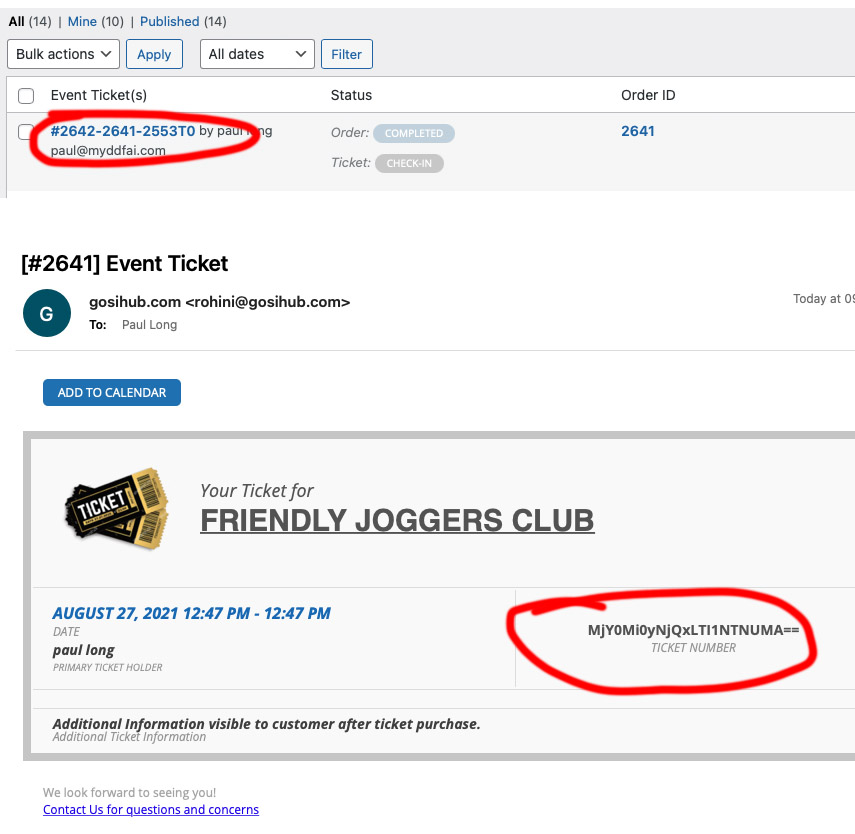
screen shot attached
Replies for tickets on suppota
screen shot attached
Hello,
It’s ok, you have full rights.
Hello,
I don’t have access to Events, Page or EventON Settings. Could you give us more access?
Thanks so much for investigating this problem.
I will review the best text to use for our calendar.
—
This is a pic of the event that wont allow bookings
Do you still have this issue in one your recent events? If so could you send us a link?
That particular event would not receive any additional bookings even though we added more spaces. It was a one off just for that event, but it was a mystery to why it would not add additional attendees
Thanks
The doubt that I have is that the editor may have deleted the events from the frontend manager, this is the reason why I absolutely have to understand why there is currently a part of the events that offer the delete icon (trash), while the options are disabled in the Users Capabilities.
Thank you very much for any help.
Best regards,
Eric Bousquet.
You need the Google Authenticator App probably
Please are you making tests in my site?
I need know why from my 200 events (10 differents events duplicated), I have 20% of my events litteraly DELETED this morning ?! The weird thing is that this only affects 3 types of events, not all 10. That is to say about 40 events erased in total (disappearead from admin events list).
The owner of the website just called me, and it turns out that some events disappear, I just checked there are lots of events that disappeared, please it’s very urgent, the website is in live production mode actually (real payments), so I really need know how debug this!
Thank you very much for your help, I absolutely have to understand what just happened.
Regards,
Eric B.
I think it supposed to say “No more places left”.
Ashan,
Could you check this Reply to: 246842 ?
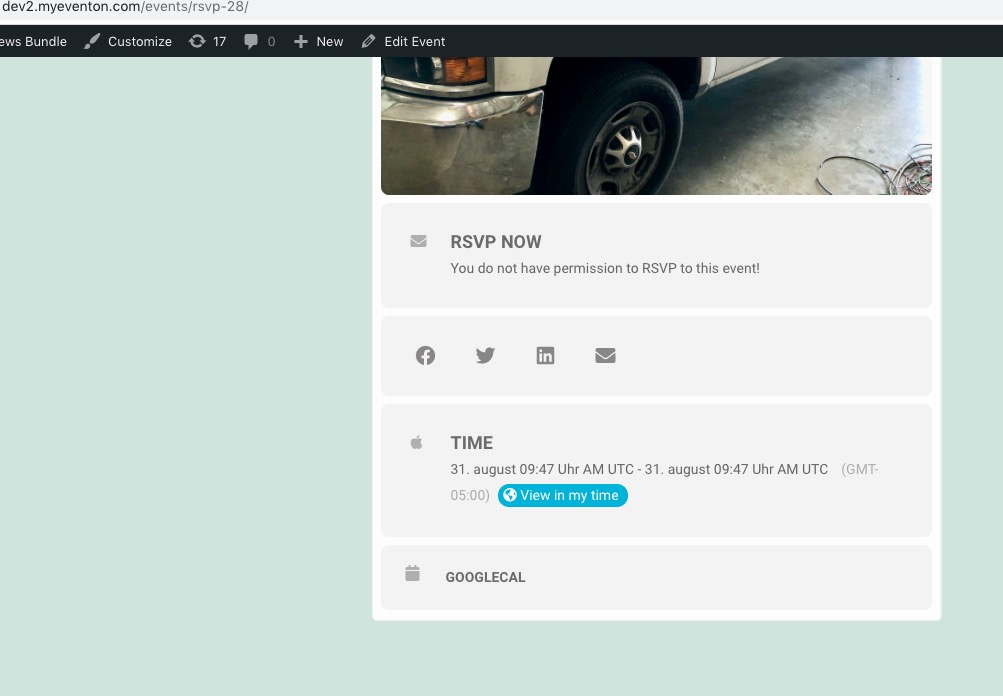
The same on dev2 https://dev2.myeventon.com/events/rsvp-28/
https://helpdeskx.s3.amazonaws.com/wp-content/uploads/2021/07/30025942/1202.jpg
This is a pic of the event when it is fully booked and it says “no more spaces left on the front”
Users can’t amend their RSVP
By default it supposed to say: “You do not have permission to RSVP to this event!”. It shows this because you added “Please login to reserve your space” as it’s translation

Which is still incorrect in your case because it must say: “No more spaces left”. It seems that we need to fix this. I am going to assign this ticket to Ashan and he will be able to take it from here and find you a solution. Please allow some time for him to get back to you, we greatly appreciate your patience and thank you for being a eventon customer! Also please disable any IP blocking on your site if there are any.
https://helpdeskx.s3.amazonaws.com/wp-content/uploads/2021/07/30025753/1201.jpg
This is a pic of the event that wont allow bookings
Do you still have this issue in one your recent events? If so could you send us a link?