On the event- I see soulsisters link and thats orangey/brown
which link are you refering to?
I’d recommend after update to clear your browser cache
Replies for tickets on suppota
On the event- I see soulsisters link and thats orangey/brown
which link are you refering to?
I’d recommend after update to clear your browser cache
Yes, that file is empty because thats the new calendar I created to test with.
I think installing this version of the plugin took care of my issue.
Since this is a different version of the plugin, can I update without issues as they’re released?
Thanks!
Hi there, I really need that backup of the customization job you did for me. Please send it asap. I have workshops starting soon and the reminders have to send!
Thank you,
Allyson
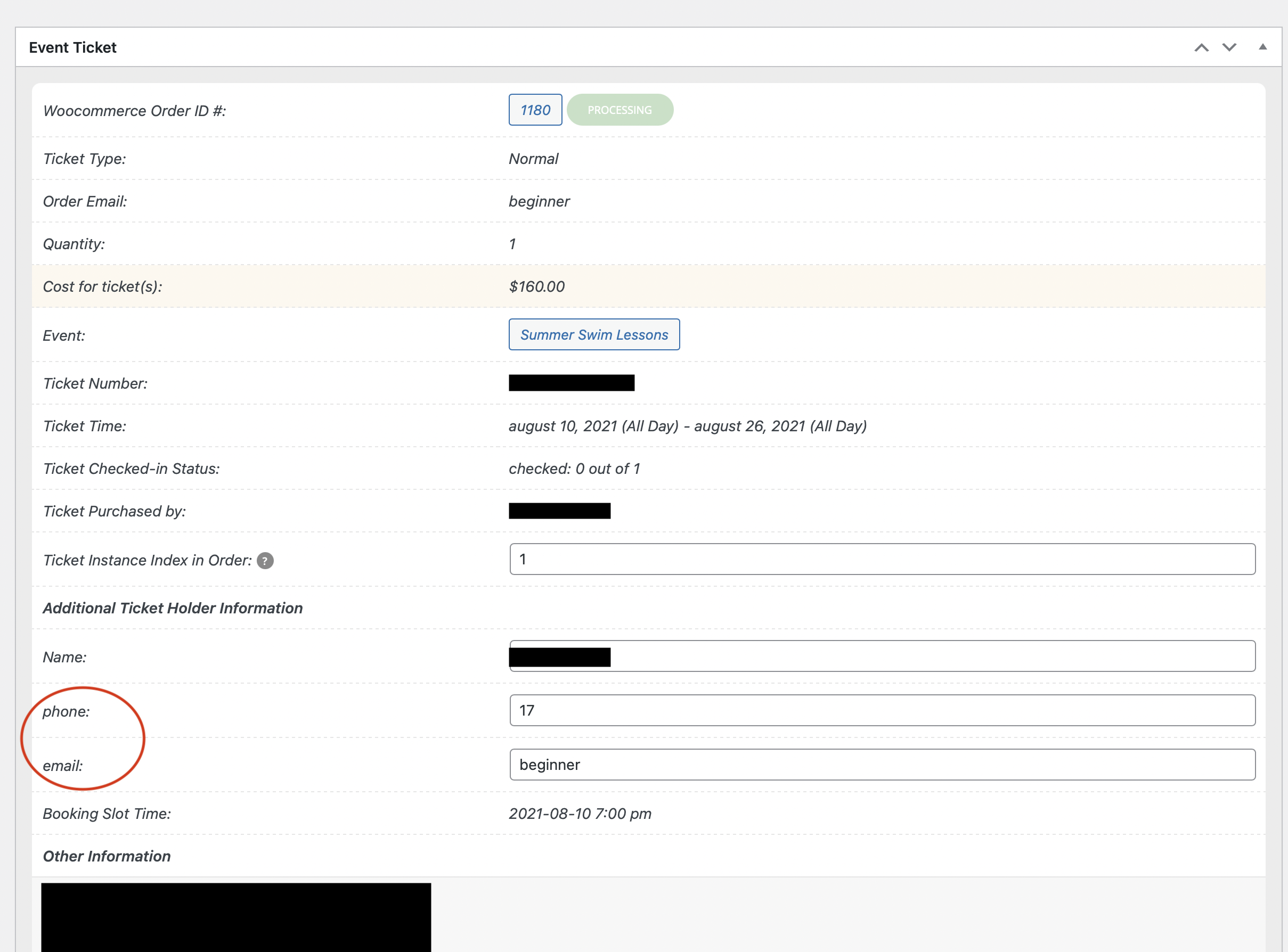
On the back end, We click “Events” on the left nav bar. Then “All Event Tickets”
From the list of ticket options, we select one and then we see this in the photo attached.
These two fields we are using for a different function and have successfully changed them everywhere but right here.
ok. This isn’t working. Please create a test site and disable the authentication system so we do not have to waste time.
Please let me know when it is ready and provide the username/password
Thanks
I tried to import your file and it seems to be working correctly:
https://dev2.myeventon.com/events/opening-chapel-1040a/
https://dev2.myeventon.com/events/move-in-day/
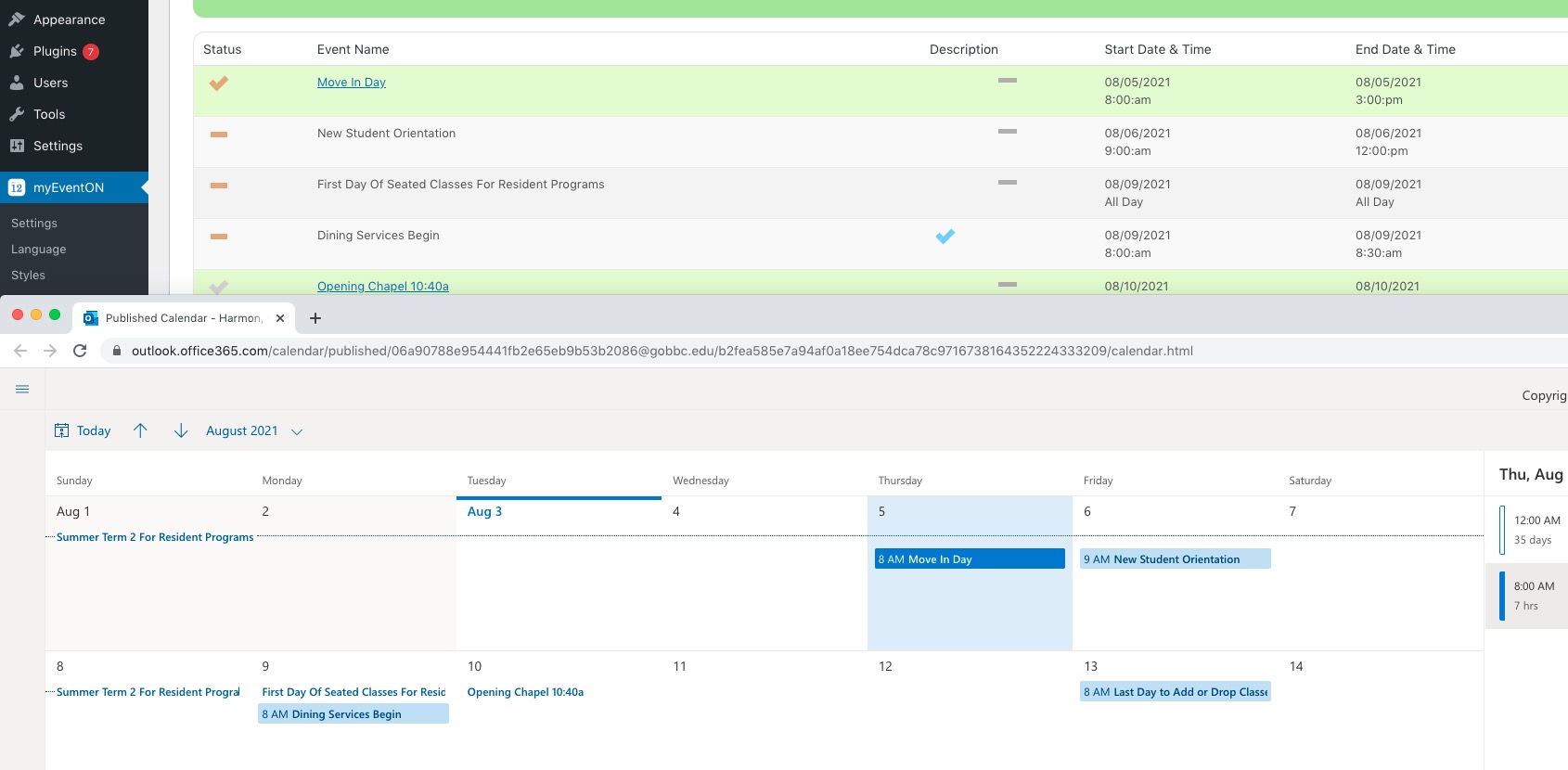
Could you delete incorrect events (ie https://gobbc.edu/wp-admin/post.php?post=431947&action=edit) and then try to import them again?
Hi. I have no idea what happened to the booking that I pictured. The client thinks he might have edited an event to become a virtual event, but I can’t see where the sports club on the 30th July went.
But, this problem is with any event. I just happened to picture that event to point at the problem which is:
When an event is fully booked and it says “no more spaces left on the front” if you click the event it still says to “RESERVE YOUR SPACE NOW” and to “Please login to reserve your space”
And if you have RSPV’ed to an event and you wish to amend your RSVP it also says the same “RESERVE YOUR SPACE NOW” and to “Please login to reserve your space” even though you are logged in and can RSVP to other events in the calendar.
Thanks for your help with this.
Please send us wp-admin access to your site as a private message for us to further assist your situation. Please also send us FTP access to your site as a private message.
Your server isn’t responding:
503 Service Unavailable
No server is available to handle this request.
Could you check?
Your and my code line # does not match as well. Your code is at line 201 mine is at 195?
Its the latest version.