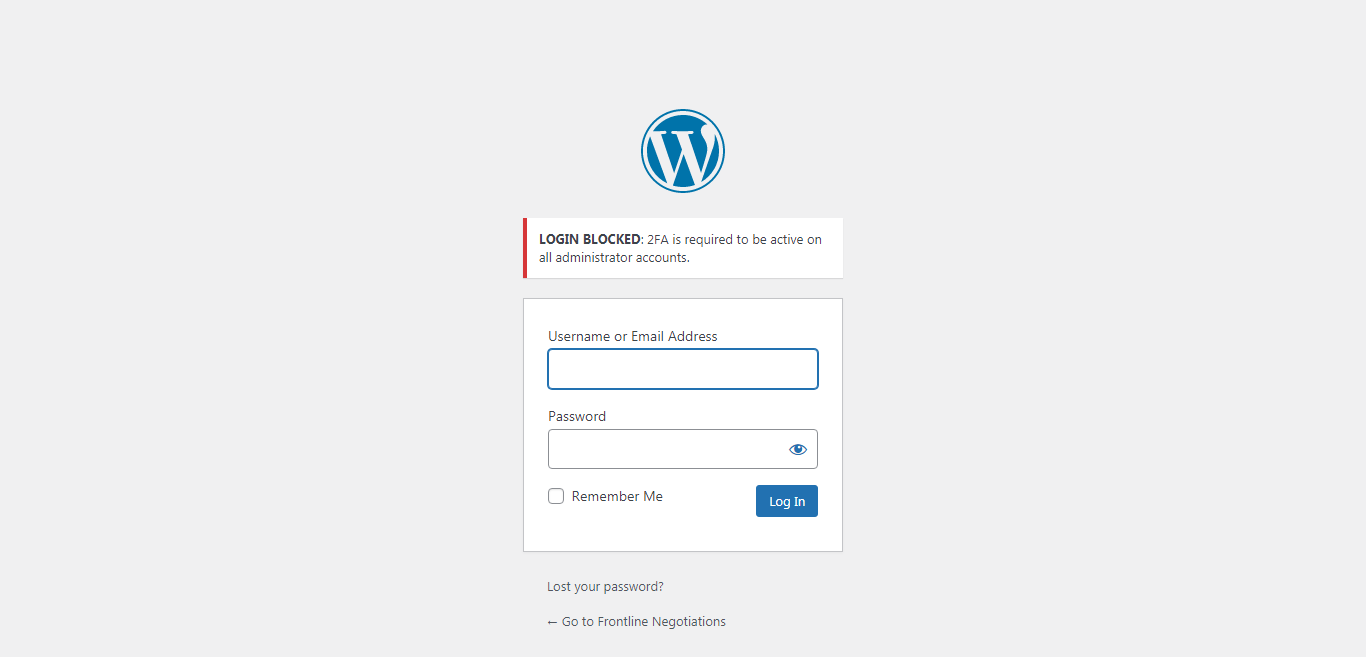
Hmm my client has placed 2FA on their site. Please follow instruction below..
Two-Factor Authentication Recovery Codes – https://frontline-negotiations.org (eventon)
Each line of 16 letters and numbers is a single recovery code, with optional spaces for readability. To use a recovery code, after entering your username and password, enter the code like “1234 5678 90AB CDEF” at the 2FA prompt. If your site has a custom login prompt and does not show a 2FA prompt, you can use the single-step method by entering your password and the code together in the Password field, like “mypassword1234 5678 90AB CDEF”. Your recovery codes are:
5960 22f9 4b16 5fea
d5c6 4041 f36c 6a28
5d5d f3bf de25 4004
0d49 8517 0570 40c8
9190 3c95 4d9e 856a
Hi Erik,
Please update Eventon to 3.1.7 and check if that solves the issue.
To update eventon to latest version: If you are unable to do autoupdate, you can go to codecanyon your account > download and get the latest eventon version as zip file. Then you can go to your website, deactivate old eventon, activate (Do not delete eventon settings & data when EventON is uninstalled) from eventon settings, delete old eventon, install new one and activate. This link will further explain the process it.
Hello Erik,
If you add the code in myEventON > Styles, the code should be able to reflect. If you don’t see any change, EventON > Scripts & Styling > turn off Write styles to header > save settings > turn on Write styles to header.
Hello,
Thank you for your message, I am going to assign this ticket to Ashan and he will be able to take it from here. Please allow some time for him to get back to you, we greatly appreciate your patience.
try password: LZ&cR9L0E7y2$hBSAiQ5ZYOM
Just notice that “Place ticket on out of stock” is activated for the event. When I disable that setting and update the event, the setting remains activated anyway.
This is an issue with the Event Tickets extension.
Hello,
What is the issue with the custom work exactly?