Hello,
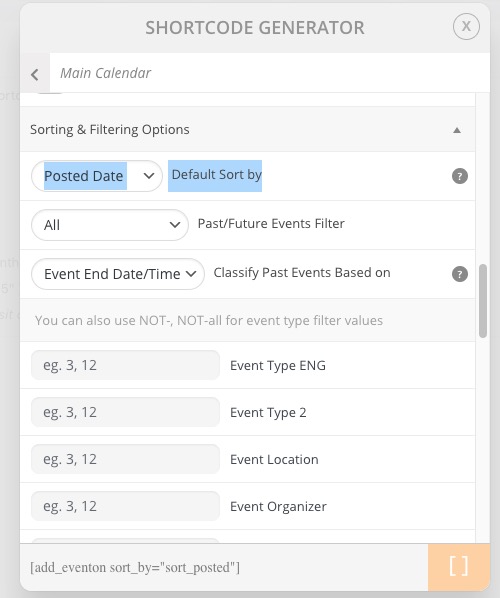
Please use Posted Date order:
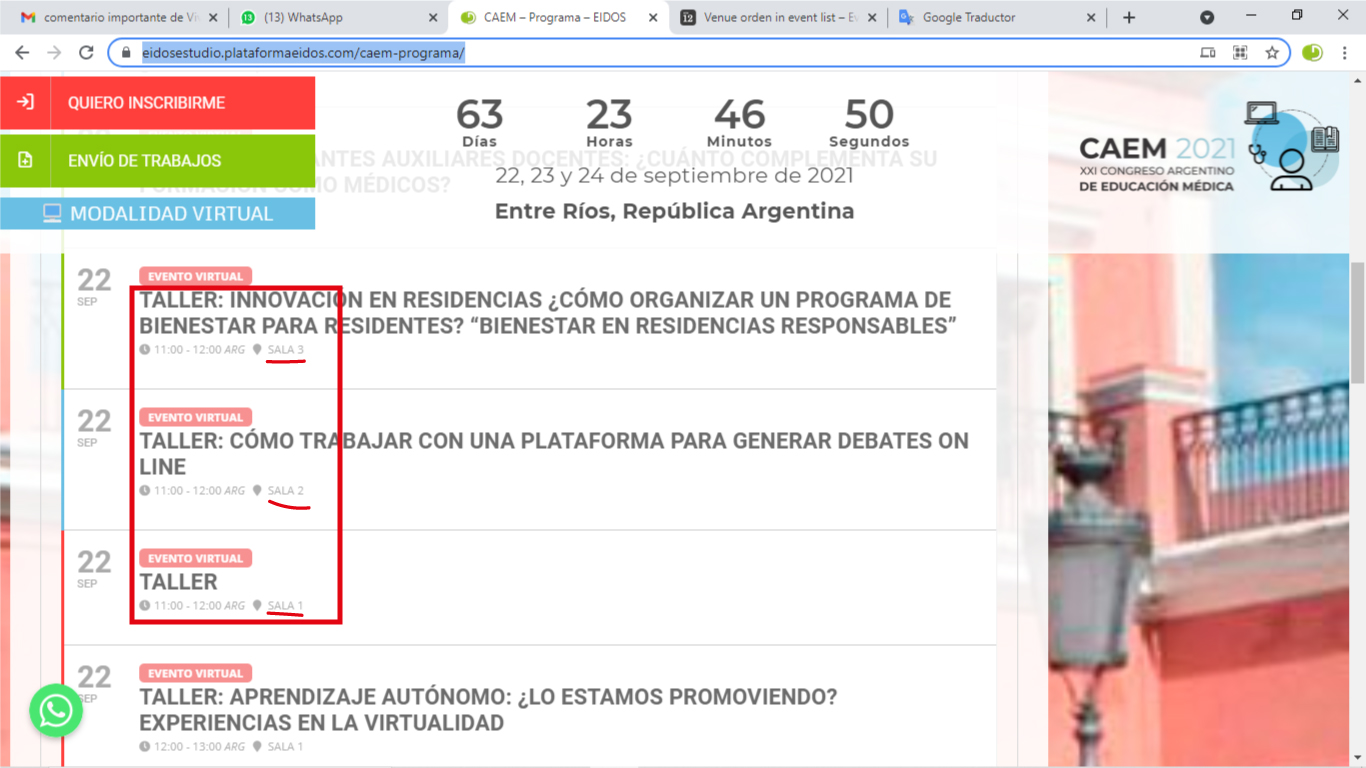
Make sure to go to Edit Event > change their Published dates to represent the correct order.
Replies for tickets on suppota
Hello,
Please use Posted Date order:
Make sure to go to Edit Event > change their Published dates to represent the correct order.
Hello,
Please check this guide https://docs.myeventon.com/documentations/single-events-page-not-working-404-error/. Time to time you need to refresh Permalinks.
I manually imported Warcraft and it’s published:

Could you delete it, then delete it from the Trash and then try to import it? Or do you have the issue with “Import Method: Schedule import from ICS file URL – daily”?
Dear Eventon!
You have to know: if the the webpage is ready, we have to move it.
Now it is in a temporary place, just to show it to the client.
login link: https://webbay.hu/wordpress/wp-login.php
User: webbay
password: Cs0kolom
(Because of the font type: the third character is a zero)
thank you
Hello Artem,
Thank you for your reply.
So I understood I needed to update my subscription of RSVP at the cost of EUR55, which I did, however the problem still remains.
I did a test RSVP to one of my events and I still didn’t get a confirmation email.
I checked my settings and it is set to send an automatic confirmation email.
Any suggestions?
thank you
Aurora
Please use this code:
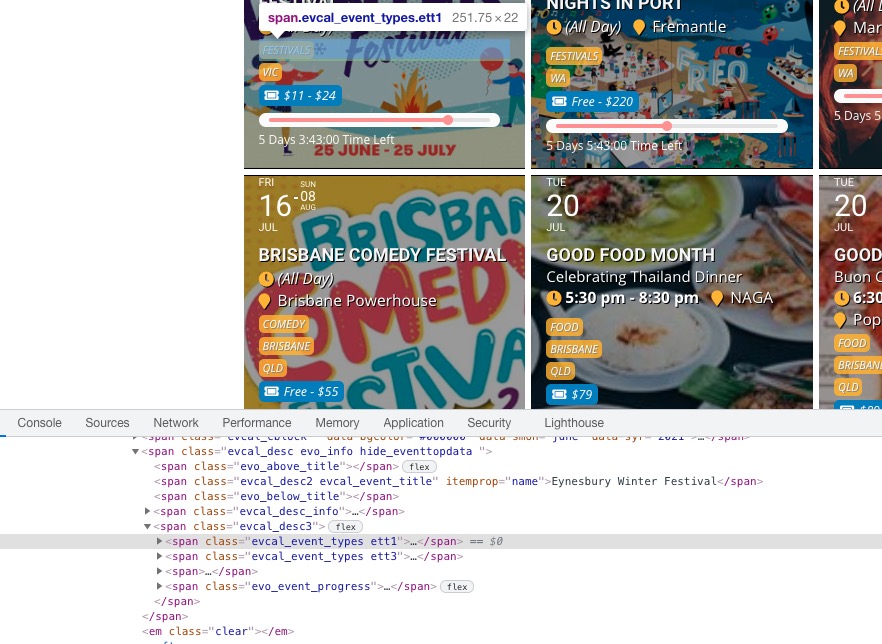
.ajde_evcal_calendar.boxy .eventon_list_event .evcal_desc span.evcal_event_types em:first-child { display: none !important; }
and have these types on the same line eg. ‘MELBOURNE VIC’
Please check https://stackoverflow.com/questions/9067892/how-to-align-two-elements-on-the-same-line-without-changing-html
HTML elements you need check are these
 Follow the css customization guide to further edit style changes.
Please send us wp-admin access to your site as a private message for us to further assist your situation.
If you are importing with .ics file, could you send us a link?
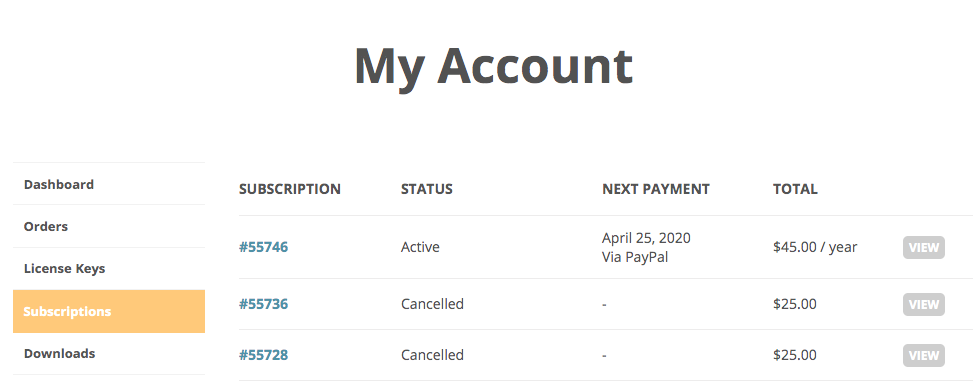
Please make sure that subscriptions statuses are active by going to http://www.myeventon.com/my-account/ > https://docs.myeventon.com/wp-content/uploads/2019/06/Screen-Shot-2019-06-07-at-1.41.26-PM.png.
Please use this setting: