Hello,
Thank you for your messages, I am going to assign this ticket to Ashan and he will be able to take it from here and find you a solution. Please allow some time for him to get back to you, we greatly appreciate your patience and thank you for being a eventon customer! Also please disable any IP blocking on your site if there are any.
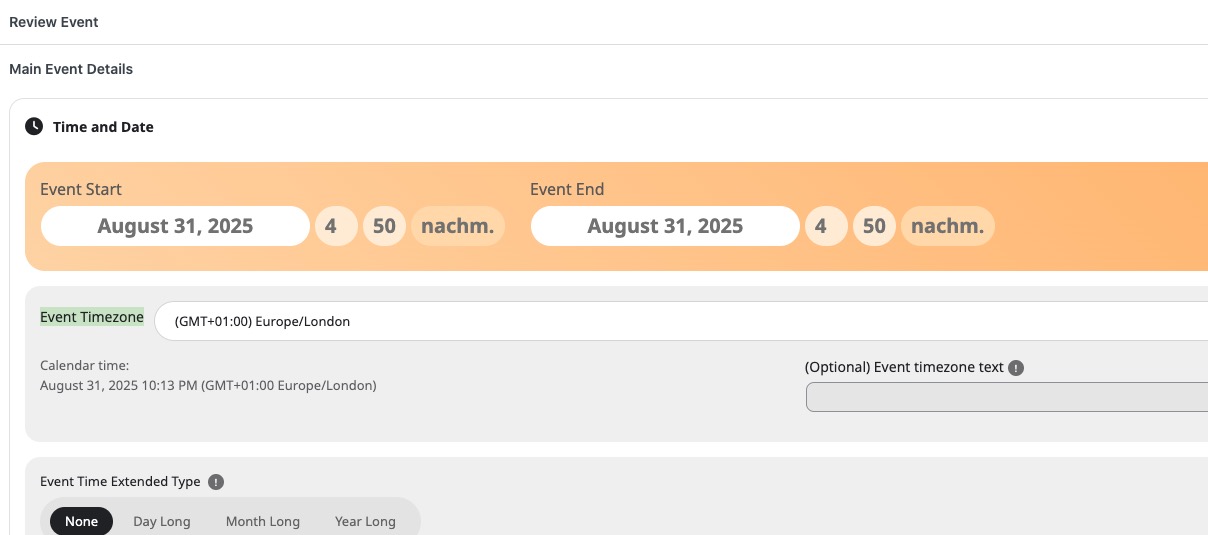
I was referring to this Edit Event > Timezone:
Could you check and let me know?
Hello,
Could you elaborate more with screenshots?
Also which events are you referring to? Could you give us an example?
Please add this CSS code to EventON > Styles (If you don’t see any change, EventON > Scripts & Styling > turn off Write dynamic styles to header > save settings > turn on Write dynamic styles to header). You can also add this code to wp-admin > Appearance > Customize > Additional CSS.
.evo_lightboxes .evoet_cx em, .evo_pop_body .evcal_desc span { color: #202124 !important; }
Hello,
Do you have a screenshot of the previous look?
If you change featured image’s height then it should change the overall height as well.
Please add this CSS code to EventON > Styles (If you don’t see any change, EventON > Scripts & Styling > turn off Write dynamic styles to header > save settings > turn on Write dynamic styles to header). You can also add this code to wp-admin > Appearance > Customize > Additional CSS.
.eventon_events_list .eventon_list_event .ev_ftImg { height: 100px; width: 100px; }
Hello,
Available Google Map designs can be found by going to EventON > Maps API > Google maps display type. Custom styling isn’t available at the moment. However please create a new ticket and select Feature Request as category so others can vote on your idea and get it moved into development faster.
Hello,
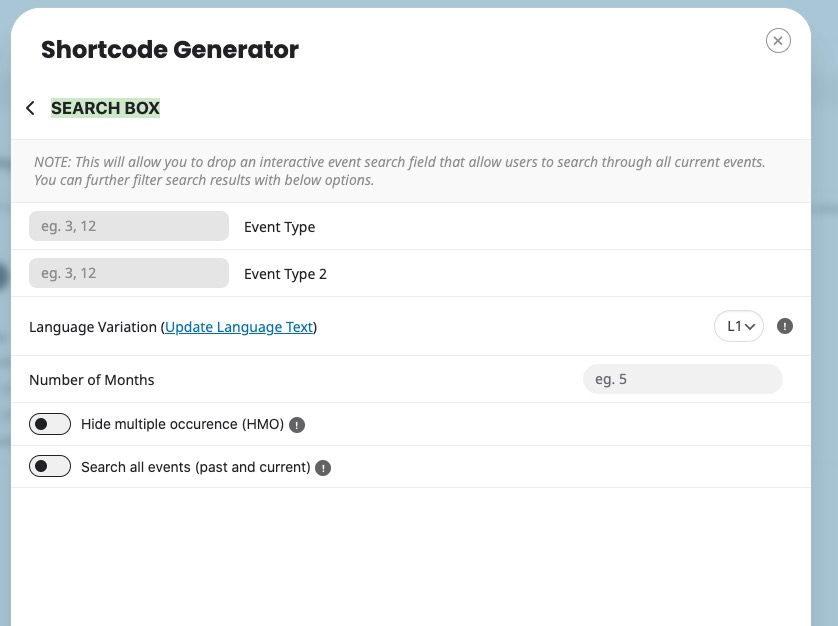
The search functionality only checks the selected month. It doesn’t check all available events event with search_all.
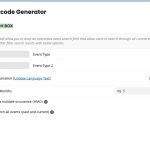
Please add “Search Box” before the calendar to allow users to search through all months:
Hello,
The way it shows the calendar on the page is Regular Design.
It’s just very similar to Tile Design when you select EventON > EventTop > Select Default Calendar EventTop Style: Colorful with gap between events.
Please try selecting “Clear with left border colors and gaps”.
Thanks Artem. On no. 1, what I see is that I had renewed my subscription on Oct 2024, so I guess that means I have until this coming Oct 2025 before I renew. Can you confirm this? What subscription do you see then that “must be renewed”?
On no. 2, yes, got it.
Thanks, I await your news!
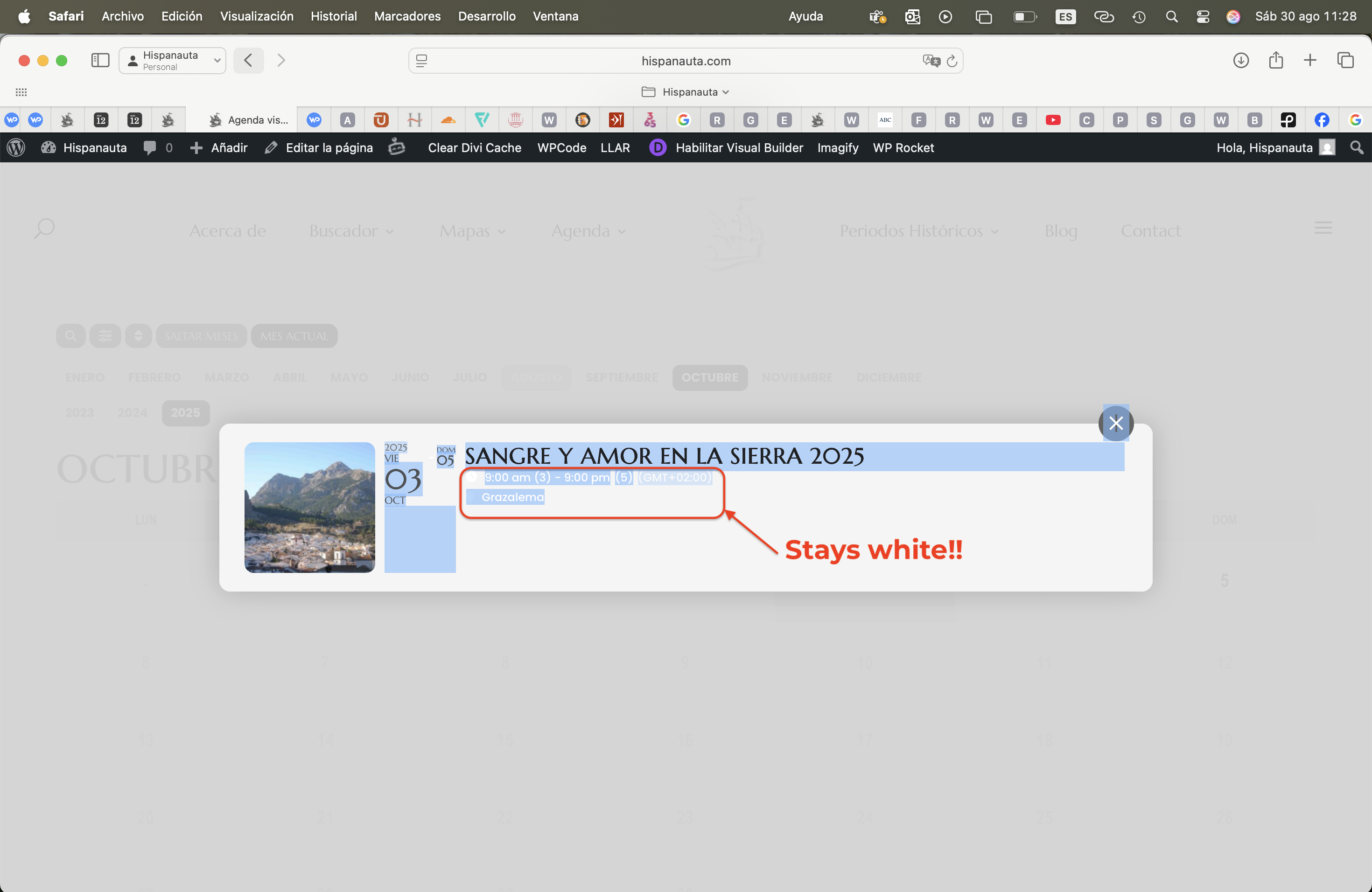
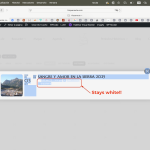
Hello Artem, I remember you, looks like you’re still around :). Thanks for responding. I’ve tried the above, but it still doesn’t work. It’s strange. All text in the top section of the event card is set to a dark color, but the time and location are still showing in white on this MODAL. NOTE: the screenshot you sent me is not the one! When you click on the date, it shows a preview of the event below the calendar. It works there. But on clicking the date ALSO opens the event topcard in the middle of the screen, which is the screenshot I had sent you (I’m attaching it again). That’s where it DOESN’T work.
Look forward to your feedback. I’ve just tried again three times, clearing caches, using the write dynamic styles to header option, etc. But to no avail……
HELP!