Hi Artem,
I must be awarded for most latest reply ever 😉 Sorry for that.
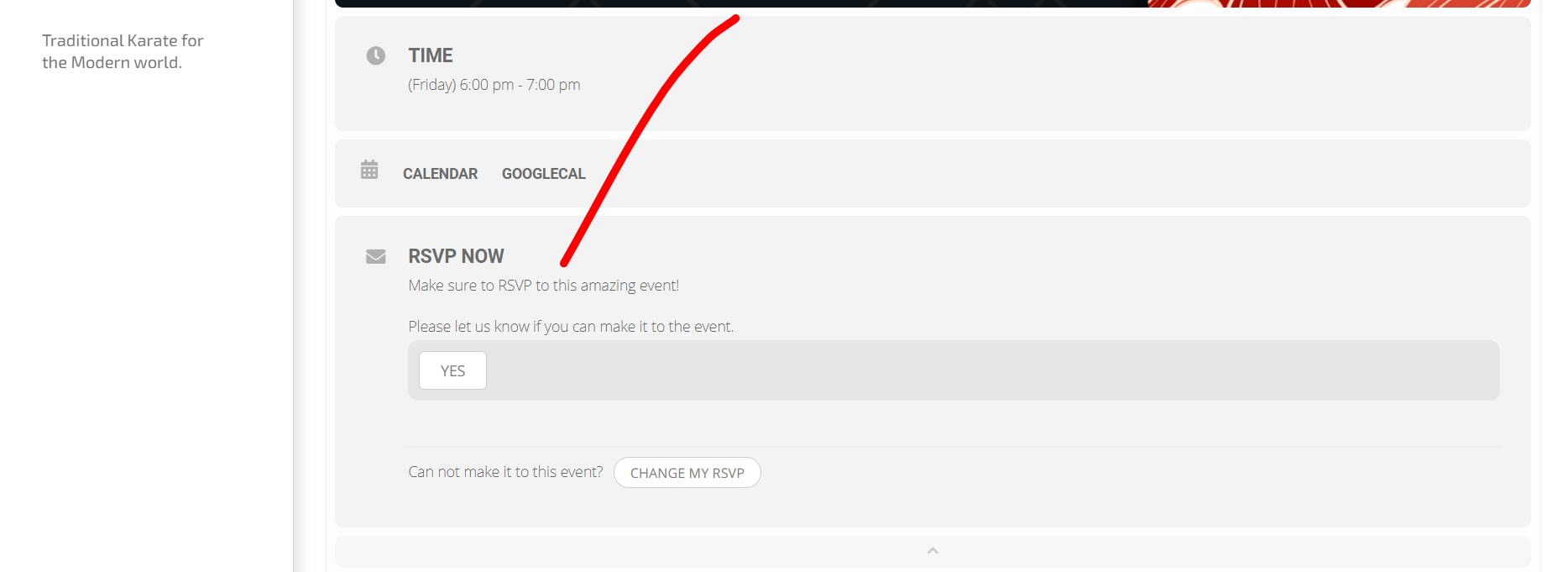
I have followed all steps in the video, but on my end the event has no possibility to RSVP the amount of people in the party (it’s at 00.23 in the video). How do I enable this? And how does the field additional guests appear?
Thanks in advance!
We are glad your issue is resolved, if you have any further questions or concerns please create a new ticket. If you have a moment, we would greatly appreciate if you could kindly leave us a review at codecanyon! from your account > downloads. Cheers!
Hello,
Thank you for your messages, I am going to assign this ticket to Ashan and he will be able to take it from here and find you a solution. Please allow some time for him to get back to you, we greatly appreciate your patience and thank you for being a eventon customer! Also please disable any IP blocking on your site if there are any.
Ashan,
About HTML tags. Similar on dev2. Not sure if this is a bug.
Also, the div has a class name of location_description which is a bit weird since its not a location description, but a speaker description? I guess it’s just bad naming 😉
The same on dev2:
https://dev2.myeventon.com/event-speaker/dave/
Hello,
EventON Single Event is included in the main plugin, so you don’t need to update/activate it in order to use Single Event [add_single_eventon] shortcode. Please check and let me know.
Seems to work. Thanks a lot!
Although when creating a new event it does not appear in the first place.
After playing around a bit I realized that you need to publish it first. Only when published the booking block appears.
When dublicating an already published event, the section appears event so this duplicated event is not published. You may want to add this to the bug list.
i went to myeventon>>>>>>settings>>>>>>>>event card data- re-arranged the order (moved the rsvp up) hit save and then put it back into the right position and saved again
sometimes happens when you first install
Hi, what did you change to make it start working? What did I do incorrectly?
In order to request a refund, please create a new ticket under Billing & Accounts and be sure to include the order ID for which you need a refund for and the reason for requesting a refund.
In order to request a refund, please create a new ticket under Billing & Accounts and be sure to include the order ID for which you need a refund for and the reason for requesting a refund.
should be working now