Correct. The default template is supposed to send location and organizer. The code I posted is your core. And the email that’s sent doesn’t include organizer or locations.
Replies for tickets on suppota
Correct. The default template is supposed to send location and organizer. The code I posted is your core. And the email that’s sent doesn’t include organizer or locations.
Changed it to 4a and works ok. Thnx!
Hello,
The problem is in this:
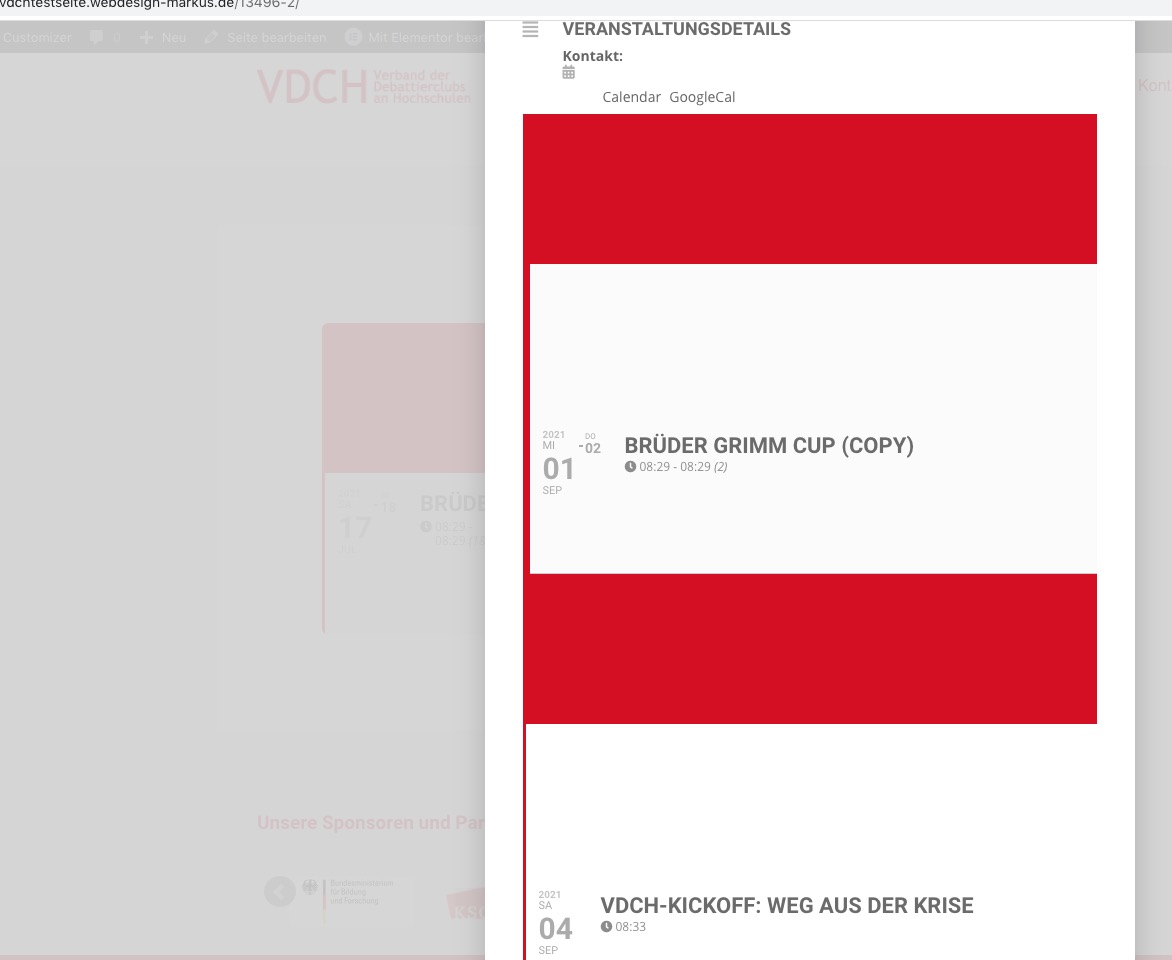
Could you make sure that none of your events contain a calendar?
Hi Gabi,
Please try the short code below and let us know.
[add_eventon_list number_of_months=”12″ event_count=”99″ hide_month_headers=”yes” hide_empty_months=”yes” hide_end_time=”yes tiles=”yes” tile_count=”3″ tile_bg=”1″ tile_style=”1″]
Could you go to the shortcode and replace ux_val=”1″ with ux_val=”4″ or ux_val=”4a”?
Please use Event Type to filter events: https://docs.myeventon.com/documentations/confused-event-type-categories/.
You can find available colour options by going to EventON Settings > WeeklyView > WeeklyView Styles.
Date/Time. Please follow https://docs.myeventon.com/documentations/how-to-show-various-information-in-eventtop/ > enable Event Time. Also check https://docs.myeventon.com/documentations/customize-eventtop-date-format/
You can also submit a customization request to 3rd party developers via Customize EventON Page.
Hi there,
I tried to access the page you have linked but I am getting a 404 error. Please send in a link that works so that we can take a look and give you the accurate custom CSS to use.
You are very much welcome. If you have any other questions, please do not hesitate to create a new ticket.
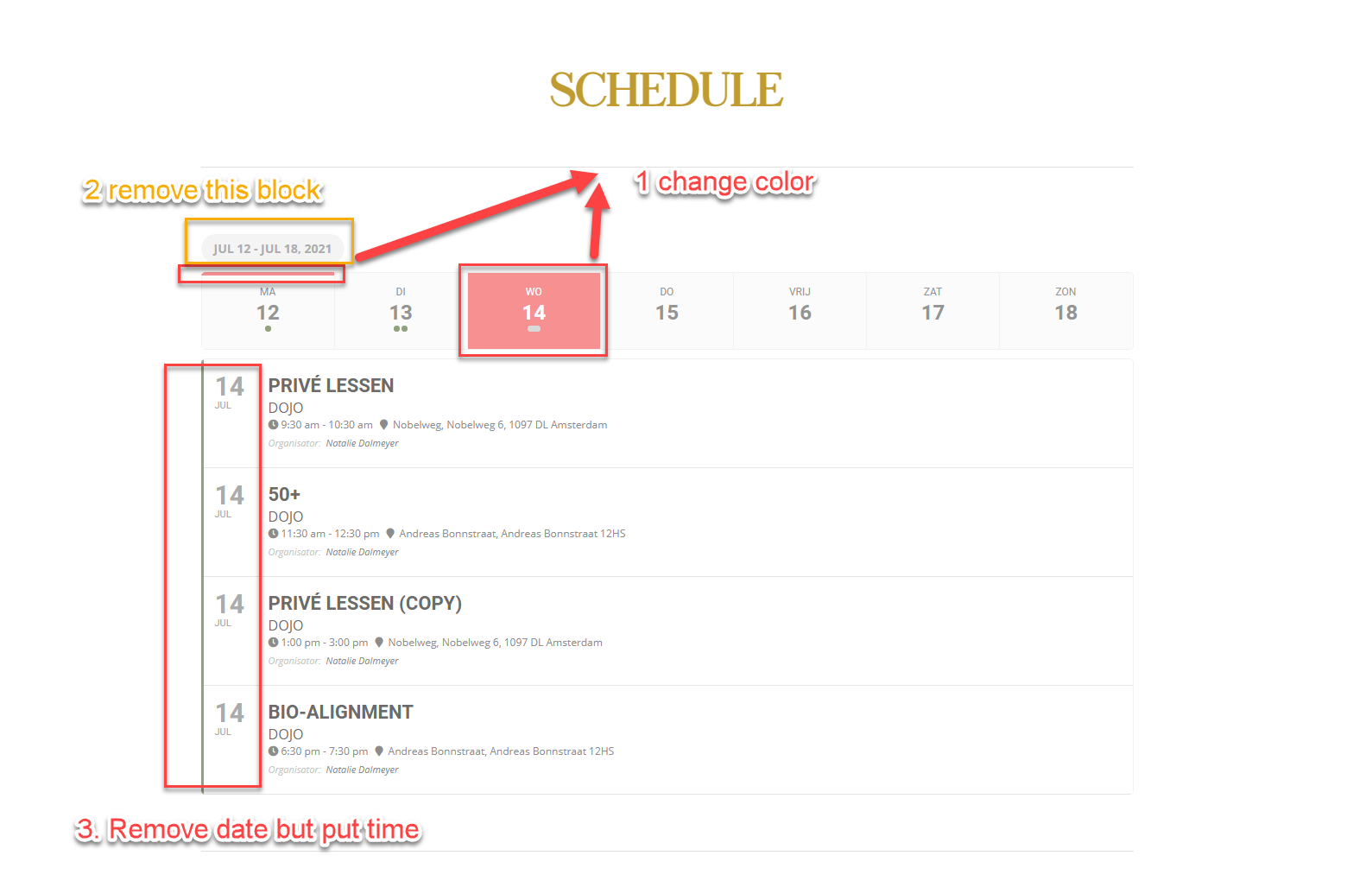
I have more questions when checking the weekly addon.
I have made a screenshot, to make it easier.
Regards, Arthur
how to show only some evnts in the weekly add-on? Not all