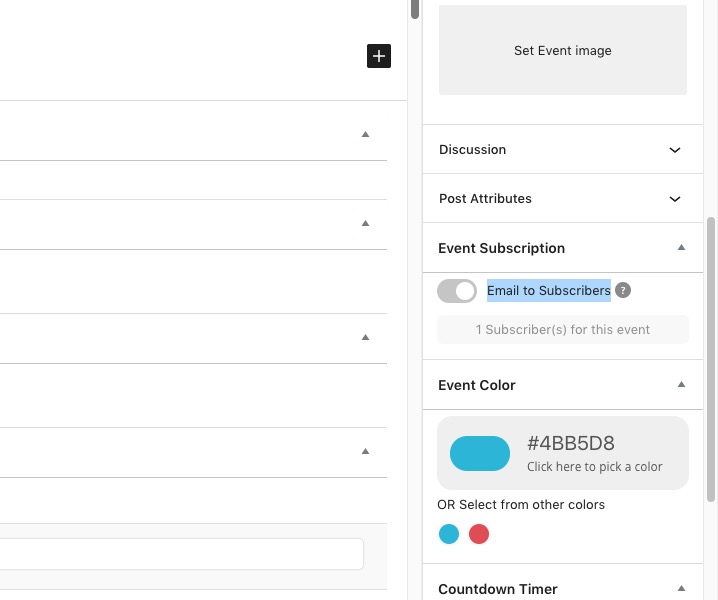
Hi Martin,
Please go to EventON > Scripts & Styling > turn off Write styles to header > save settings > turn on Write styles to header.
Let us know if that helps.
Replies for tickets on suppota
Hi Martin,
Please go to EventON > Scripts & Styling > turn off Write styles to header > save settings > turn on Write styles to header.
Let us know if that helps.
I’m, encountering another issue here. When an event is set to repeat, it is not showing up in a lot of the calendar views. in fact, I can only seem to make it show up in a tiled view. You can see this at the following page:
https://mscmuuz.wpengine.com/calendar/
You’ll notice that there are some views that don’t recognize or respect that an event repeats, how do we fix this?
o.k. thank you.
Hello,
Regarding the emails not sending, please install an SMTP plugin to help your server send emails like this one https://en-au.wordpress.org/plugins/easy-wp-smtp/ . WordPress is not great at sending emails and what RSVP addon does is tell WordPress what to send- but the sending requires a helping hand hence the SMTP plugin.
As for the child-plugin, please email the person who did the customization for you, they should be able to help with that as well as the uploading files not being uploaded to the correct folder issue.
Hi Antonia,
Please take a look at this https://docs.myeventon.com/documentations/translating-eventon-backend/ tutorial on how to translate the EventON plugin. You can also take a look at this https://docs.myeventon.com/documentations/how-to-translate-calendar-front-end/
I deactivated the plugin – the problems are still there.
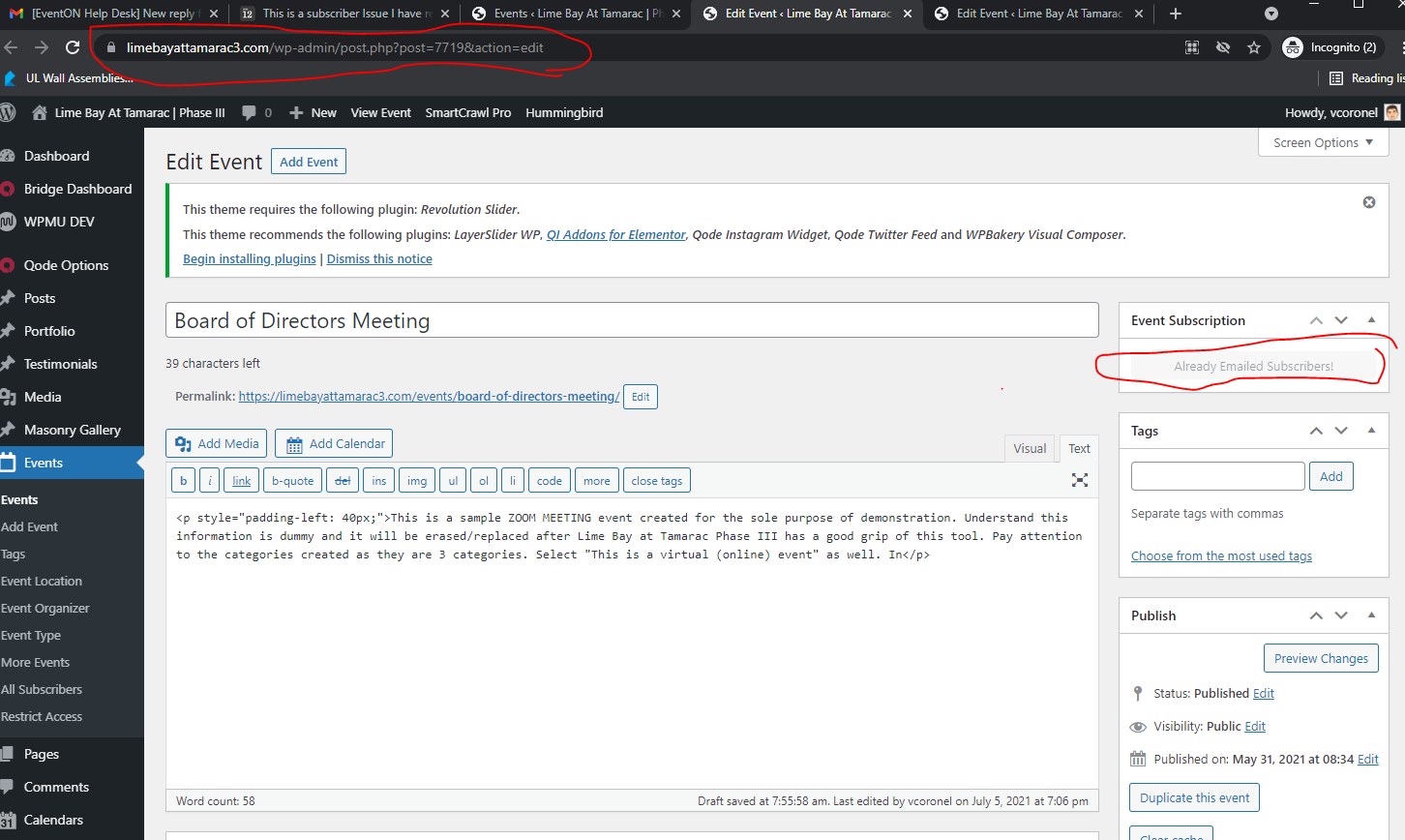
Please read my previous email. The issue is with SOME posts. See this one in particular where that option you send me the enlarged image for is GRAYED OUT. Not sure what am I doing wrong unless I am missing something from your instructions.
Link: https://limebayattamarac3.com/wp-admin/post.php?post=7719&action=edit
https://limebayattamarac3.com/wp-admin/post.php?post=7719&action=edit
https://limebayattamarac3.com/wp-admin/
username: vcoronel
password: Gino0325!!!!
See attached:
Hello,
You can either use CSS to hide them. Follow the css customization guide to further edit style changes. Just add cal_id=”cal1″ and then use #evcal_calendar_cal1 {}
You can also try using Show only selected filters or Disable calendar sort/filter ability:

You can also submit a customization request to 3rd party developers via Customize EventON Page.
Hello,
Thank you for your great suggestion, at the moment it is not supported. However please create a new ticket and select Feature Request as category so others can vote on your idea and get it moved into development faster. OR You can submit a customization request to 3rd party developers via Customize EventON Page.
You can also try using “event_type_{x} (int) event type {x} category term ID(s) separated by commas”. Just create a new type “Assigned User” and then use it to filter by user id.
2. Please check