Super, so I managed to make this work, thank you again. I had 4 questions: Q1. Zero ticket price: If I create an event and set the ticket price to zero, there is no option for the user to book the event, instead it shows the message “Tickets are not available for sale any more for this event!”. Same if I change the Event Price to zero, it wont accept that value. Q2. The Sold Individually button does not appear to do anything: a user can still make multiple purchases for the same event. Q3. Virtual Event Boradcasting Method: spelling mistake (naturally this is just to help you, its of course not an issue for me 🙂 ) Q4. If I wanted to show a logged-in user just the events he/she has booked or show events for a user only for certain conditions (tags or Event Types), is there a way to do this with (for instance with filters/ actions) or would I need the ActionUser addon? Thanks so much again. Chris
Archives: Replies
Replies for tickets on suppota
Reply to: tickets(244479)
the learn more field that is part of events can be used to link to wherever they sell their products
you will want to create a page with the form on it and in
myeventon>>>>>>action user>>>>>>paid submissions
there is a field to add a url to see video
You will want to create your own dedicated page
Reply to: tickets(245950)
Great, thank you!
Reply to: tickets(245950)
Hello,
Please go to EventON Settings > Single Events > enable Sharable Options.
Reply to: tickets(242970)
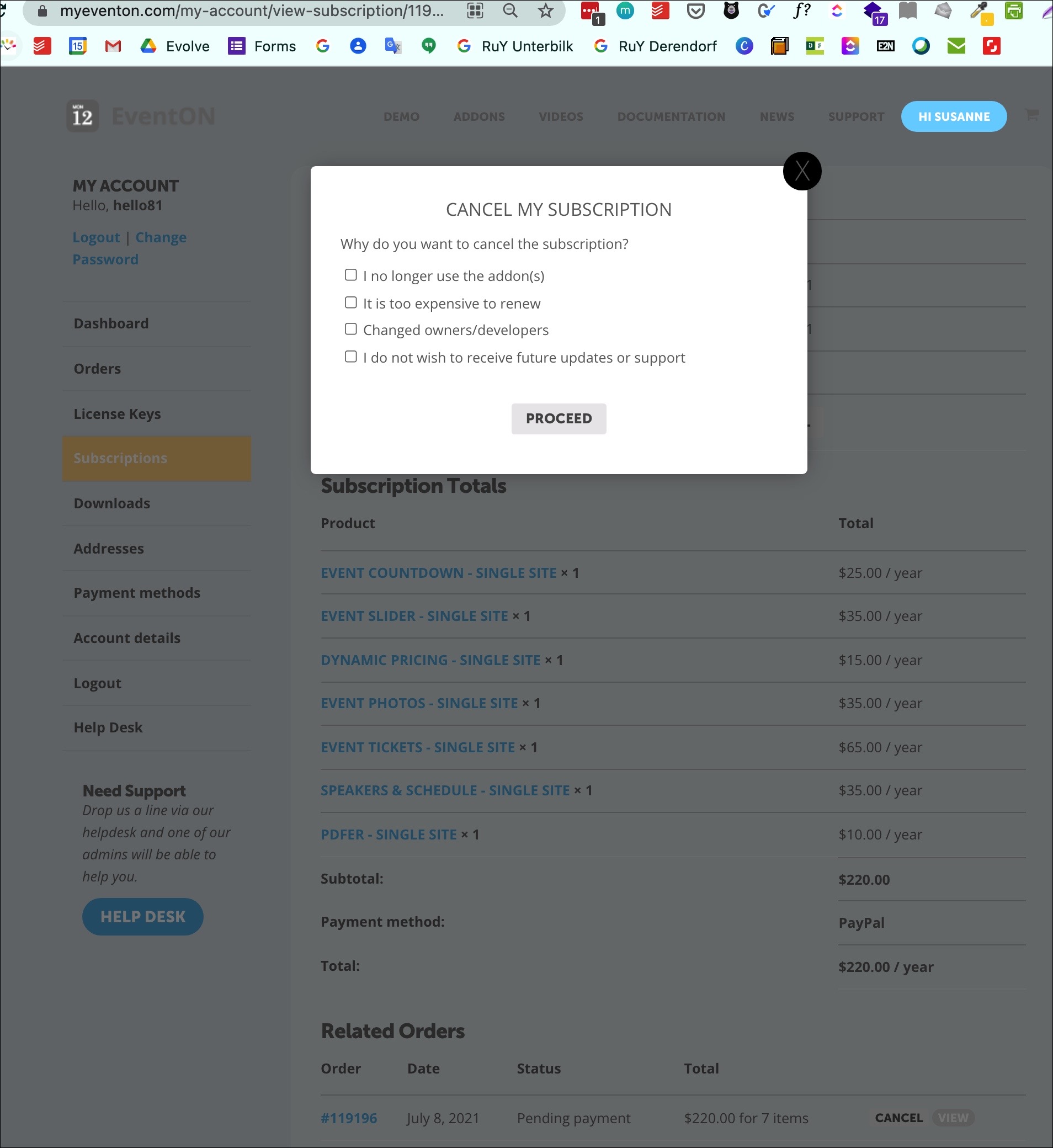
Dear Ashan, sorry for my misspelling ;-(
now I see the drop down for cancellation reason but is there no way instead of proceeding with cancellation, (which is not the intention – we simply want to pay this order) to receive a link to proceed with payment e.g. by pay-pal as explained when I tried to arrange the settings payment did not proceed due to PSD2.
Or is there really only this way to cancel myeventon.com/my-account/view-subscription/119197/ and start again shopping?
Thanks again for clarification.
All the best from DUS.
Yours sincerely
Sirpa
Reply to: tickets(170664)
Here is a response from the developer:
Hi,
I can not call any of the eventOn functions as they are defined in the jQuery(document).ready block. I can only call functions that are defined outside the block. Could you perhaps change the main script in a way that the functions are defined outside? Or define the functions in a way that they can be called from outside (see https://marcalbert.wordpress.com/2013/06/26/how-to-call-a-function-within-document-ready-from-outside-it/)
Thank you!
Some details on why using the google maps api is a problem with GDPR:
Google’s API will at least collect your IP address while loading Google Maps on your website. How the personal data is later processed or how long it will be stored is not clear when reading Google’s privacy policy. For GDPR there has not been a solution yet, without blocking the API before loading and acquiring user consent before doing so.
Reply to: tickets(245842)
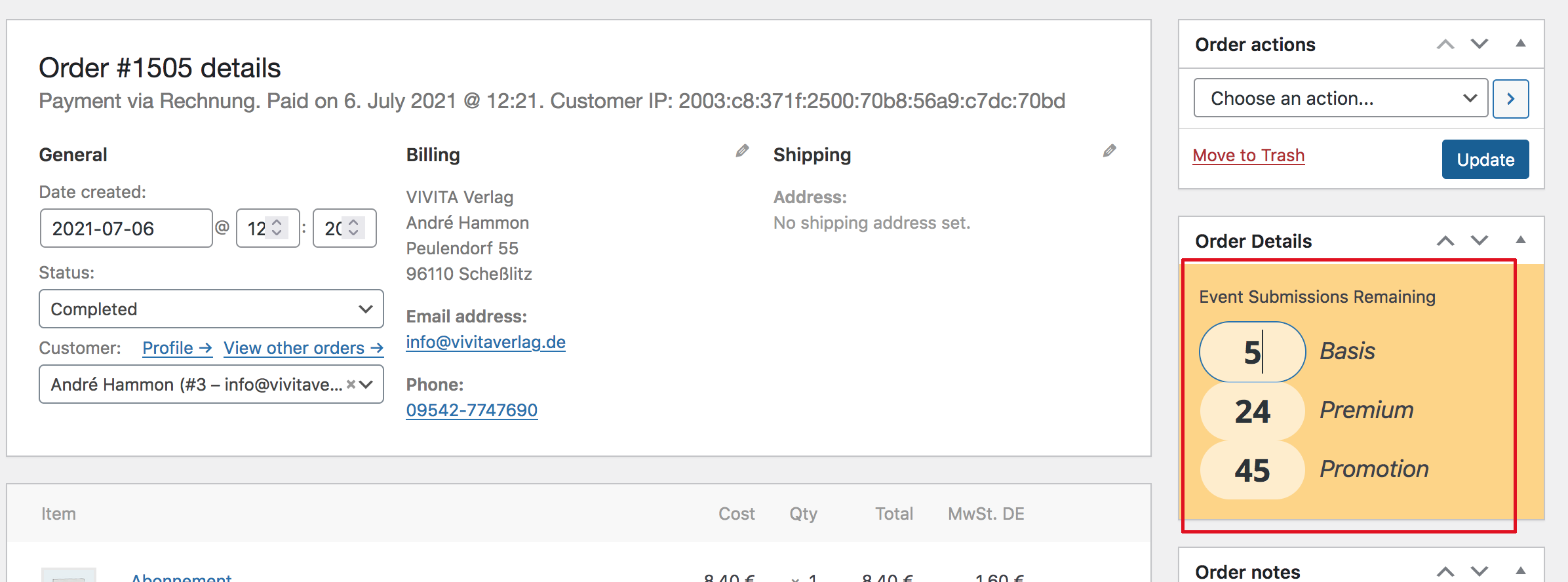
thanx for the answer but I meanwhile found what I was looking for.
Reply to: tickets(244479)
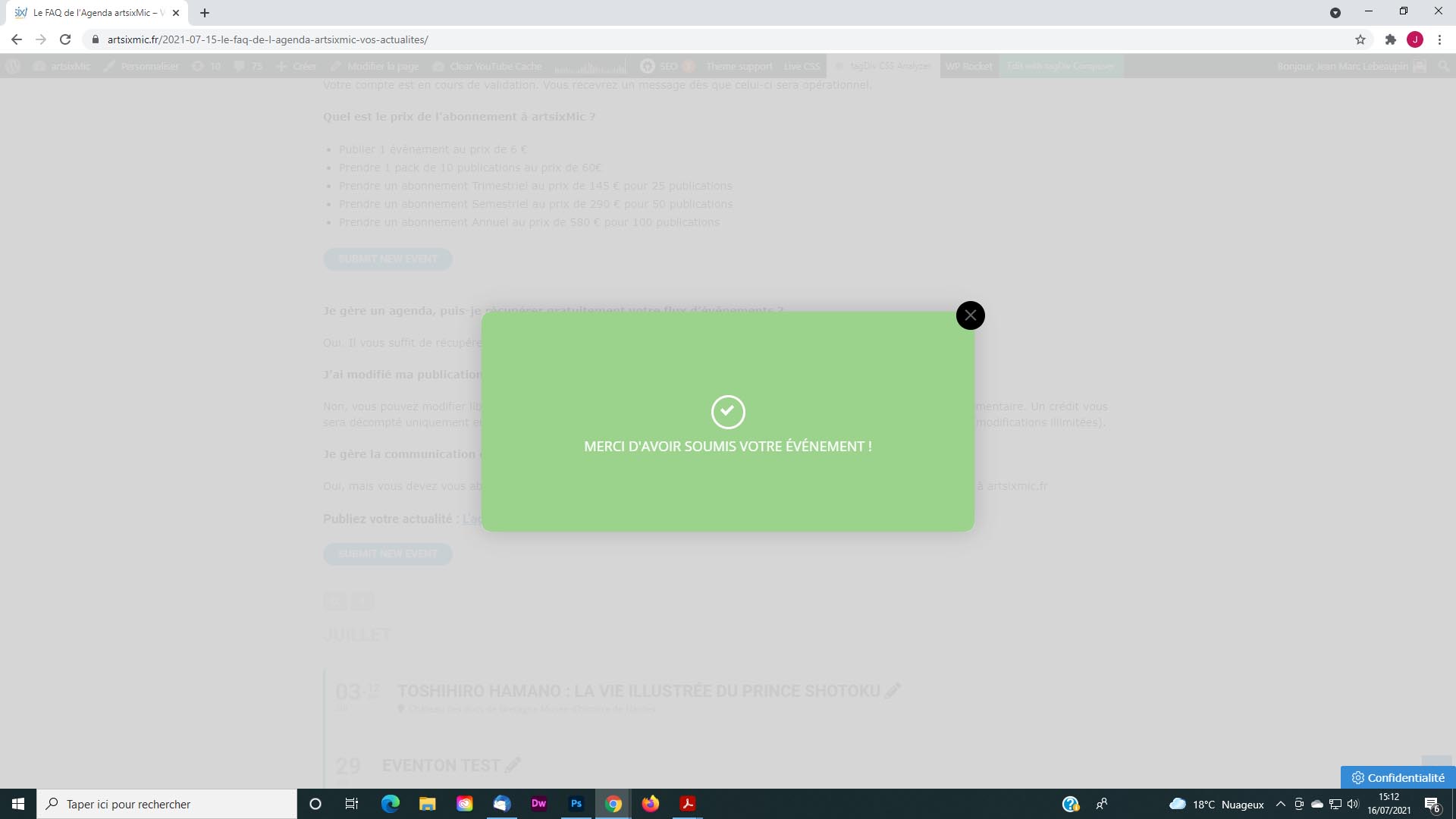
Merci beaucoup ! cCest beaucoup mieux, mais lorsque le paiment a été effectué, la fenêtre qui s’ouvre, ne mène nul part ! (voir visuel ). C’est à dire que l’on ne sait pas quoi faire, vu qu’il n’y a aucun lien. Commen changer cela ?
Je peux maintenant ajouter un prix, mais dois-je créé un nouveau champ pour indiquer une url ?
Thank you so much ! It’s much better, but when the payment has been made, the window that opens leads nowhere! (see visual). That is to say that we do not know what to do, since there is no link. How to change this?
I can now add a price, but do I have to create a new field to indicate a url?
Reply to: tickets(245483)
Hi Cameron,
We have asked Ashish to take a look
Reply to: tickets(245752)
Thank you for your great suggestion, at the moment it is not supported. However please create a new ticket and select Feature Request as category so others can vote on your idea and get it moved into development faster. OR You can submit a customization request to 3rd party developers via Customize EventON Page.