Sorted, needed wishlist=”yes” adding to shortcode
Thanks for that, just need to work on tweaking the view of it
From what you say, sounds like it’s not possible to change default view to tile without a shortcode, maybe a feature to add to Eventon, that the default view can be tile 🙂
Please send us wp-admin access to your site as a private message for us to further assist your situation.
generally wishlist needs to be turned on via the shortcode by adding
wishlist=”yes”
however for the event location page example you gave- thats created by eventon and not via shortcode
but we would need wp-admin access to diagnose why its not appearing elsewhere as you have to be logged in to view
Thanks for all the help so far, really appreciate it
Tried a few things with getting the evcal_event_types.ett2 & evcal_event_types.ett3 on the same line but no success, will throw it out on a coding website so see if anyone can help crack it
WISHLIST PLUGIN
I’ve just enabled the Wishlist plugin but I cannot get it to show anywhere, whether it’s boxy view or standard view, any clues?
BOXY VIEW LOCATION PAGES
Is there anyway when going to a location page of an event that I get it to show in Boxy (tile) view and not the standard view eg.
https://eventwatch.com.au/event-location/yarrawonga-farmers-market/
Hello Najib,
Thank you for your message, I am going to assign this ticket to Ashan and he will be able to take it from here. Please allow some time for him to get back to you, we greatly appreciate your patience.
We need an update please.
Mmmm…ok…if it’s not possible to refund all, it helps a lot the refund of the fullCall. I appreciate your help, thanks!!
Great thank you. I think the instructions you sent were faulty. Because your patch code is much different than the screenshot you provided. Either way it works now.
Now how do you customize the template?
Since there is no reply for over a week, i decided to cancel this would like to request for a refund.
Thank you
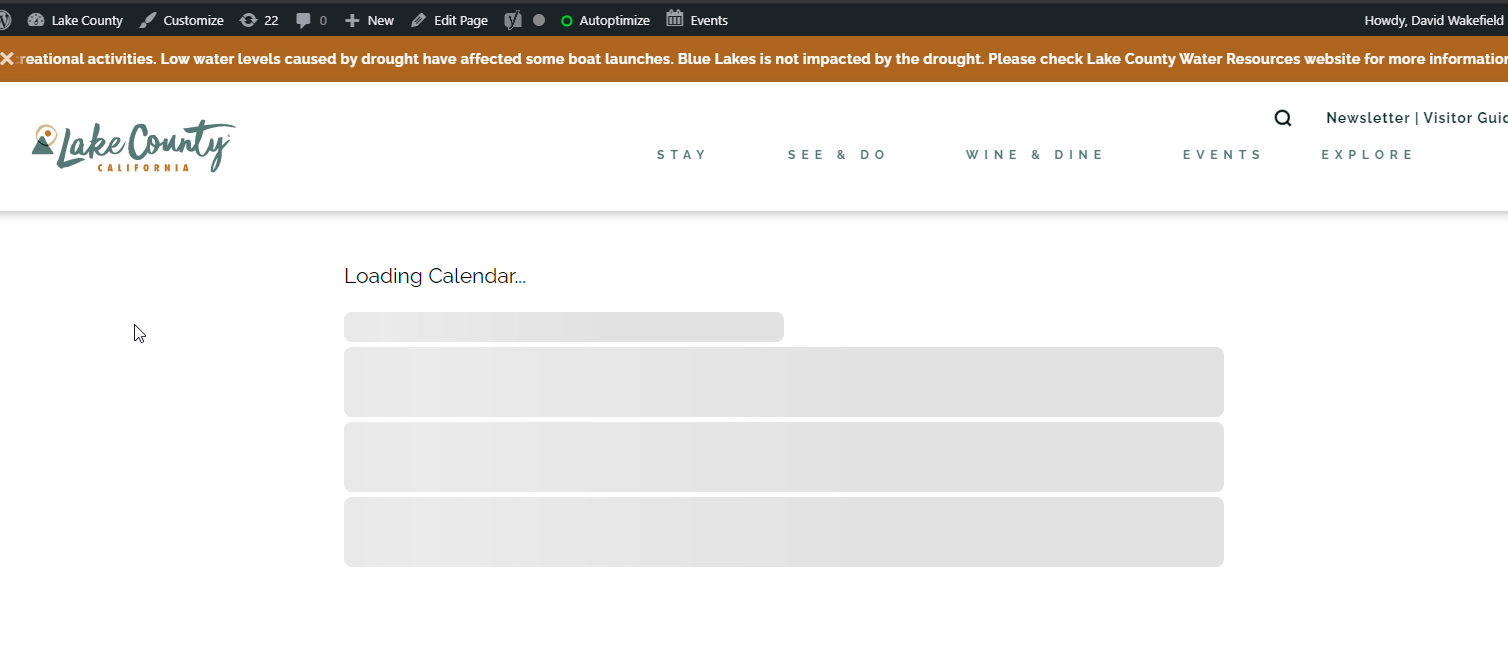
I can get the API to embed on my website, but I am still having difficulties getting it to properly work on other websites.
I have installed the http-headers plugin on lakecountybloom.com (the site I am pulling events FROM) and enabled Access-Control-Allow-Origin.
But events won’t appear on the website I’m embedding the code in (lakecounty.com). It’s stuck on loading (see screenshot).
I can not replicate this on our end, It works fine. May be it is some sort of a content filter that you are using that might be causing this? perhaps try deactivating other plugins and see if that content replicateion stops ?