It works perfectly ! Thank you very much !
Archives: Replies
Replies for tickets on suppota
Reply to: tickets(245336)
Ok i voted for this feature !
Reply to: tickets(245381)
Hi Chris,
We are glad your issue is resolved, if you have any further questions or concerns please feel free to create a new ticket.
Reply to: tickets(245381)
Hi, I am so sorry, this was not very intelligent: you may ignore this question, I made it work! Chris
Reply to: tickets(245238)
Hello,
Event Start should be the start time of the first booking block and Event End time should be the end time of the last booking block. Now follow this guide set up everything https://docs.myeventon.com/documentations/general-user-guide/
Reply to: tickets(243874)
I did check it multiple times and it works for me correctly. I quite sure that the issue comes from this code from the theme: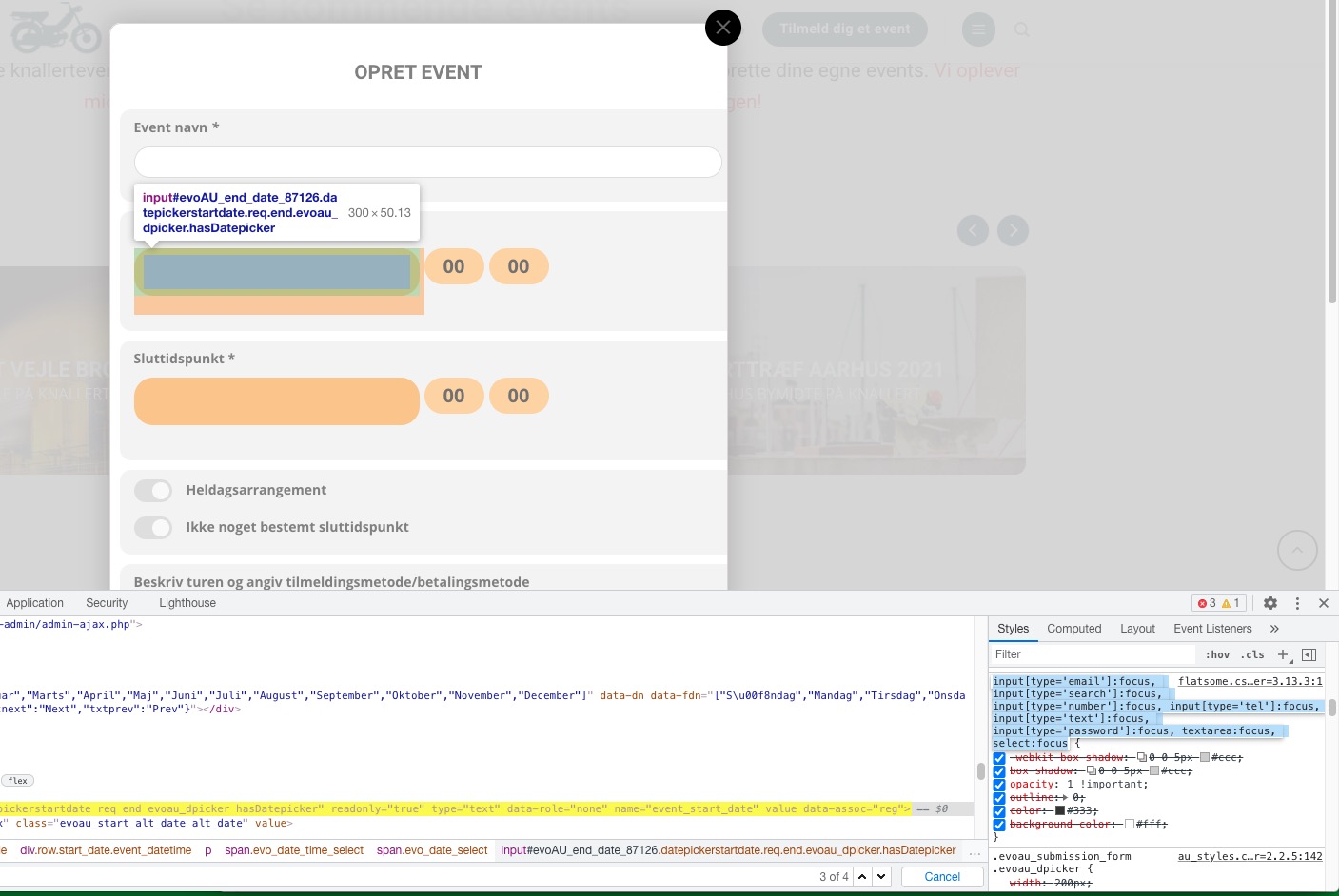
Do you have similar issue on our test site:
Reply to: tickets(245322)
Hello,
Please go to wp-admin > Events > Event Organizer > View > copy URL > now go back to Edit > add Link to the organizers page.
Reply to: tickets(245336)
Hello,
Unfortunately, you need to manually enable it in each event. You can submit a customization request to 3rd party developers via Customize EventON Page.
Reply to: tickets(245302)
Ashan,
The same on dev2: https://dev2.myeventon.com/events/test-var/
Reply to: tickets(245302)
Hello,
Thank you for your messages, I am going to assign this ticket to Ashan and he will be able to take it from here and find you a solution. Please allow some time for him to get back to you, we greatly appreciate your patience and thank you for being a eventon customer! Also please disable any IP blocking on your site if there are any.