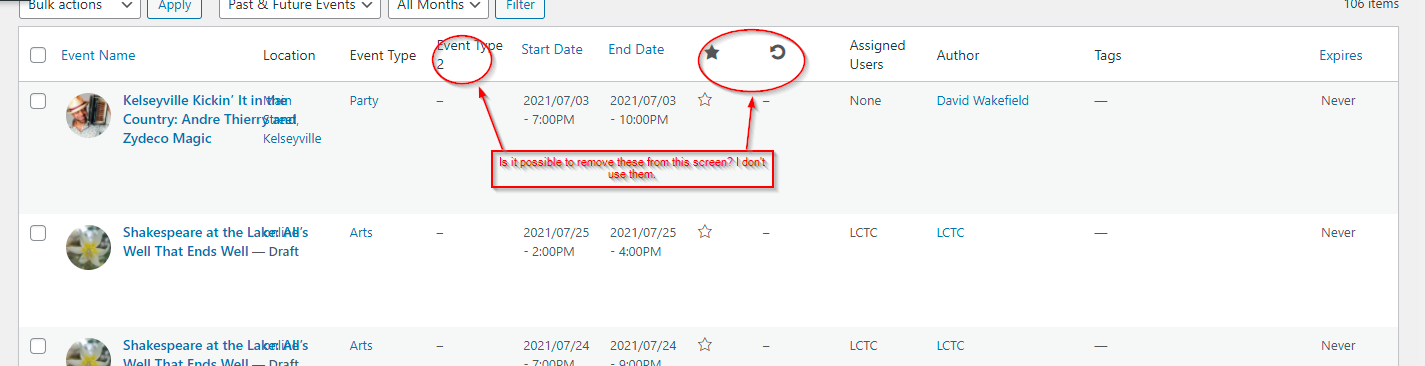
It was a plugin conflict, but it didn’t solve the entire problem. Is there a way to remove the Event type 2, feature star, and repeat event button on the event listing page? I’ve attached a screenshot to show what I would like to have not appear.
Thanks for your help,
David
I renamed my page “club-events” just in case there was a conflict with using “events”. I noticed that with “club-events” my theme header works without a problem…
On our contact page, we have this code (but I don’t think that it uses the API because I created the API yesterday and the COntact map was there before that…)
<iframe src=”https://www.google.com/maps/embed?pb=!1m14!1m8!1m3!1d3447.9740179727128!2d-92.017915!3d30.209289!3m2!1i1024!2i768!4f13.1!3m3!1m2!1s0x0%3A0x0!2zMzDCsDEyJzMzLjQiTiA5MsKwMDEnMDQuNSJX!5e0!3m2!1sen!2sus!4v1427315884442&output=embed” width=”100%” height=”300″ frameborder=”0″ style=”border:0″ allowfullscreen></iframe>
the pop ups work on this page
https://www.petanquelafayette.org/eventon-test/
i think it is an issue with the events slug but i have managed to get the pop ups working here: https://www.petanquelafayette.org/events/
where else are you using the maps api
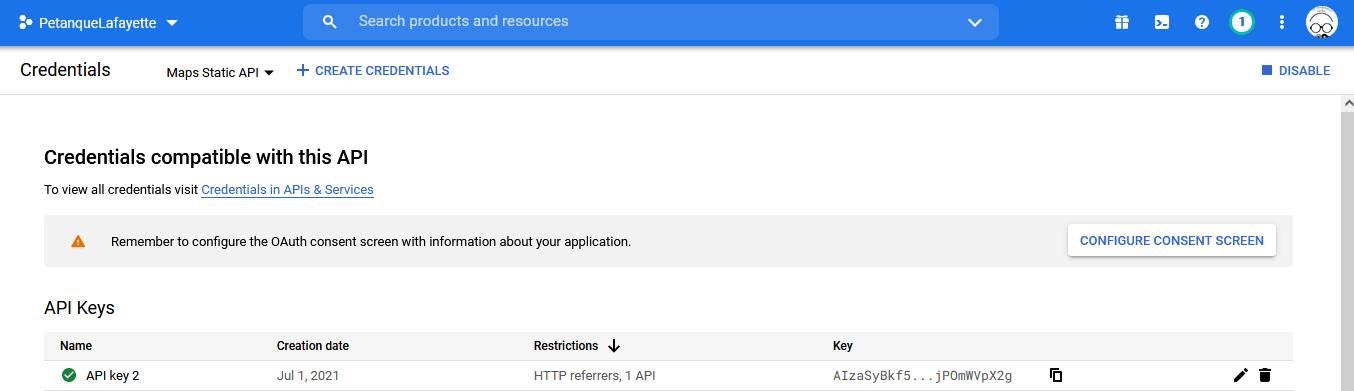
Got my screenshots reversed, but you should be able to see them…
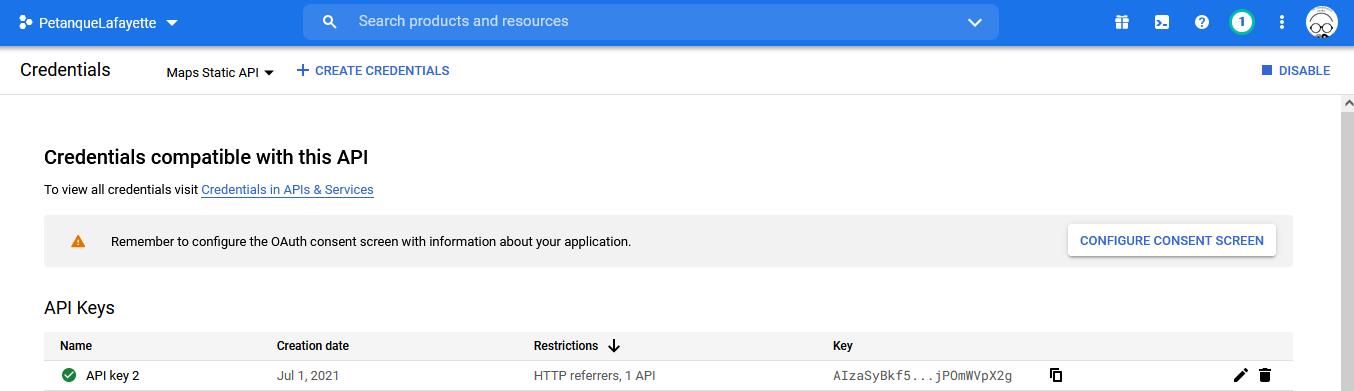
Screenshot #2 attached regarding Google API
- I thought that I had the API configured correctly – see attached screenshot
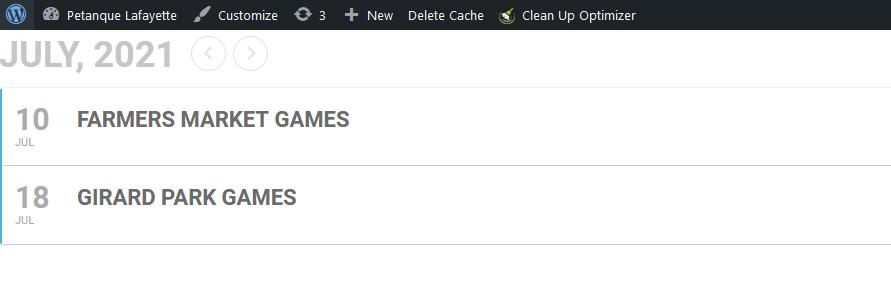
- When I use that shortcode, it overwrites my theme and takes the whole page instead of appearing under my explanatory text. It also only lists events in the current month instead of all events in the next several months on the page, making the user scroll through each month – see attached screenshot in my next reply.
Thanks for helping me along!
Kevin
Hello,
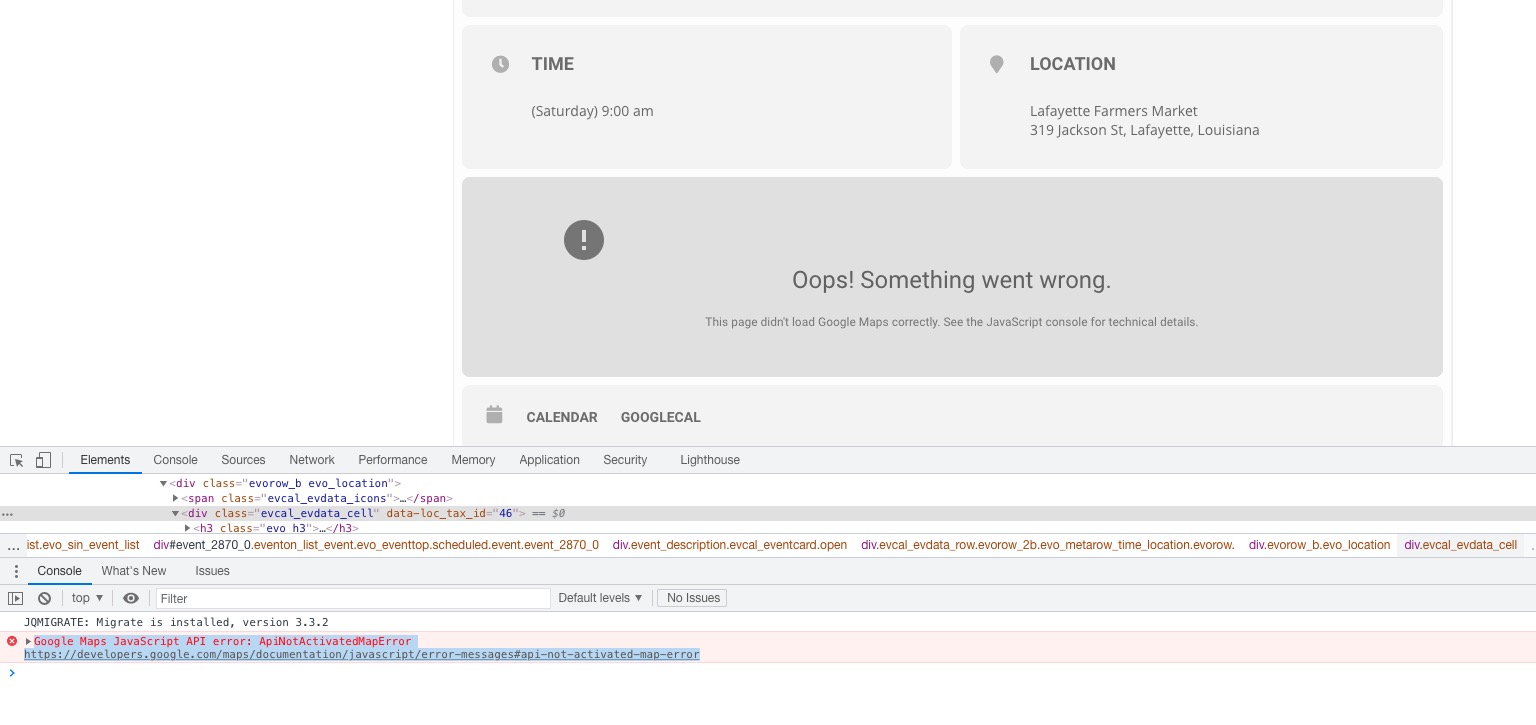
1. Could you fix this js map error:
Google Maps JavaScript API error: ApiNotActivatedMapError
https://developers.google.com/maps/documentation/javascript/error-messages#api-not-activated-map-error
2. Please use Event Lists shortcode:
[add_eventon_list number_of_months=”12″ hide_empty_months=”yes”]
Hello,
I cannot access wp-admin because of
An Authentication Code has been sent to the email address associated with your account. Look for an email with “Login Authentication Code” in the subject line.
Could you check?
Hello,
It seems that your version of EventON is 2.9. Please update it to 3.1.6.
To update eventon to latest version: If you are unable to do autoupdate, you can go to codecanyon your account > download and get the latest eventon version as zip file. Then you can go to your website, deactivate old eventon, activate (Do not delete eventon settings & data when EventON is uninstalled) from eventon settings, delete old eventon, install new one and activate. This link will further explain the process it. Also you can follow us on twitter to get real-time announcements on updates!
Could you please update the Action user addon and then check if that fixes the issue. If it doesn’t fix the issue, do we have the permission to do the tests in the documentation I previously sent you?