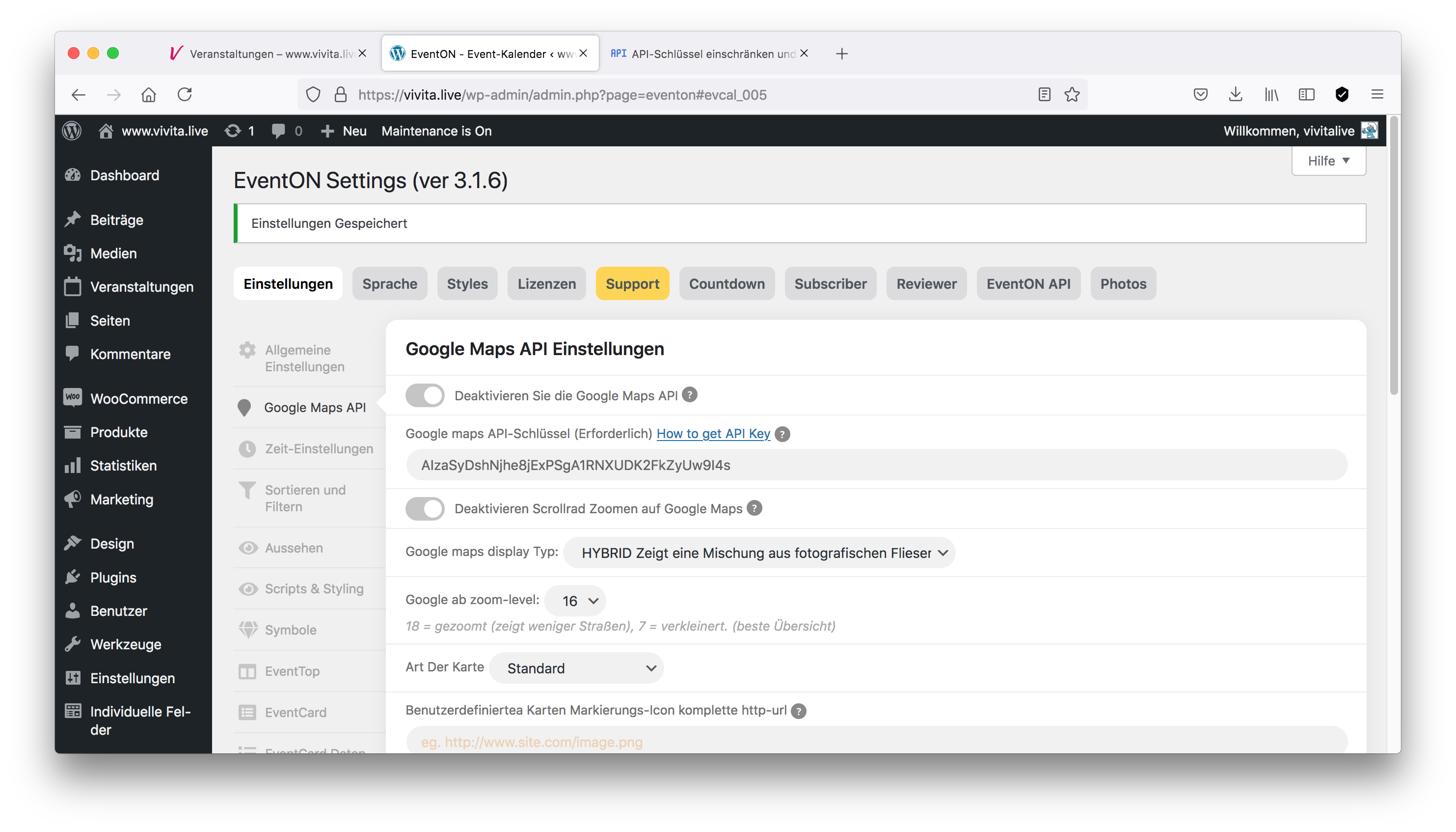
Google API in EventOn Settings
Replies for tickets on suppota
Google API in EventOn Settings
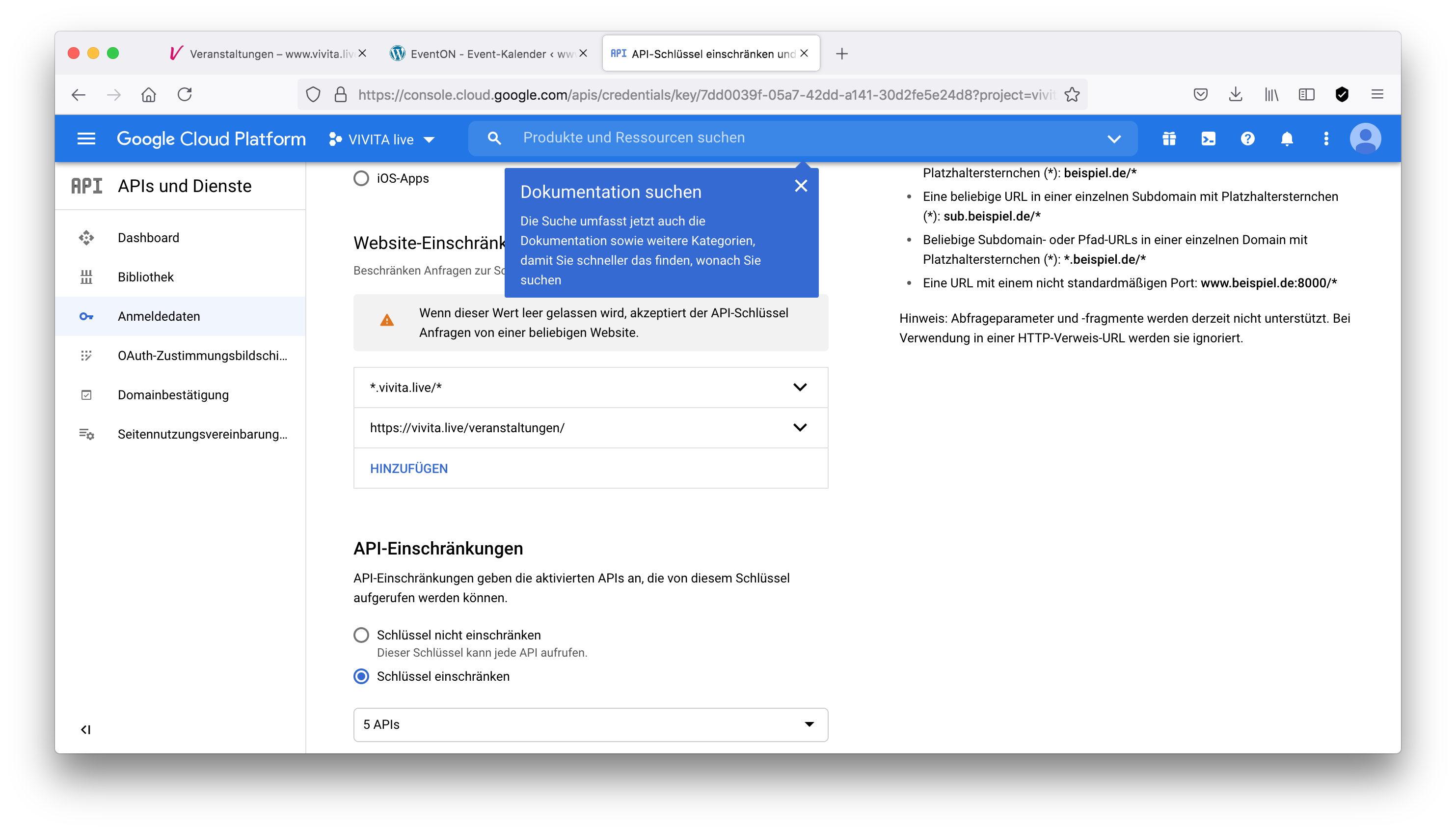
settings in my google console
well let us know if you have any more questions
this is the first time you have mentioned ticket price
Do you want to
1: sell tickets to your event
or
2: charge people to add events
or
3: both?
OK, je ne sais pas si j’ai réussi ! Faut-il le faire pour chaque inscription ?
On ne peux toujours pas indiqué un prix de billet ? Que dois-je faire pour que cela soit possible ?
Difficile de tester le plugin, car les cookies compliquent bien les choses !
Hello Johannes Hinterberger,
Could you create a new ticket with included login info so we can check this? Please also make sure to use EventON 3.1.6 and latest versions of Tickets and Seats add-ons.
Hello,
Unfortunately, we are unable to provide support for issues caused by third-party themes or plugins. As they are not our products, we are unaware of how they have been programmed or how it is supposed to work. As such, we recommend you to contact the plugin developer and ask them for their assistance in solving the problem. Let us know if you need help with anything else.
Hello,
I would like to mention, that by duplicating an event – and renaming the event –
the “woocommerce”-product does not get
the new name and
the new event-image.
Is there a solution for that (fix?) or has this to be done in a second step – within woocommerce products?
Thank you in advance.
Best regards
Jo
grace: some web servers have a cache- its not your browser and its not a wordpress plugin but its where your site is hosted- (many people don’t even know about it)
if you could contact your host and see if they have a cache running (most high end hosts do have them to save loading times) that could be the cause if the documentation is not helping
Hello! Could I have the receipt with the VAT changed, then?
Thanks!