I have not looked at this issue for a year. Any new development to get automatic colors set to the different events so we get something like you show at EventON – WordPress Event Calendar – EventON?
 Our calendar is only blue – https://danseparaplyen.dk/kalender/
Please add this CSS code to EventON > Styles (If you don’t see any change, EventON > Scripts & Styling > turn off Write dynamic styles to header > save settings > turn on Write dynamic styles to header).
You can also add this code to wp-admin > Appearance > Customize > Additional CSS.
.evoch_databox1.bg, .evoch_databox2.bg { background: white !important; } .evoch_databox1.bg2, .evoch_databox2.bg2 { background: white !important; } .evoch_eventline, .evoch_one_guest { background-color: white !important; }
If you are referring to the Event Type page, please follow this guide:
https://docs.myeventon.com/documentations/how-to-customizing-the-upcoming-events-list-on-event-taxonomy-archive-pages/
Hello.
Please add this CSS code to EventON > Styles (If you don’t see any change, EventON > Scripts & Styling > turn off Write dynamic styles to header > save settings > turn on Write dynamic styles to header).
You can also add this code to wp-admin > Appearance > Customize > Additional CSS.
.eventon_desc_in a { color: red !important; } .eventon_desc_in a:hover { color: green !important; }
Ashan,
Please check
https://dev2.myeventon.com/events/test-80/
https://dev2.myeventon.com/wp-admin/admin.php?page=eventon&tab=evcal_2
Not sure about this one:
https://helpdeskx.s3.amazonaws.com/wp-content/uploads/2026/02/24053453/Screenshot_4.jpg
I’ve asked the customer.
Hello,
Could you tell us more about this screenshot:
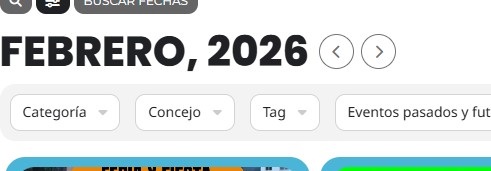
Not sure which text isn’t translated.
For other texts I am going to escalate this ticket to development to help in here. Please allow us some time to address this, and we truly appreciate your patience. Thank you for being a valued EventON customer!
Hello,
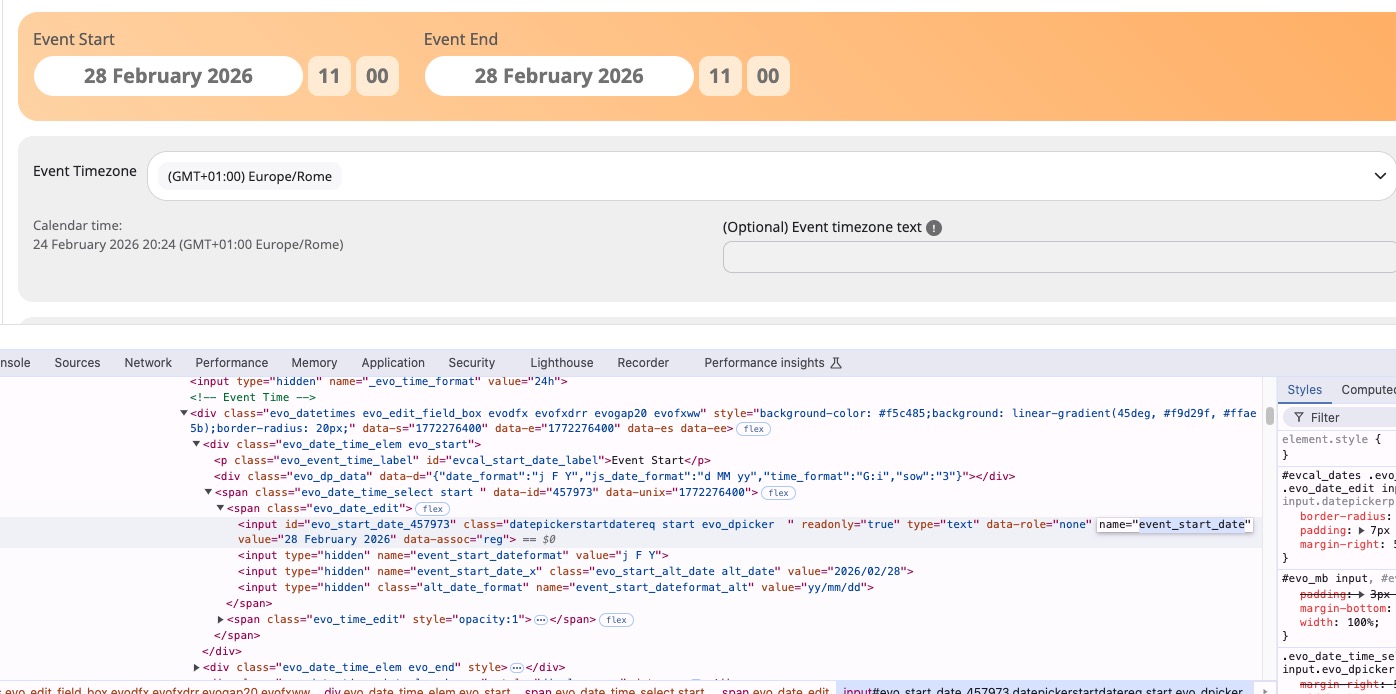
Could you try event_start_date or event_start_date_x variable instead: