Check https://docs.myeventon.com/documentations/confused-event-type-categories/ > How to create shortcode calendars to show only those category events?
Archives: Replies
Replies for tickets on suppota
Reply to: tickets(244914)
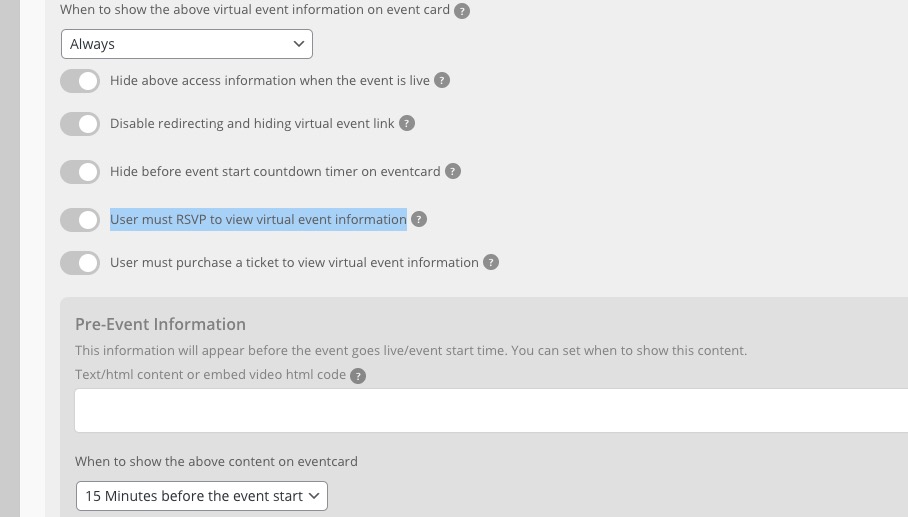
Reply to: tickets(244916)
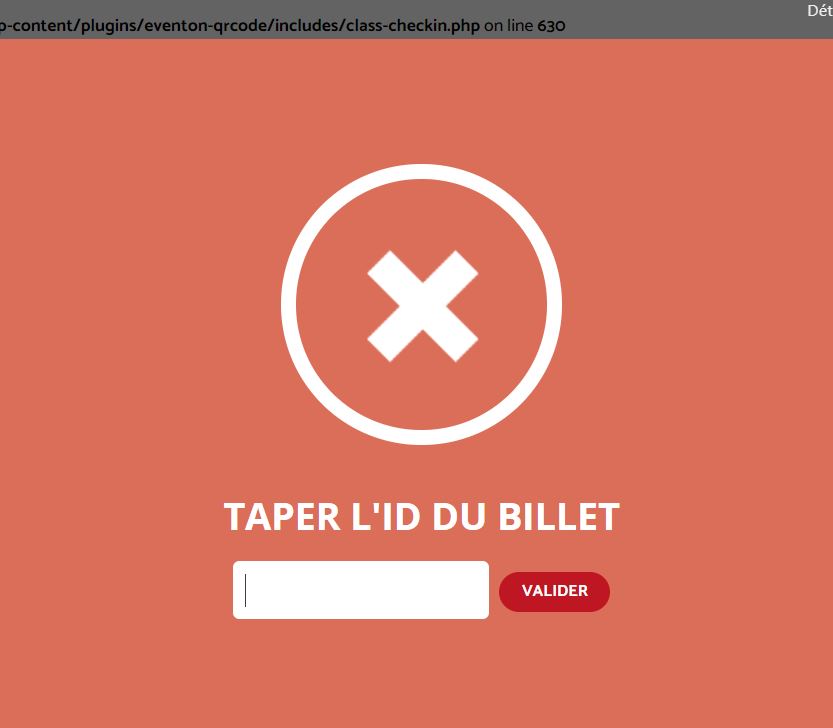
Reply to: tickets(244793)
It will be really good. Let us know. Appreciate it.
Reply to: tickets(239351)
Hi there,
#2 and #3 are finished thanks to your instructions! Thank you!
#1: where do I find the Event type filter values? Then add its ID where?
Reply to: tickets(244479)
https://www.artsixmic.fr/wp-login.php
Reply to: tickets(244471)
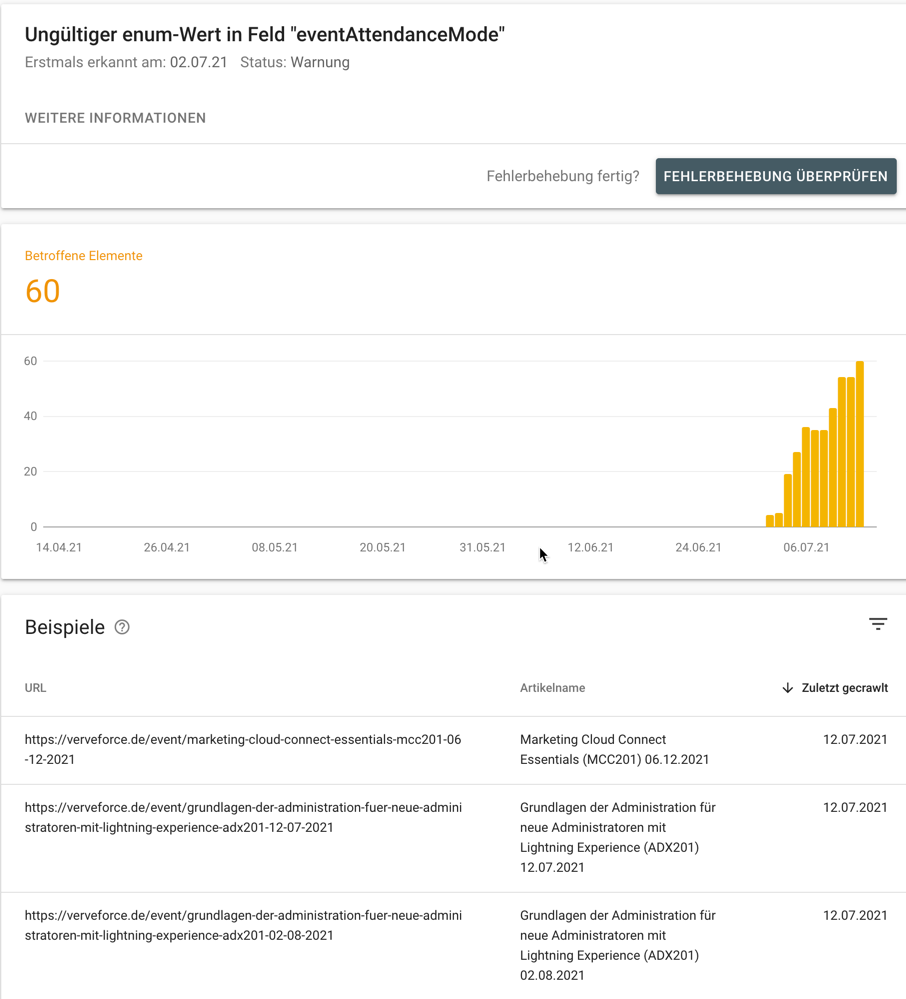
You cannot see this field, because it is missing. That’s exactly the warning google search console shows.
I checked again google search console and I still get the warning. See attached screenshot.
Reply to: tickets(244379)
Ok
many thanks
Reply to: tickets(230593)
I’m using plugin that automatically converts woocommerce payments to “completed”. woocommerce order page appears to be completed.
also should i use your code on that page: “https://docs.myeventon.com/documentations/auto-complete-ticket-order”?
Reply to: tickets(244751)
Please use this code:
.eventon_filter_dropdown p, .ajde_evcal_calendar .evo-sort-btn .eventon_sort_line p { border: none; }