To change the hover color, please use the custom CSS below:
.eventon_filter_line .filtering_set_val:hover {
background-color: #d2d2d2;
color: #fff;
}
.eventon_filter_dropdown p.select, .selecttype .eventon_filter_dropdown p, .ajde_evcal_calendar .evo-sort-btn .eventon_sort_line p.select{
background-color:#f7f7f7;
color:#000;
}
Let us know if this works for you. If it does not, please give us some more insight on the styling you are hoping to achieve.
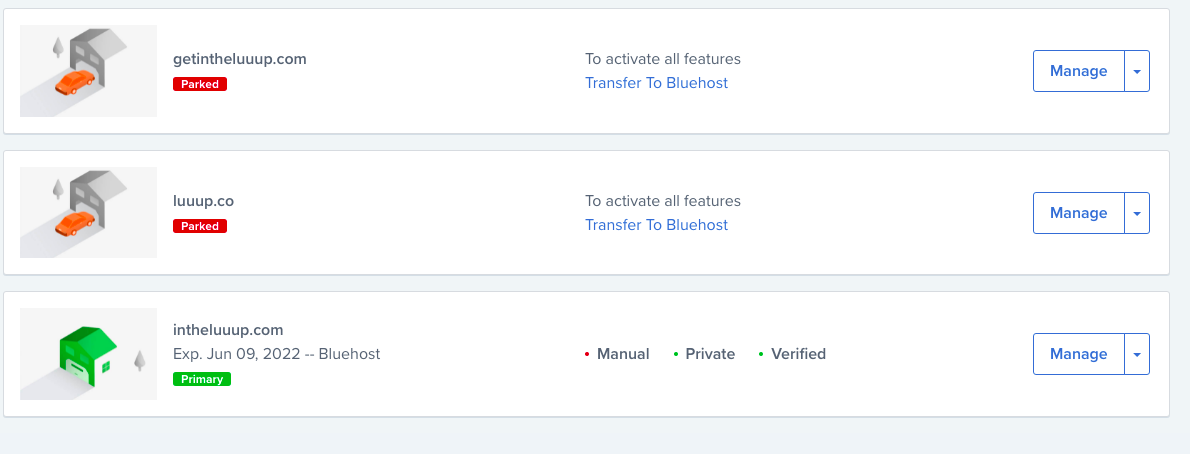
I changed my domain recently to intheluuup.com and my EventOn plugin’s are registered to getintheluuup.com… I am not sure if that has anything to do with it but I have attached an image below to confirm that it is still the same site.
Username: testing
Email: grace.benishin@gmail.com
Password: TSeH8s94BNLVk(jUPh&i$rCx
Sorry!
Here you go:
https://dev.ungdomsringen.dk/eventsworkshops/
The ICS Import add-on is up-to-date. Please try this login, I reset the password:
support@irontemplates.com
Vp)XS@9TdV#s7@6x2V^&u@*W
Hi,
I tried the short code. But even here I only get 2 events displayed.
I don't understand what you mean by saying that no event should contain a calendar.
Can you please help me and explain it to me? I've already read your documentation up and down.
thanks
Hello,
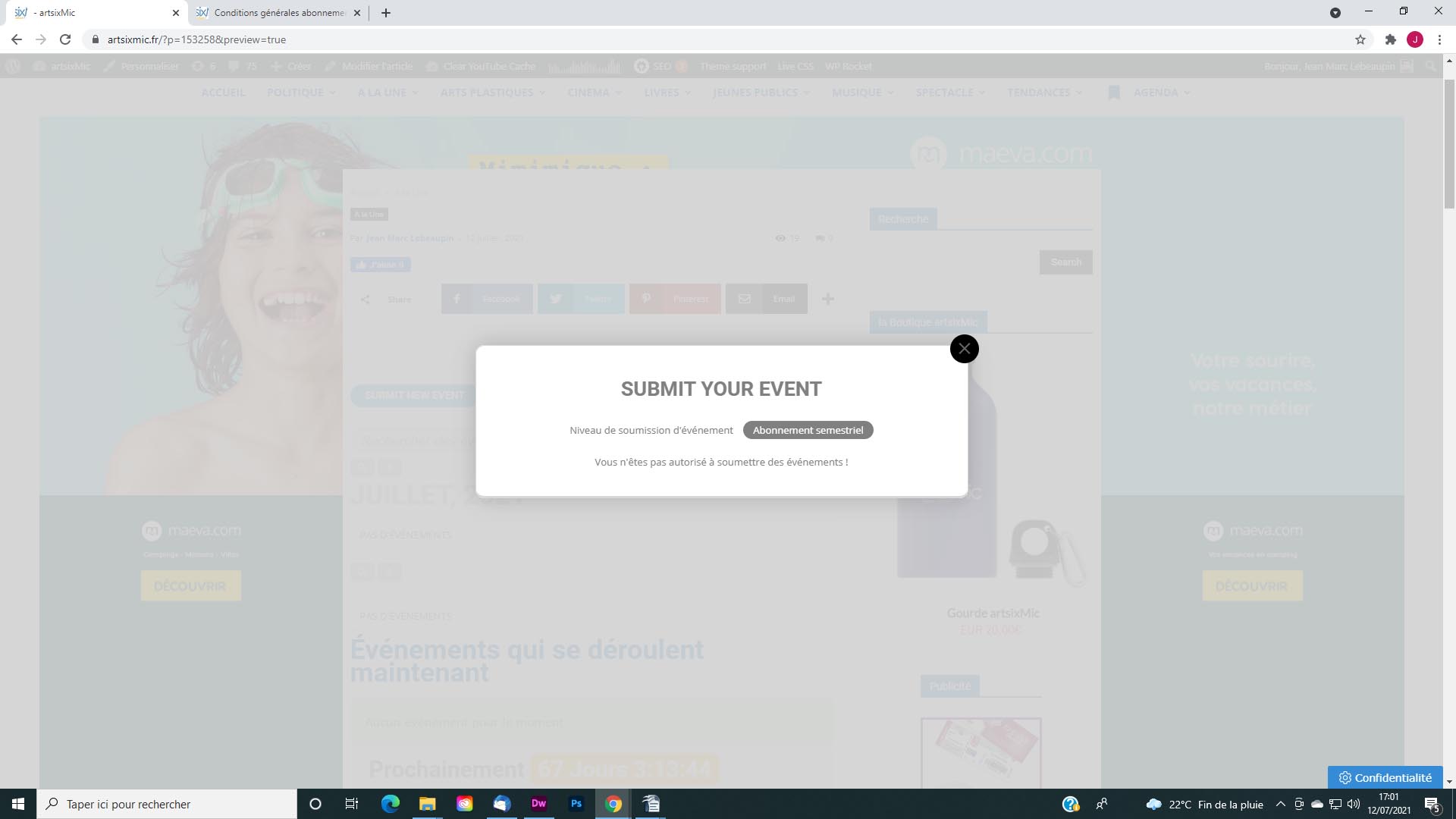
Autre question. Je commence à comprendre un peu le fonctionnement. Ainsi j’ai crée plusieurs types d’abonnements. J’ai fait un essai d’achat, j’ai validé l’achat mais lorsque je veux accéder à cette achat (voir copie d’écran) . Je ne peux pas soumettre l’évènement car le message dit : “Vous n’êtes pas autorisé à soumettre des événements !”. Que dois-je faire ? Merci !
Ok please make sure this is handled right away. I have purchased this and this is standard functionality and its not working.
Hello Grace,
Please send us wp-admin access to your site as a private message for us to further assist your situation.
Hi Kristen,
Please follow the instructions in this documentation to activate debug in your site to see any PHP errors recorded that can provide insight on to whats going on. Please reply with a link to debug.log file. If you are not able to do this, you can send us that FTP access to your site so that we can do this for you.
I did try everything but the debugging via the FTP (I’m having issues logging in). I’m happy to send you our FTP information if you can take a look. I still can’t even toggle the EventOn options now in the WordPress settings.