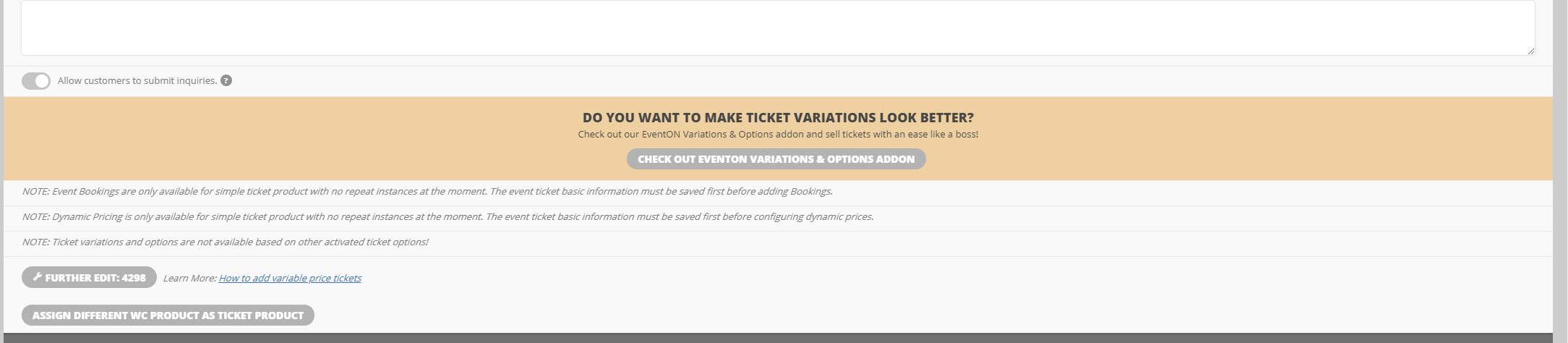
Variations shows that is it active, but I am still seeing the buy the extension message.
Replies for tickets on suppota
Variations shows that is it active, but I am still seeing the buy the extension message.
Yes I do indeed use Yoast. Have you any recommendations on how to make the actual events page get crawled instead of the location page. The location page has damn good ranking as of now but just looks like crap lol.
My second issue. My jump buttons are STUCK on the default color even though they are assigned green in the settings they appear that dusty pink default. I have cleared cash cleared cookies etc etc etc. It does this every time there is an Eventon Update but on this last one its just stuck
We are glad your issue is resolved, if you have any further questions or concerns please create a new ticket.
If you have a moment, we would greatly appreciate if you could kindly leave us a review at codecanyon! from your account > downloads. Cheers!
Hello,
When autoupdate isn’t available of fails, you can update it manually. To update eventon addons: You can download latest eventon addons from myeventon > my account. Then you can go to your website, deactivate old addon and install new one and activate then delete the old addon. This link will further explain the process. Also you can follow us on twitter to get real-time announcements on updates!
If you agree, we can update it manually. Do you want us to update it on your server?
OK. Thank you very much!
Please update RSVP to 2.7.3.
To update eventon addons: You can download latest eventon addons from myeventon > my account. Then you can go to your website, deactivate old addon and install new one and activate then delete the old addon. This link will further explain the process. Also you can follow us on twitter to get real-time announcements on updates!
Hello,
Please add this CSS code to EventON > Styles (If you don’t see any change, EventON > Scripts & Styling > turn off Write styles to header > save settings > turn on Write styles to header):
.evoau_submission_form .repeat_type .evo_repeat_type_val[data-val=”yearly”] { display: none !important }
Could you try following https://docs.myeventon.com/documentations/how-to-setup-and-get-started/?
Could you tell us about your installation process? Did you install the add-on or copied the folder to wp-content/plugins?
Could you try installing the add-on archive itself?
Hello,
Please enable Event Lists Ext add-on and then use [add_eventon_el] shortcode.
You can also use Shortcode Generator https://docs.myeventon.com/documentations/shortcode-generator/ to find available options.