Hello,
I have downloaded and updated the plugin to version 2.2.2. I have cleared the cache and I see that everything is still the same.
The second issue I mention is the following:
– For example, I go to https://dev2.myeventon.com/test-1015/
– I click on the filter selector and the search options are displayed (screenshot 1)
– In Custom Type 1 (for example) I select Alle. Everything is fine, the events are displayed.
– Now, I go back to Custom Type 1 and now select Yoga. And here’s the issue: nothing is displayed; everything disappears. (screenshot 2)
I hope I have been able to help you and that everything is resolved soon.
Regards,
David
A picture explains more than thousand words 🙂
https://fundraising-nord.de/bilder/spaces.jpg
Lovely, thank you so much. All the best. Iain
Here are the three screenshots.
Screenshot one:
Screenshot two:
Screenshot three:
Hello,
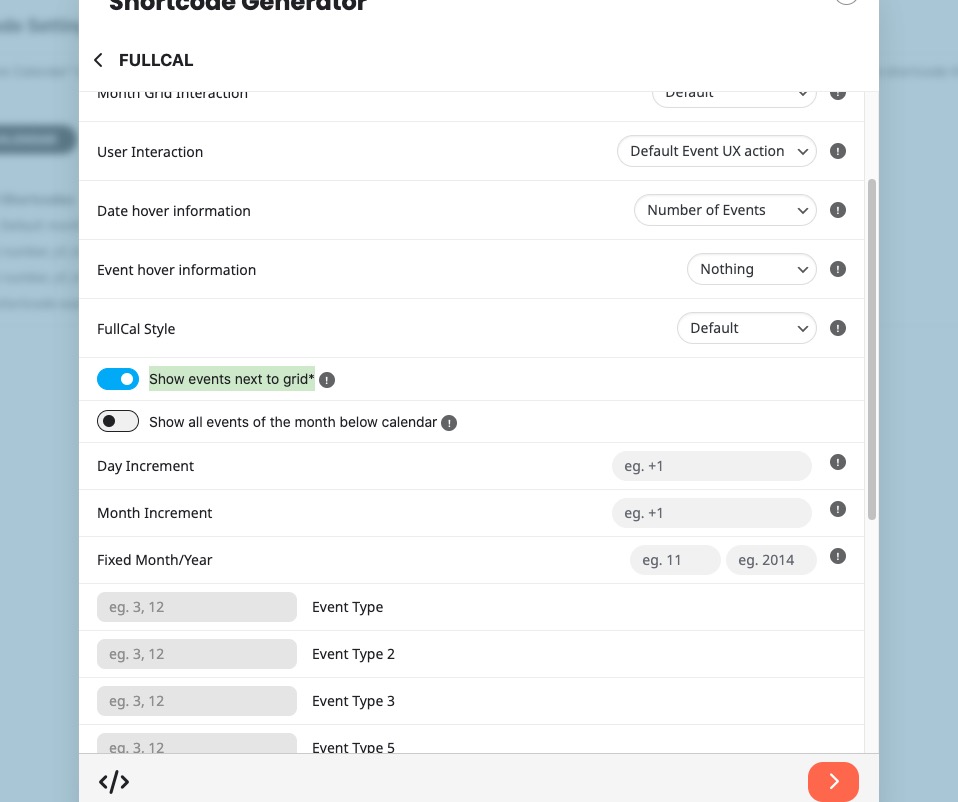
There is no way of synching them, I am afraid, but you can try this settings:
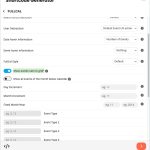
It should be basically the same behaviour. Please check and let me know.
Ashan,
Please check 1.
On dev2:
https://dev2.myeventon.com/events/test-33/
Hello,
1. Thank you for letting us know! I am going to assign this ticket to Ashan and he will be able to take it from here and find you a solution. Please allow some time for him to get back to you, we greatly appreciate your patience and thank you for being a eventon customer!
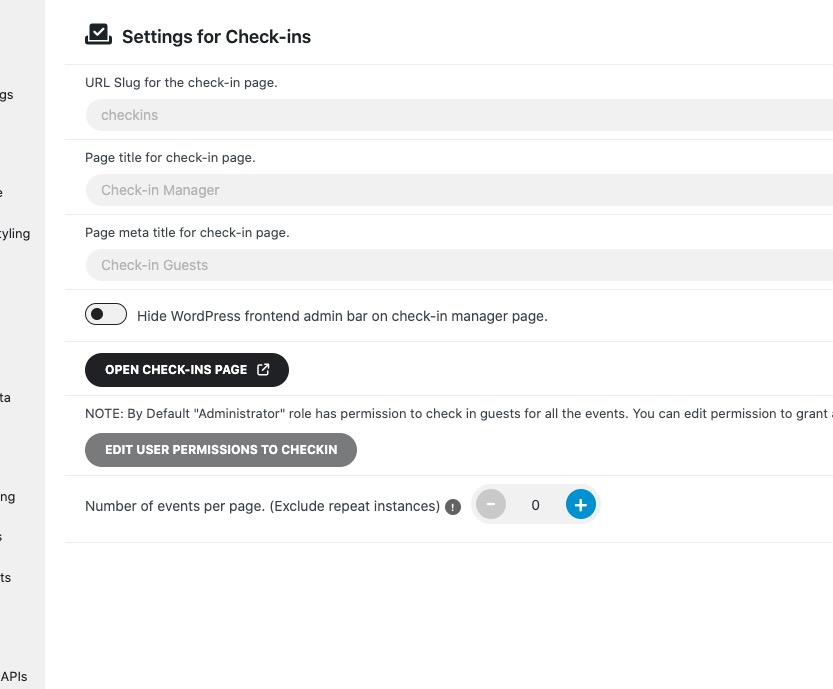
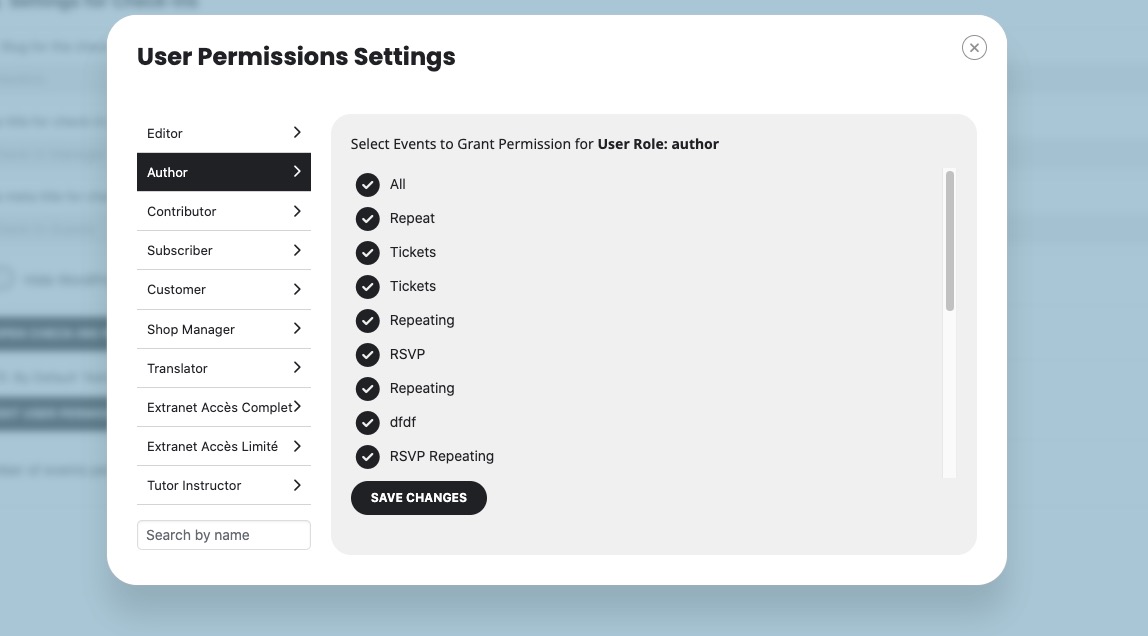
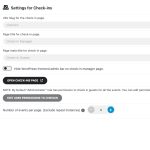
2. Please go to EventON > Check-ins > now click on Edit User Permissions to Checkin:
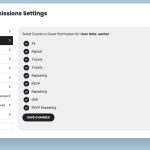
Now select your role, then all events and click Save:
Also note that the login info didn’t work for me.
Hello,
What’s your current version of EventON? Could you make sure to update it to 4.9.10?
To update eventon to latest version: If you are unable to do autoupdate, you can go to codecanyon your account > download and get the latest eventon version as zip file. Then you can go to your website > make sure “Delete eventon settings & data when EventON is uninstalled” is Deslected from eventon settings, delete old eventon, install new one and activate. This link will further explain the process it. Also you can follow us on twitter to get real-time announcements on updates!
Hello,
You have almost 8000 events. Please try going to EventON > Advanced > try a different Select event calendar WP Query method. On the same page, please try enabling Cache calendar events list data.
You can also delete past events by going to EventON > Advanced > enable Auto move events to trash when the event date is past.
Please check my suggestions and let me know.