try again
Archives: Replies
Replies for tickets on suppota
Reply to: tickets(244232)

See image:
Reply to: tickets(244177)
I cannot see EventON Settings. Could you allow us to access it?
Reply to: tickets(244036)
Could you please try the instructions mentioned in this documentation to make sure your issue is indeed coming from eventon.
and also test on your mobile as well- I can reproduce this on my mobile
Reply to: tickets(239592)
Reply to: tickets(239592)
Mister
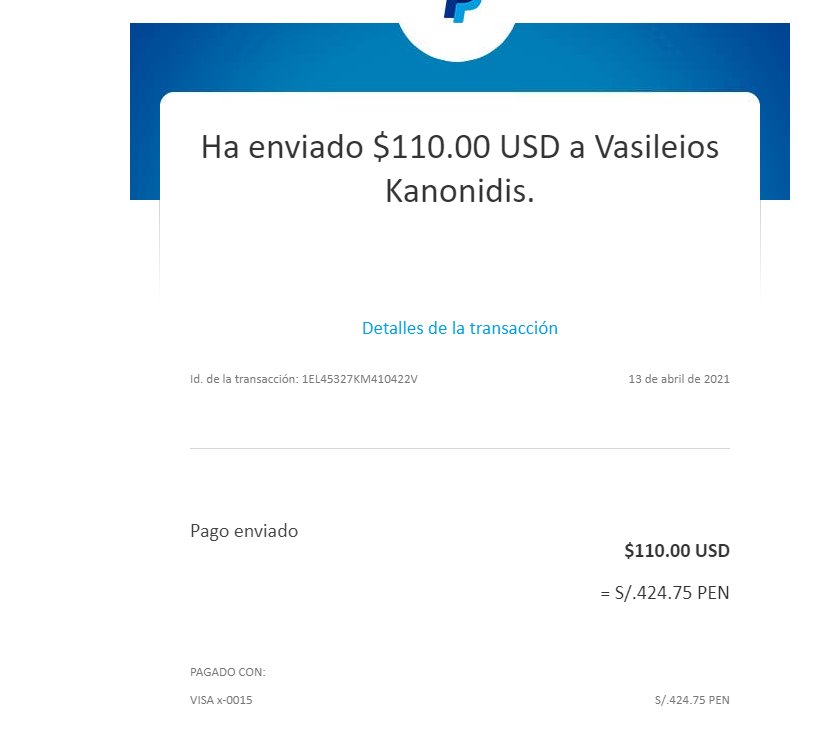
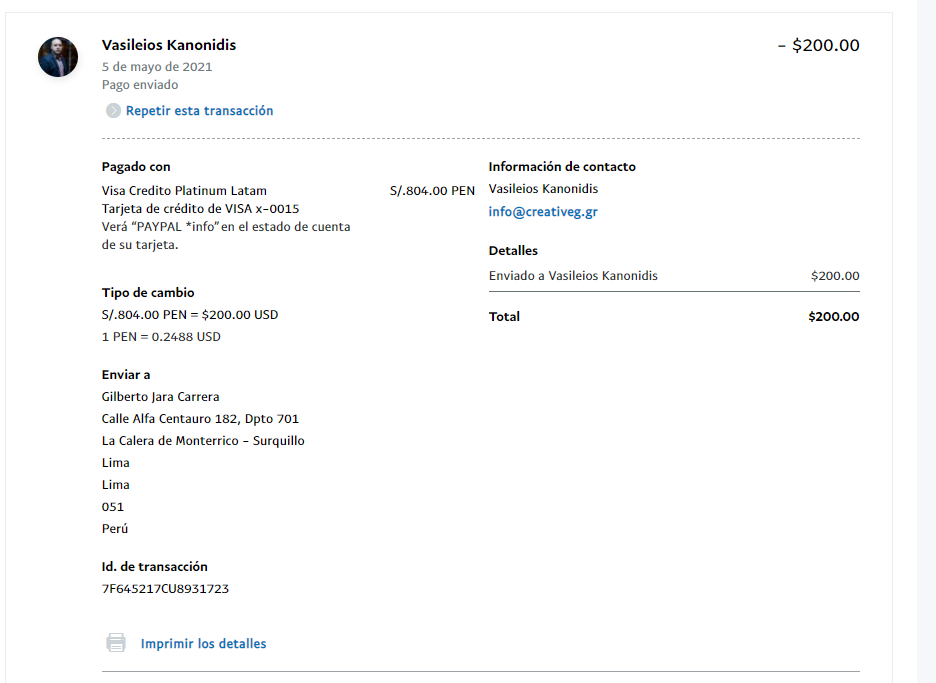
I have paid $ 110 and $ 200 for EventOn to develop 2 customizations in the plugins of its website, but it never arrived and it took 3 months and it does not even respond to messages or respond to nonsensical things that have nothing to do with the request.
I’m tired of waiting for you, I don’t have all the time in the world, just give me my money back.
Did you understand that ?? or how do I explain it to you?
Reply to: tickets(244042)
auto complete plugin simply changes the status from processing to complete for instant payment methods
so it doesn’t matter if the product is a physical product or a virtual event
translate is under myeventon>>>>language>>>>tickets
see screenshot
as for adding ticket number to access password- thats an interesting idea but would not stop people from sharing the link and if they share the link- they share the password.
if you want to embed- they need to be logged in otherwise some heavy customization would need to be done
You can make a customization request from Customize EventON Page. but it will be expensive
Reply to: tickets(244036)
Hey Kenneth,
yes it works fine when you press the left/right arrows. The slider will move normally. But what I mean is when you swipe the slider with the mouse or with your fingers on a mobile phone, then the slider will move 2 slides at once. Please have a look at the video below.
Any idea what’s wrong there?
Reply to: tickets(243720)
Thanks I look forward to hearing from Basilis.
Reply to: tickets(244044)
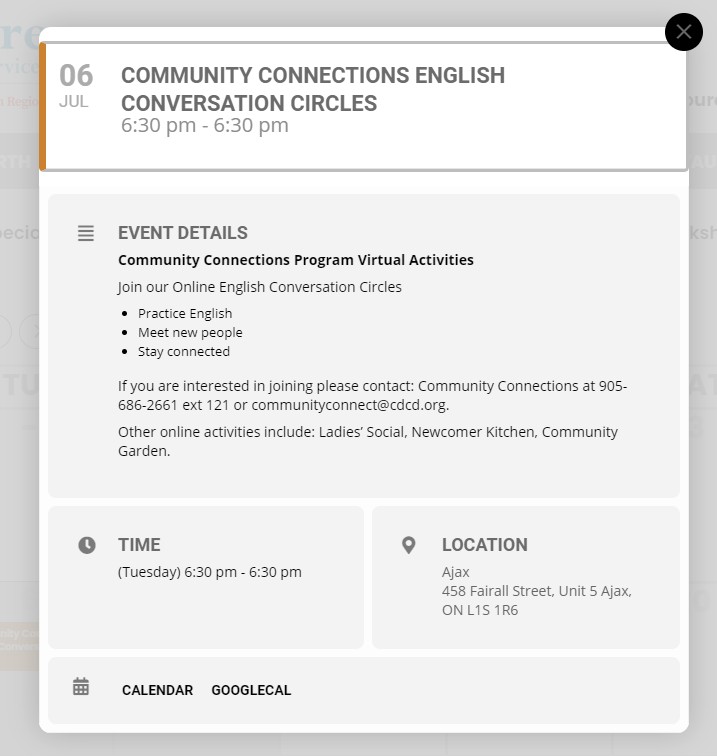
Hmm, it works with that file. But it doesn’t show that custom content in any pop-ups. Only on the single event post, and we are only displaying pop-ups via the calendar and event lists. What file do I need to copy and modify to show custom text / fields in the pop-ups?