Yes I know I can do it manually (I specifically said that in my first message) but for my non-tech client that needs to do this themselves how can I get around this in the future and have it be automatic again?
You may update it on the server, yes. Thanks
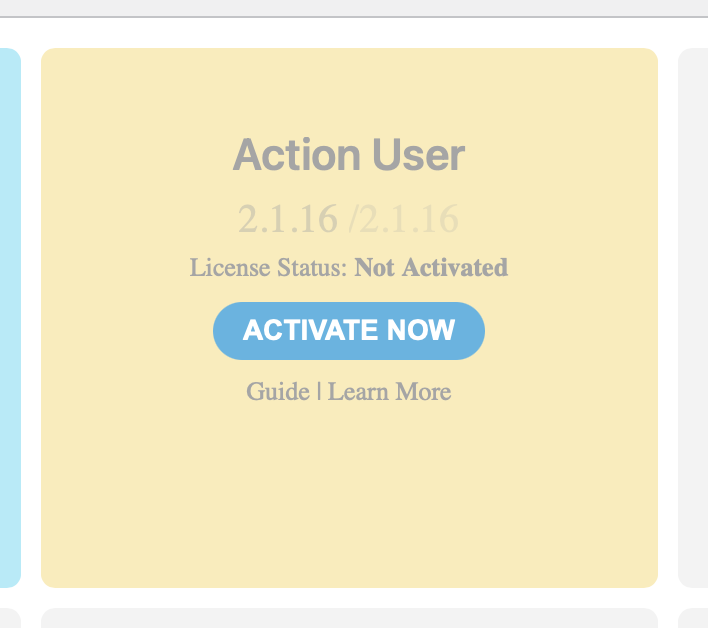
I had a problem similar to this when I purchased it. Please help me fix my account or make it available through code canyon from downloads. This is very frustrating.
I don’t know the order ID. I believe I purchased from brooke@brookebrimm.com. But I can only sign in from brooke@urbanbazaar.net. However, the log in is bad and I cannot retrieve that old email to fix it.
I am stuck and I need to update.
Here is the login information
Site: https://icainsuranceeducation.com/wp-admin/
UN: eventon
PW:P(Ei)POlPxIaE0Eq6sAZMq^$
Please send us wp-admin access to your site as a private message for us to further assist your situation.
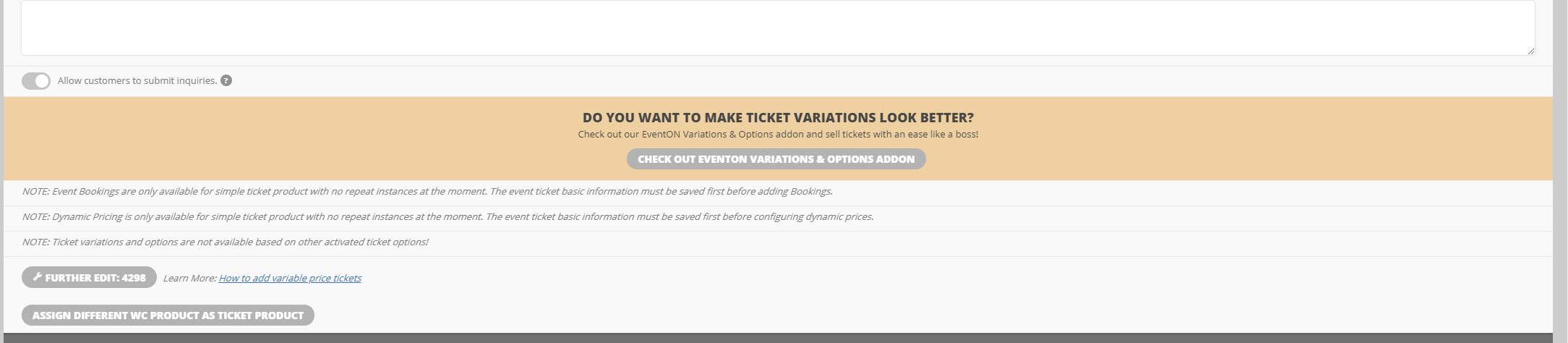
Variations shows that is it active, but I am still seeing the buy the extension message.
Yes I do indeed use Yoast. Have you any recommendations on how to make the actual events page get crawled instead of the location page. The location page has damn good ranking as of now but just looks like crap lol.
My second issue. My jump buttons are STUCK on the default color even though they are assigned green in the settings they appear that dusty pink default. I have cleared cash cleared cookies etc etc etc. It does this every time there is an Eventon Update but on this last one its just stuck
We are glad your issue is resolved, if you have any further questions or concerns please create a new ticket.
If you have a moment, we would greatly appreciate if you could kindly leave us a review at codecanyon! from your account > downloads. Cheers!
Hello,
When autoupdate isn’t available of fails, you can update it manually. To update eventon addons: You can download latest eventon addons from myeventon > my account. Then you can go to your website, deactivate old addon and install new one and activate then delete the old addon. This link will further explain the process. Also you can follow us on twitter to get real-time announcements on updates!
If you agree, we can update it manually. Do you want us to update it on your server?