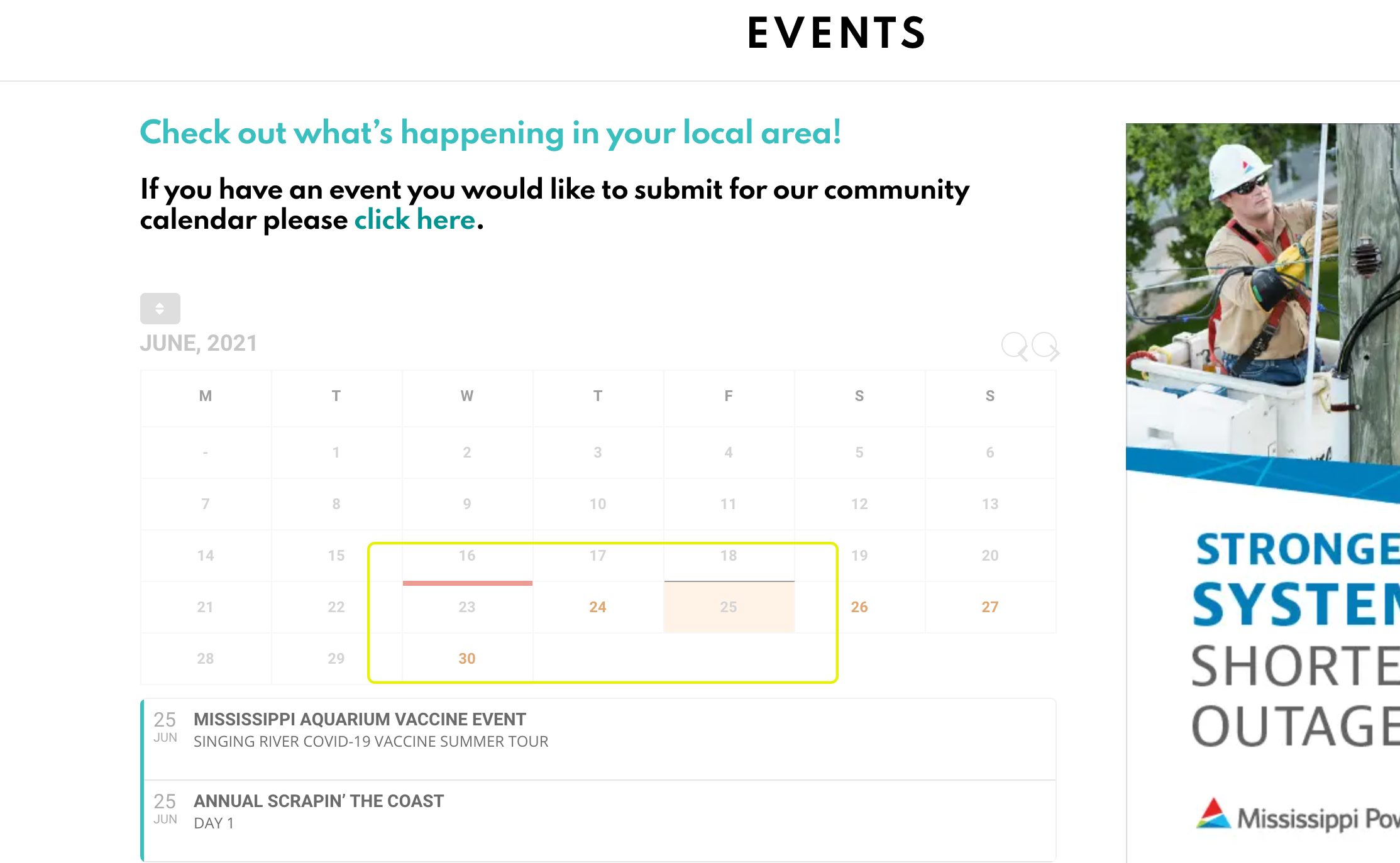
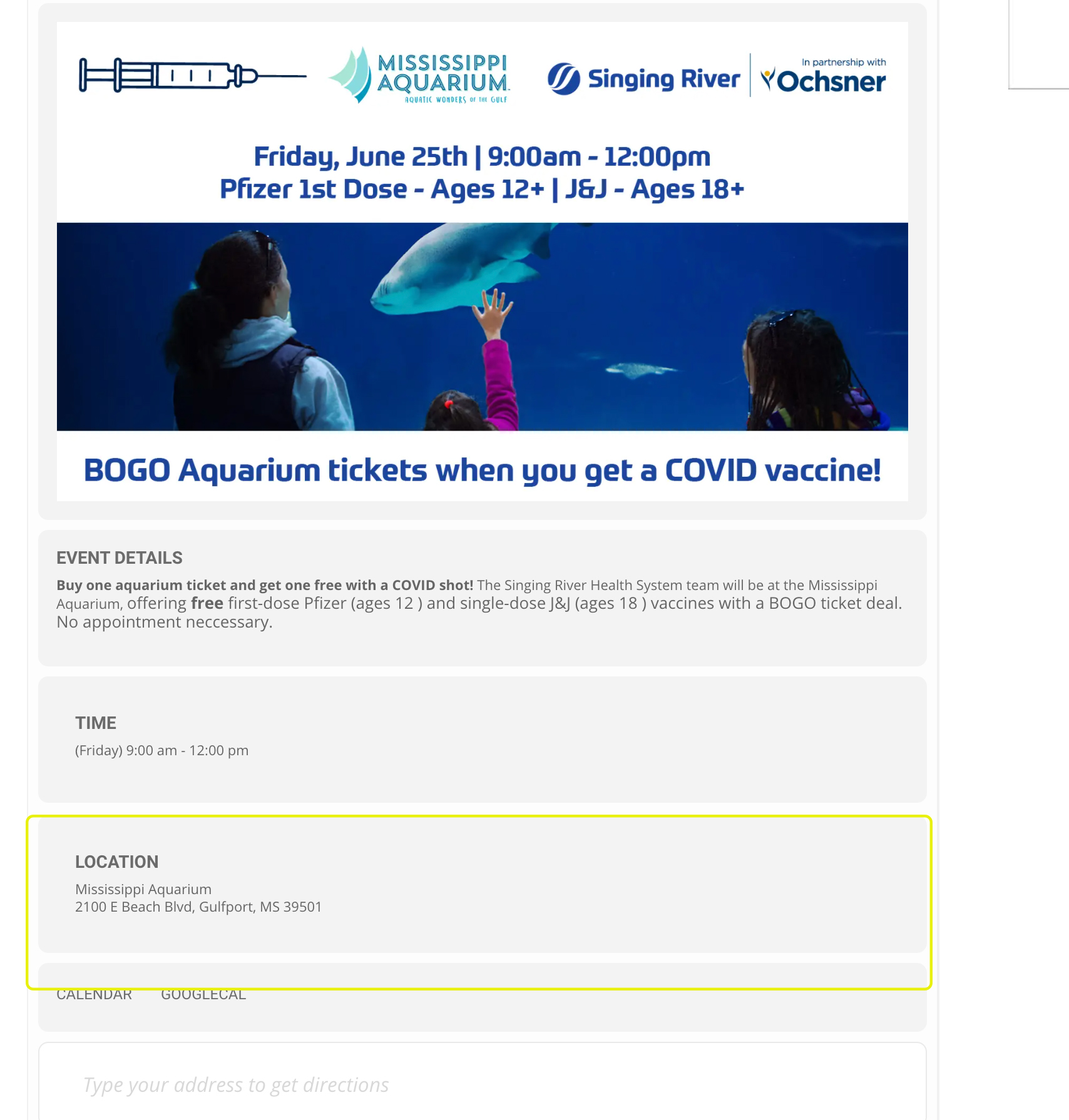
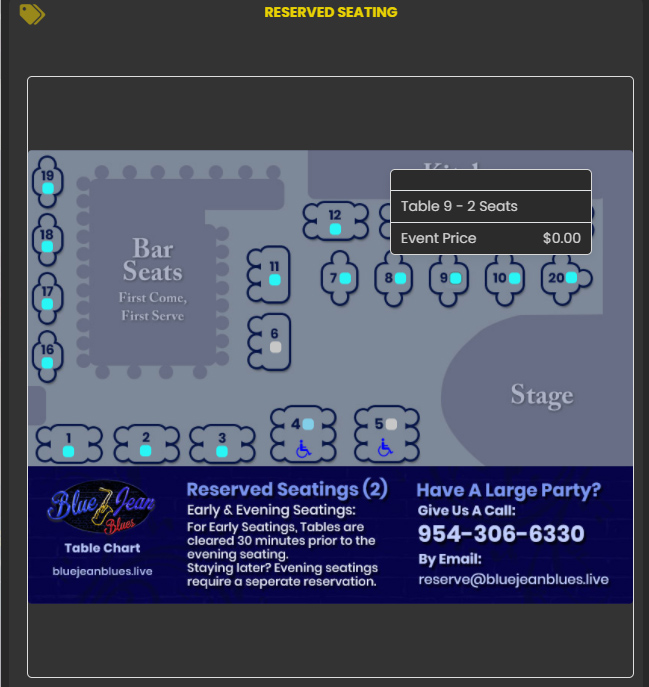
Sorry for the delay, your emails go to spam. You have not offered ANY form of resolution and at this point it has been WEEKS I have two outstanding issues. Im going to start with the most important. I’m going to past in my original request. That is the issue we will first work on
*** Hi there, Im hoping you can assist in this… unorthodox query. Google has indexed and is RAPIDLY ranking our Eventon Event page which is fantastic… except.. its not showing the awesome beautiful what I call graphic version of Eventon ( the one we all LIKE to see) instead its showing the… not sure the terminology … backend wordpress crappy looking version with blue links, bad imagery and alignments etc. I can send screen shots of what I mean to help visualize. Id like to know how to only show the awesome visual version not the backend version especially since its on the verge of moving from Page 2 to Page 1 of google any moment now
—- Now since I have weeks to study this since my initial query to you. I can say that its lulling the LOCATION only — the URL Google has on Page 2 is https://edenafterdark.com/event-location/las-vegas/ which is NOT a version I ever wanted public as its not what I wall the graphic version of the events page that is the version that is legible. I will also attach screen shots as I did in my original request weeks ago. Additionally I am going to VIP your email address so that it does not continue to go to SPAM. I expect the next correspondence to offer some form of possible resolution.
– Philip
Admin@EdenAfterDark.com
www.EdenAfterDark.com