Hello,
Please update EventON to 3.1.6 and then go to wp-admin > Edit Event > Edit > add Location.
To update eventon to latest version: If you are unable to do autoupdate, you can go to codecanyon your account > download and get the latest eventon version as zip file. Then you can go to your website, deactivate old eventon, activate (Do not delete eventon settings & data when EventON is uninstalled) from eventon settings, delete old eventon, install new one and activate. This link will further explain the process it. Also you can follow us on twitter to get real-time announcements on updates!
Hello,
Please add this CSS code to EventON > Styles (If you don’t see any change, EventON > Scripts & Styling > turn off Write styles to header > save settings > turn on Write styles to header):
.single-ajde_events .evo_page_body { margin-top: 150px; }
Hello,
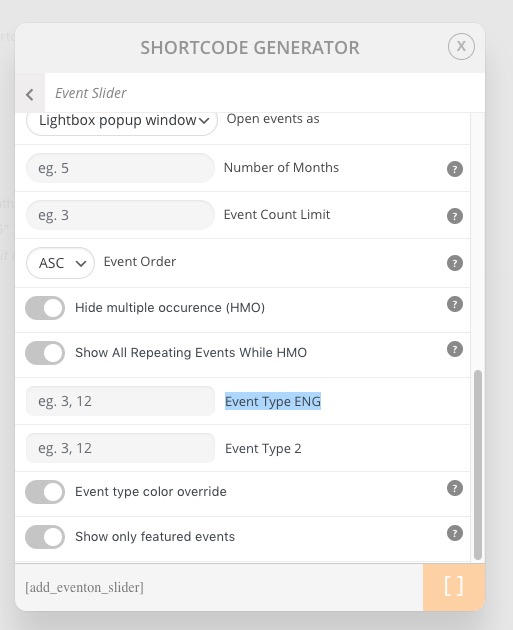
Please follow https://docs.myeventon.com/documentations/confused-event-type-categories/. Use Event Type:
You can also use NOT-, NOT-all for event type filter values.
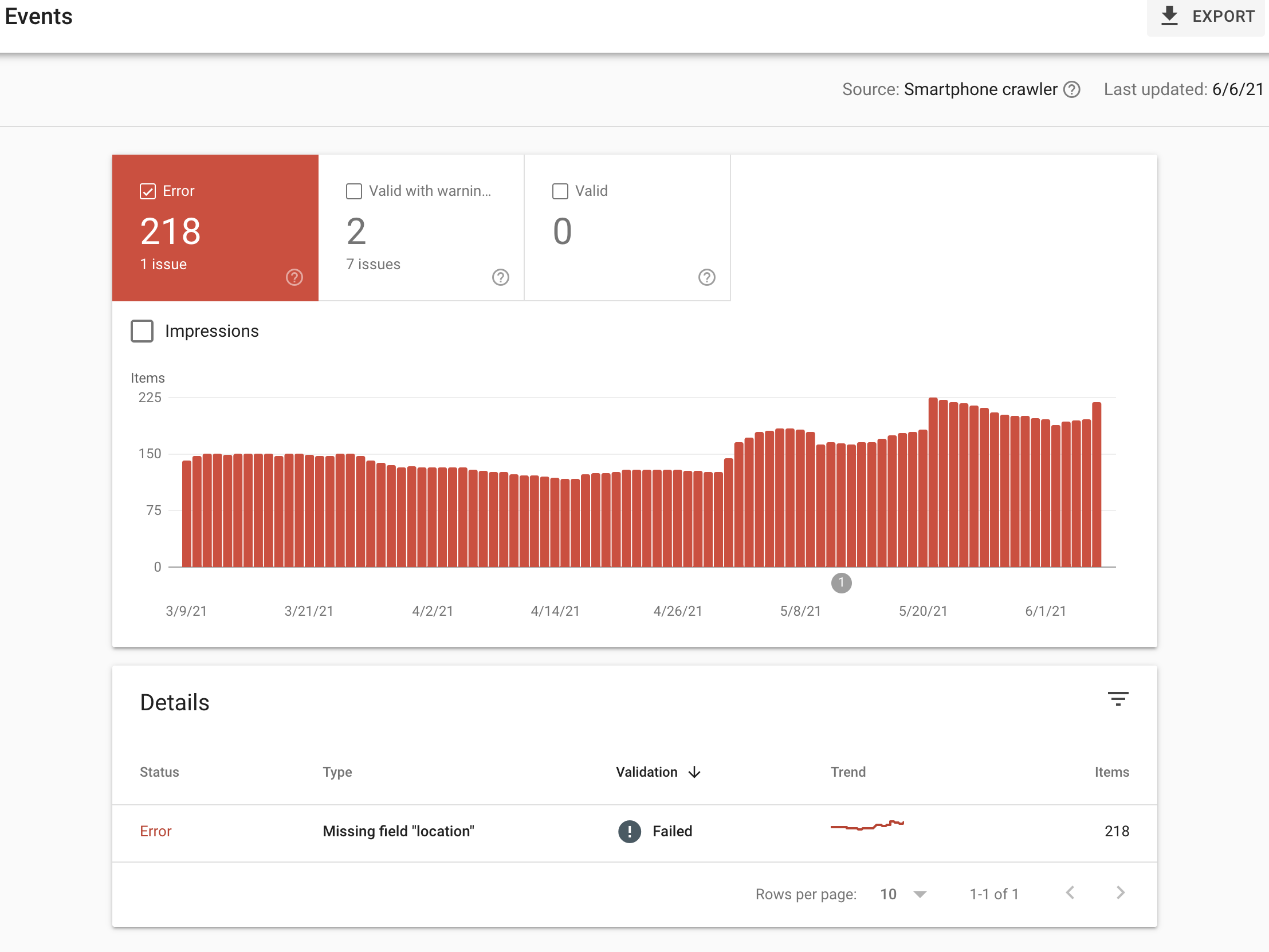
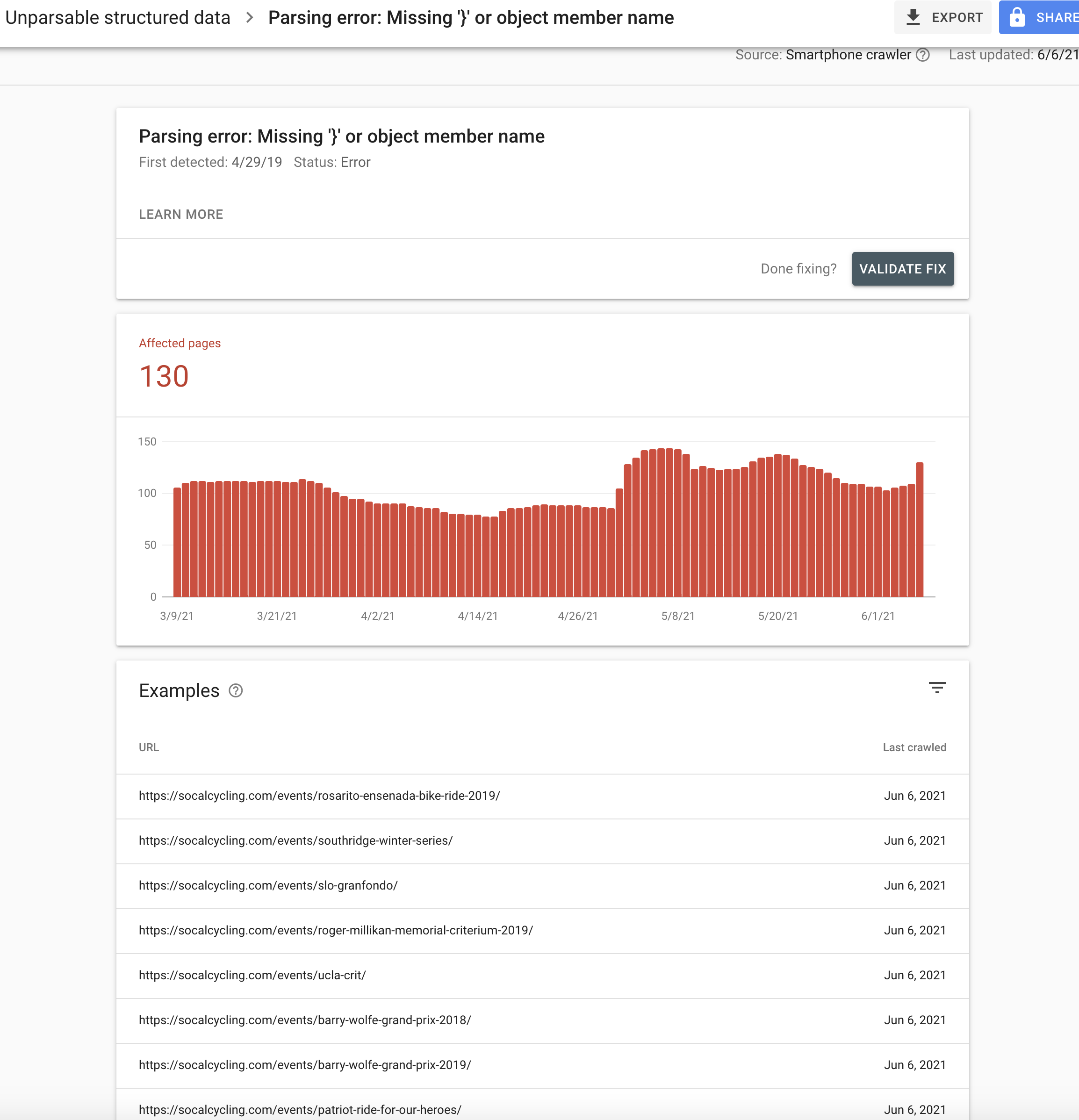
Here are a few screenshots of the Google Search Console Errors
1. Please go to wp-admin > Settings > Week Starts On.
2. If “Auto move events to trash when the event date is past” is disabled how is it possible that “that page link gets destroyed (removed / deleted)”? Can we check the event from wp-admin? Could you send us login info?
Hello,
1. Could you elaborate more? Guests can see event details by default.
2. RSVP allows them to do this: https://www.myeventon.com/addons/rsvp-events/. Install it and then go to EventON Settings > RSVP > enable Allow only logged-in users to submit RSVP. Try on https://dev.myeventon.com/wp-admin/
Hello,
Could you send us a screenshot?
Hello,
I am sorry, the access information you have provided did not work for us. Please check them and post the correct login information as a private message, thank you!
Hi Basilis,
When can I expect to receive the corrected pdf ?