Hi,
Can you let us know what you mean by expanding the library?
What else can we add?
Replies for tickets on suppota
Hi,
Can you let us know what you mean by expanding the library?
What else can we add?
Hi Maribel,
U have not replied to the ticket, please follow up there. After your posted the details u have not confirmed anything else.
We are glad your issue is resolved, if you have any further questions or concerns please create a new ticket.
If you have a moment, we would greatly appreciate if you could kindly leave us a review at codecanyon! from your account > downloads. Cheers!
Hi Kenneth,
That’s brilliant, thanks for your help 😊
Chris
Hi Chris,
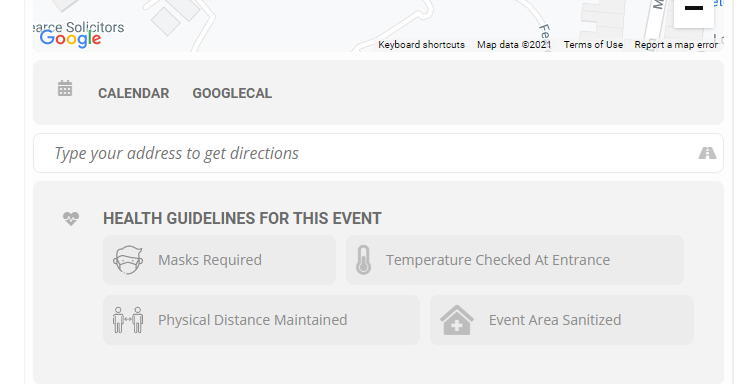
I have added the custom CSS below to Appearance > Customize > Additional CSS and the icons are displaying on my end.
.evo_health_b i.fa { font-family: evo_fontawesomes,evo_fontawesome,evo_fontawesomeb !important; }
One more question as well –
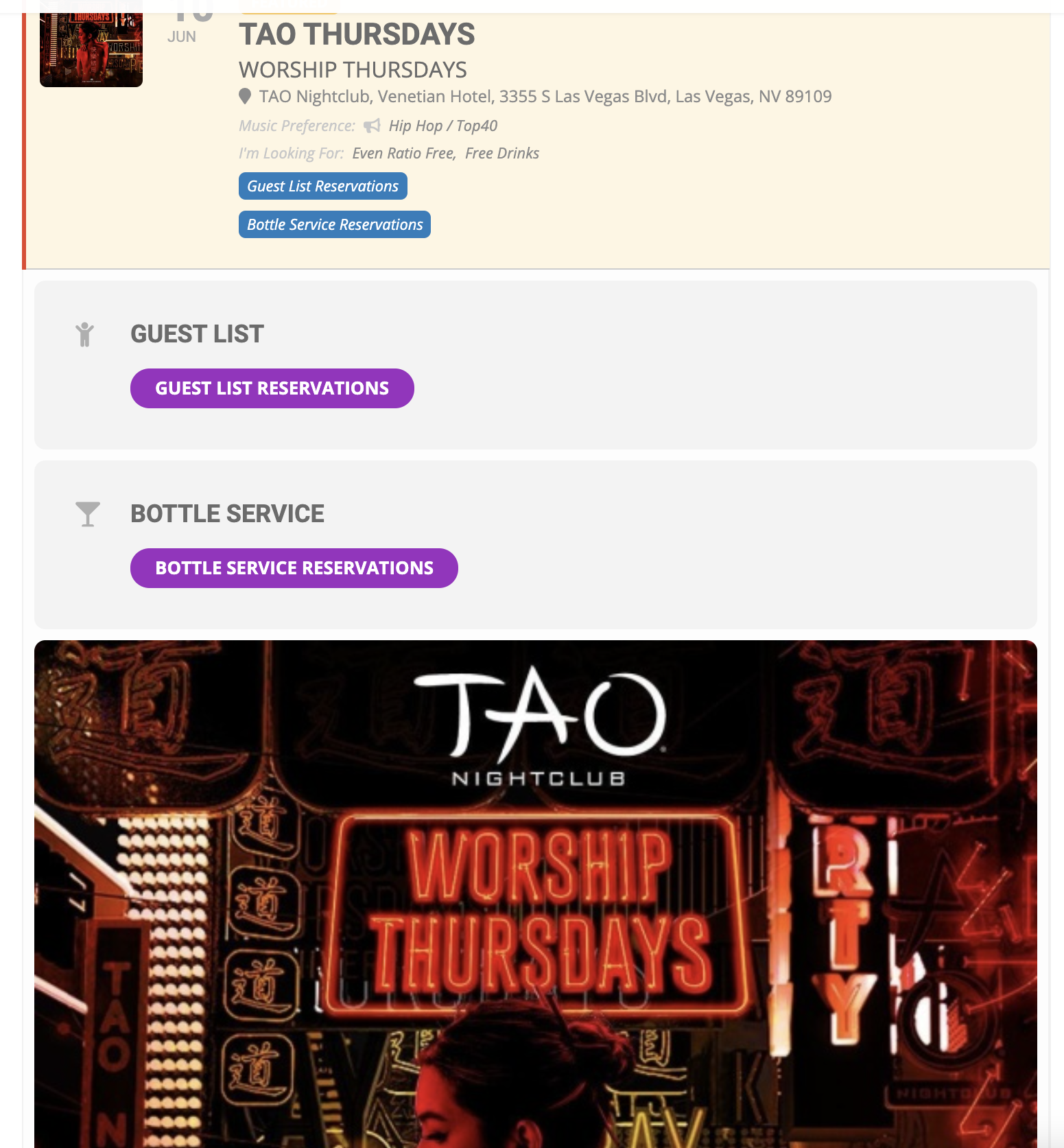
How to enable Icons for the Event Type #2 category?
And perhaps how to expand the Icon library if thats possible.
Thanks so much for your help.
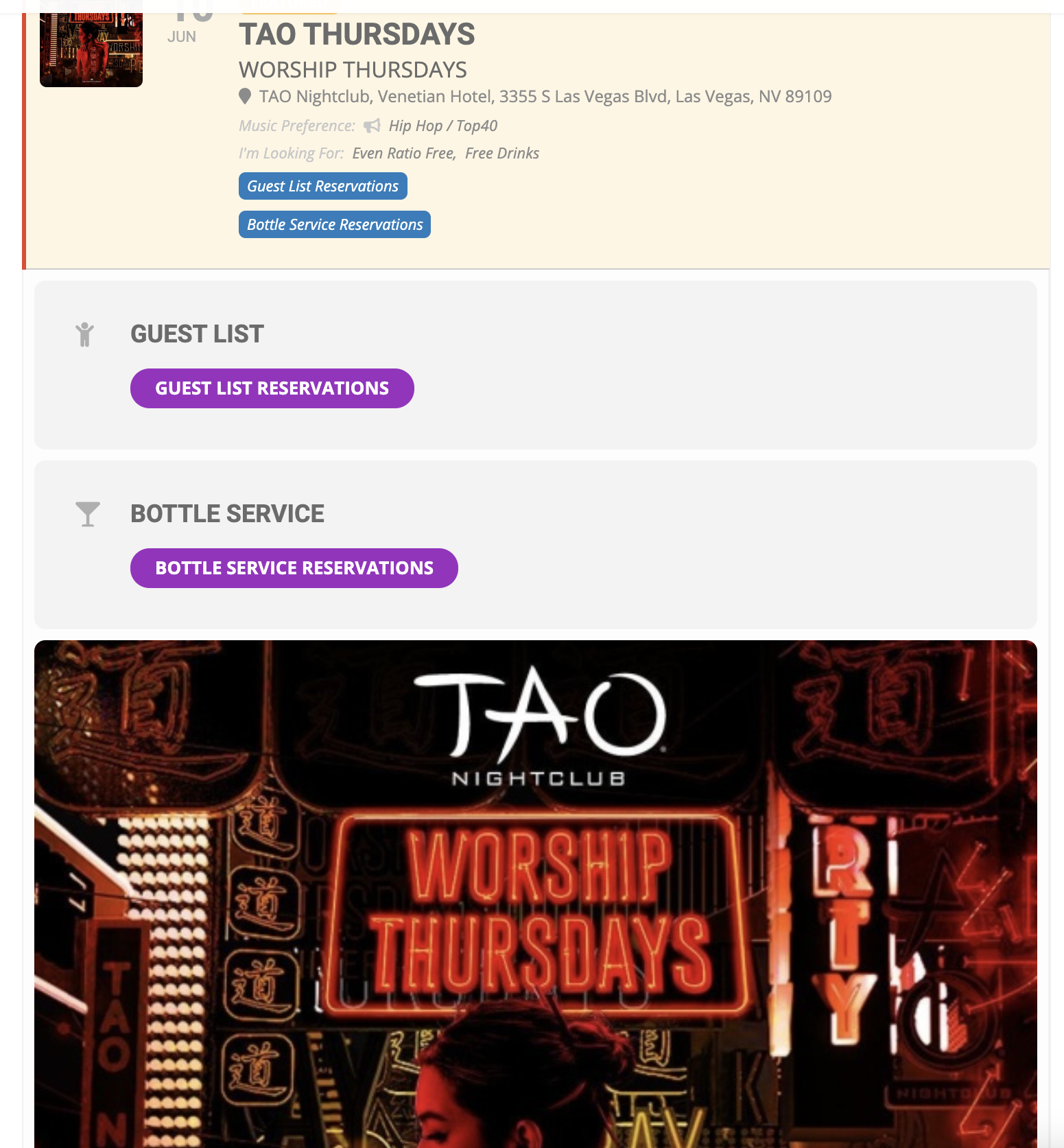
Really would like them side by side here to reduce space used –
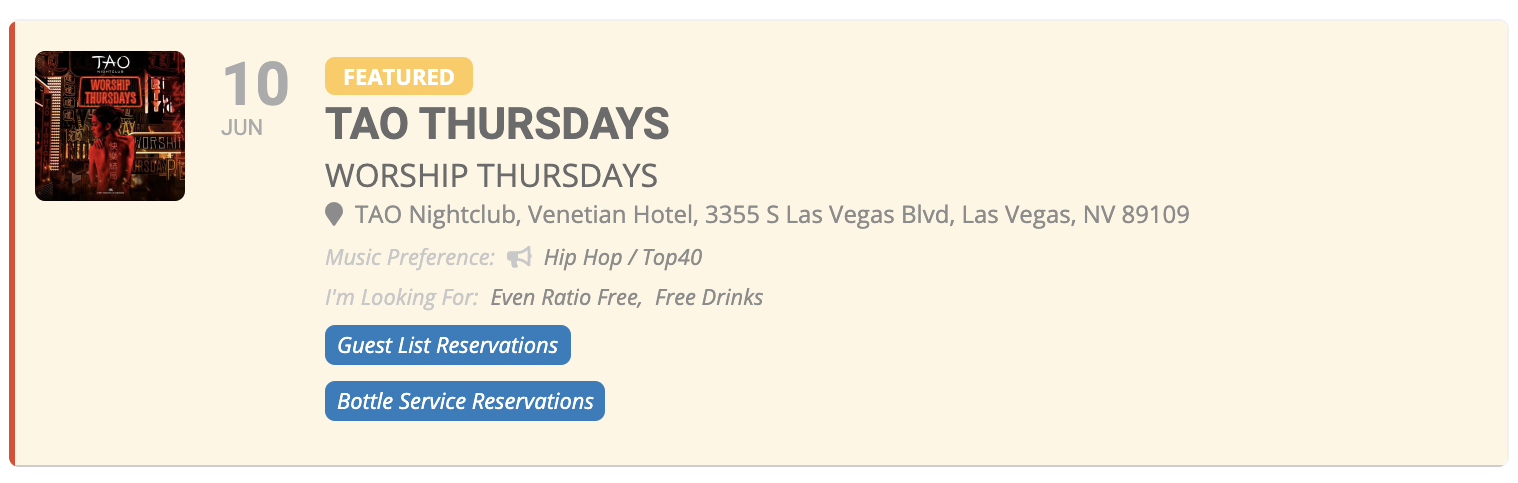
Thank you! This is perfect
I’ve created two custom field buttons – is there a way to format them to be side by side rather than on top of each other here? (in the undertext and in the event slide down)
Hi Nick,
Thank you for writing in. I am going to assign this ticket to Ashan and he will be able to take it from here. Please allow some time for him to get back to you, we greatly appreciate your patience and thank you for being a eventon customer!
Hi Kenneth,
I followed your instructions. I’ve attached a pdf of what I’m seeing with font awesome activated and with it deactivated.
Admin as follows:
https://fearonhall.org.uk/wp-admin/
u: Meg Bezzano-Griffiths
p: RooMonFlo5!
Any help much appreciated