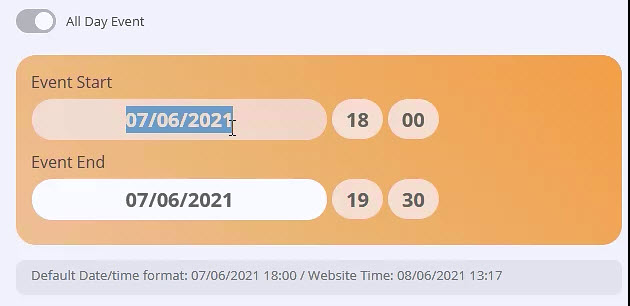
1. Please go to wp-admin > Settings > Week Starts On.
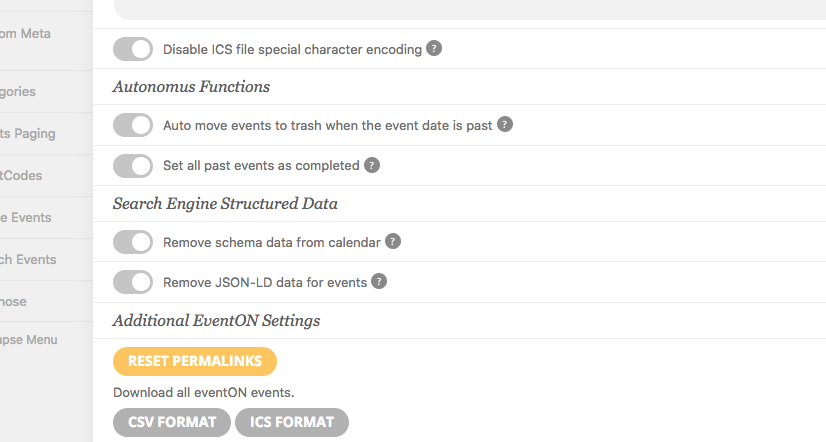
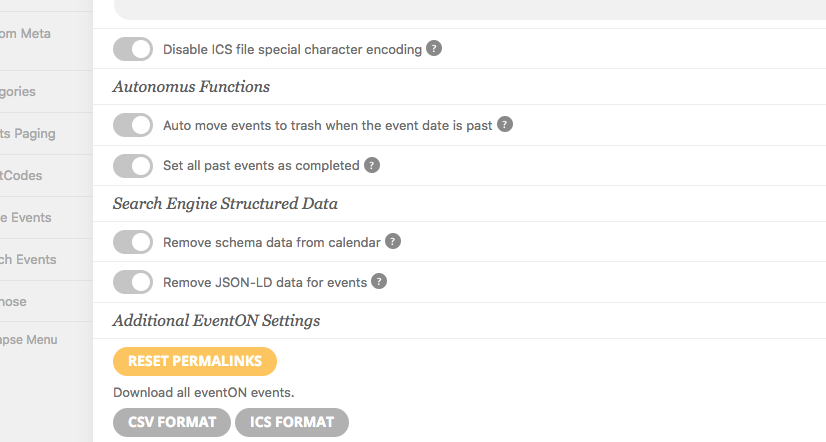
2. If “Auto move events to trash when the event date is past” is disabled how is it possible that “that page link gets destroyed (removed / deleted)”? Can we check the event from wp-admin? Could you send us login info?
Hello,
1. Could you elaborate more? Guests can see event details by default.
2. RSVP allows them to do this: https://www.myeventon.com/addons/rsvp-events/. Install it and then go to EventON Settings > RSVP > enable Allow only logged-in users to submit RSVP. Try on https://dev.myeventon.com/wp-admin/
Hello,
Could you send us a screenshot?
Hello,
I am sorry, the access information you have provided did not work for us. Please check them and post the correct login information as a private message, thank you!
Hi Basilis,
When can I expect to receive the corrected pdf ?
Hi
We have had some help from the Avada Theme guys, they have discovered that the shortcode for the full calendar that we have placed in the side menu is conflicting with the weekly view and stops it loading up correctly. If we remove the shortcode from the side header then the weekly calendar loads correctly. Unfortunately we need to keep the shortcode in the side header as this is an integral part of the website.
We want to purchase the daily view but are concerned that we will face the same problem.
With weekly additional plugin purchase – can we change the start day of the week? i tried to search for documentation on this but there is nothing in the support. no mention of shortcodes to test on the link you sent.
thanks
Hi 😉 Have you some news for me ? Thanks
Ok thanks
So we need to purchase another add-on?
I have attached the screenshot of the settings. the auto feature is switched off. so we are not sure what is causing the issue.