Our client is trying to put events on herself, and it is all causing trouble. I have attached a few more screenshots.
Archives: Replies
Replies for tickets on suppota
Reply to: tickets(240229)
Ashan,
There is an issue with Lat/Long values creation on customer’s website. The same issue on dev, but not on dev2:
Could you check?
Reply to: tickets(240229)
It seems there this some kind of issue with Lat/Long creating on the server. I tried multiple times and it always worked on our test server: Thank you for your messages, I am going to assign this ticket to Ashan and he will be able to take it from here and find you a solution. Please allow some time for him to get back to you, we greatly appreciate your patience and thank you for being a eventon customer! Also please disable any IP blocking on your site if there are any.
Reply to: tickets(240430)
Hello,
It seems that the problem is in
Failed to load resource: the server responded with a status of 403 (Access Forbidden)
Please follow the instructions in this documentation to activate debug in your site to see any PHP errors recorded that can provide insight on to whats going on. Please reply with a link to debug.log file. If you are not able to do this please send us FTP access to your site so we can do this for you.
Reply to: tickets(235934)
Hello,
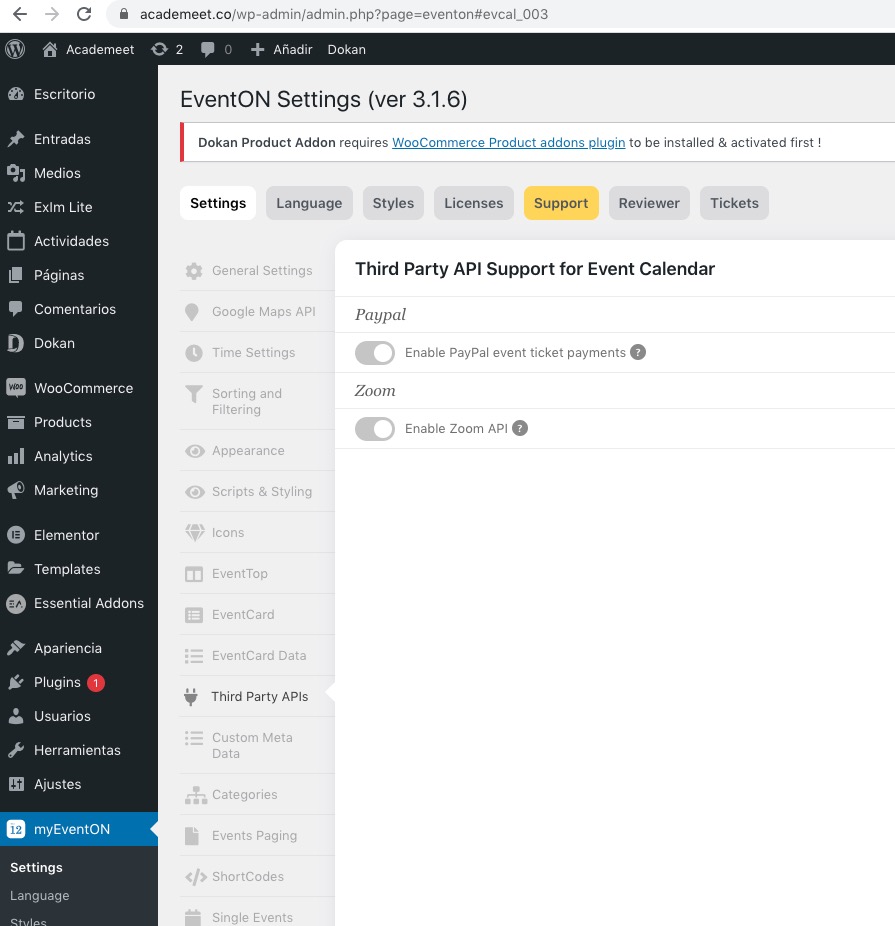
Could you send us a screenshot of the issue? I checked EventON Settings and they seem to be working fine.
Reply to: tickets(235681)
The sooner you can help the better, the tickets are live on the client’s site and I am being inundated with complaints from people trying to purchase them but receiving errors. I really hoped you would have an answer!
Reply to: tickets(240430)
Final message:
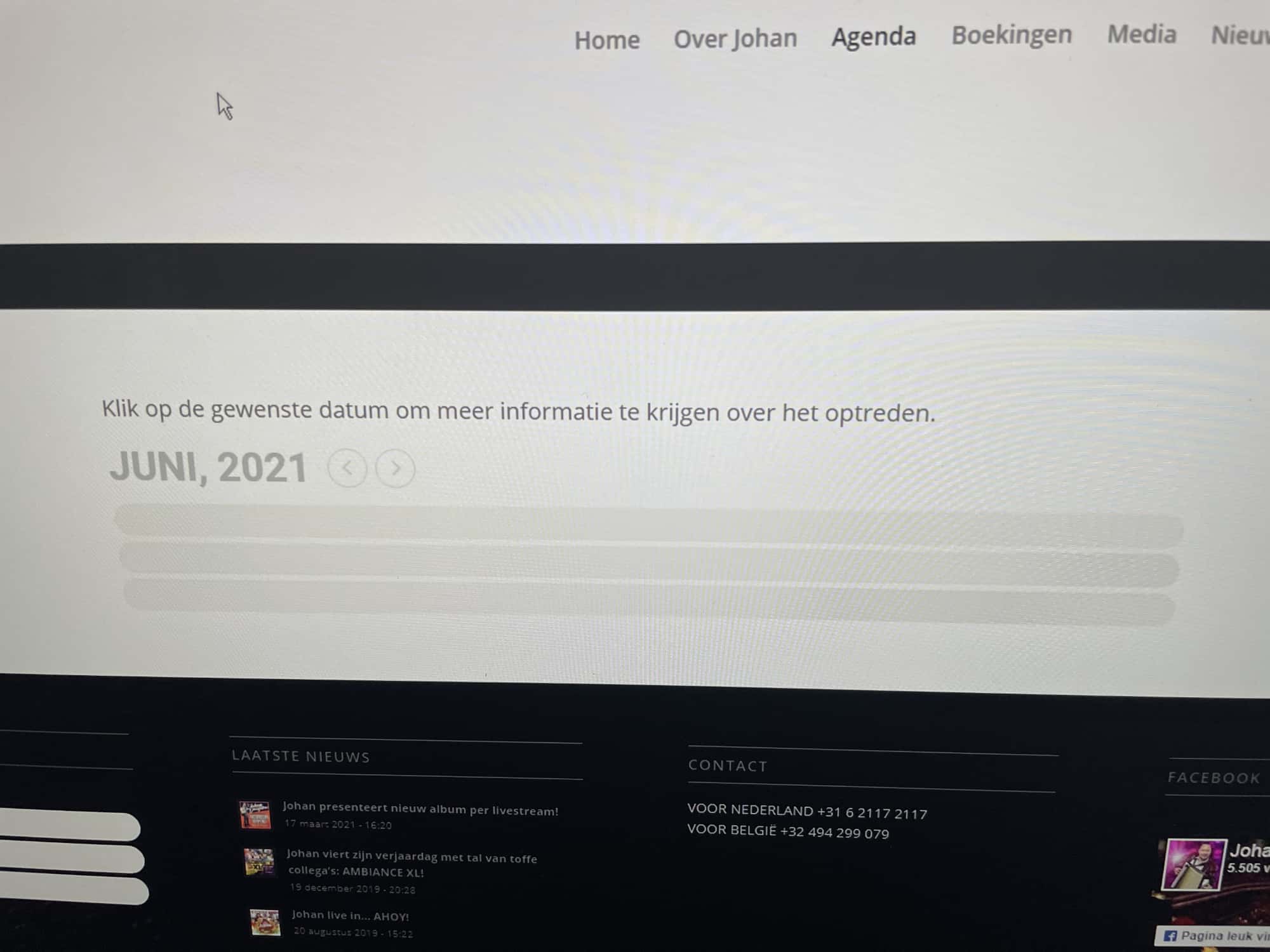
The previous shortcode was [add_eventon show_limit=”yes” show_et_ft_img=”yes”] and I replaced this with the following code: [add_eventon_list number_of_months=”5″ hide_empty_months=”yes” show_et_ft_img=”yes”]
Now it works but I cannot show month by month, only one list with all months. What is the Shortcode for that?
THX Freek
Reply to: tickets(240430)
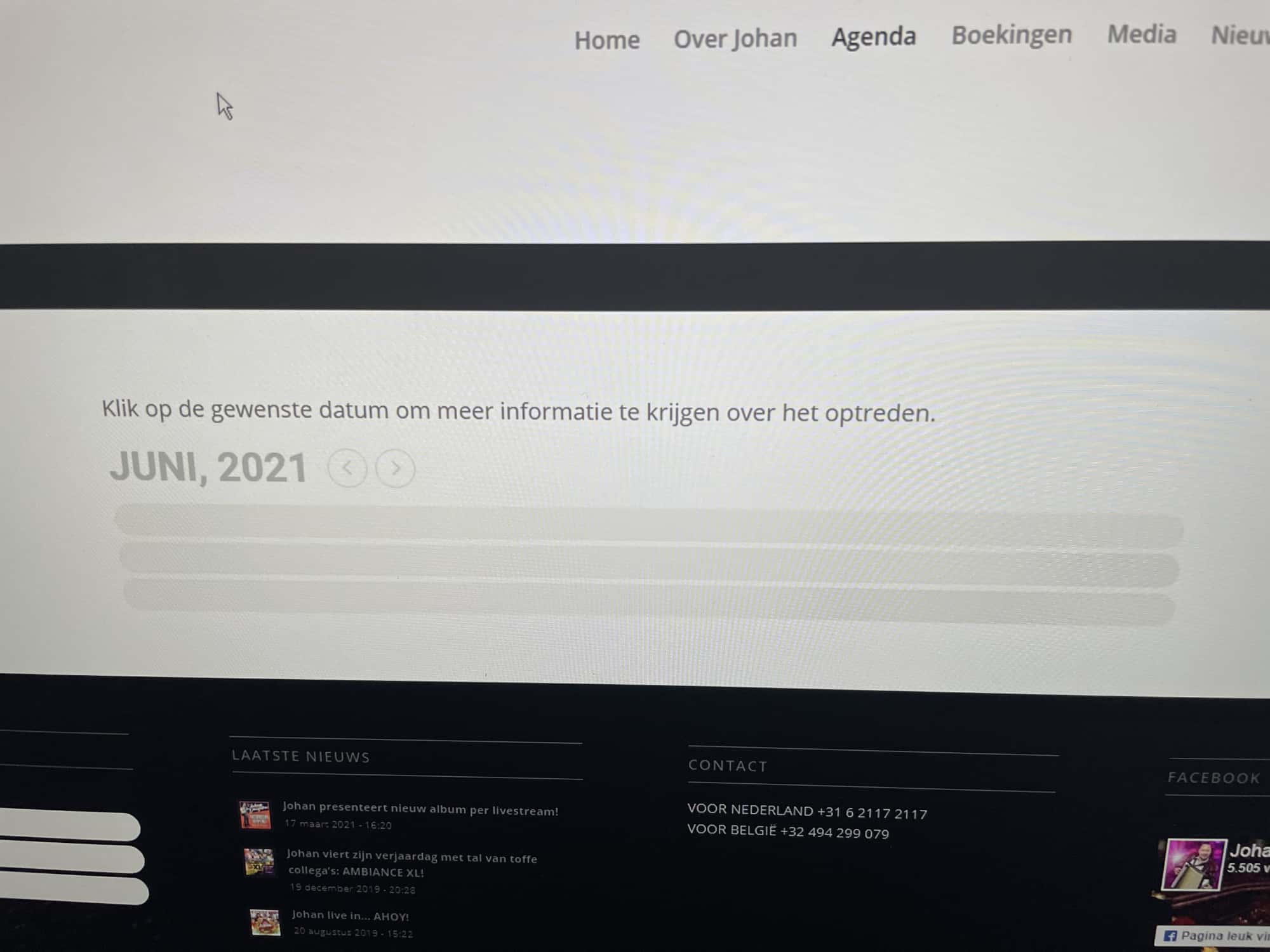
I disabled all plugins to check if there is a compatibility problem, but it works fine at my site but I have a high speed internet connection (1gb)
Could it be a loading error (Ajax / Javascript)? Maybe I can disable that and how can I disable this?
See attachment for the screenshot.
THX Freek
Reply to: tickets(240229)
Hello
Did you change the existing one or added a new location from Edit Event?
Both
Not really sure. It seems that the issue was is in your Page Builder so hard to tell.
OK…
You can put a notice “Add address in the following format”.
This form is opened to public ,this means that most of the time they won’t fill in the form properly, especially if they copy/paste adress from Google map where contry is not mentioned and commas are not set the same.
The structuration should be on the action-user module not relying on public users
I’m sorry but i’m really disappointed by this answer
Reply to: tickets(240430)
Suddenly we think after the last update of the plug-in .