Hello,
Please go to EventON > Time Settings > enable Hide past events for default calendar(s).
Replies for tickets on suppota
Hello,
Please go to EventON > Time Settings > enable Hide past events for default calendar(s).
Hello,
Please enable licensed on your dev site and create/test the website.
When done, install EventON and add-ons on your live website and then deactivate licenses on dev and then activate on live.
Closed as duplicate.
Hello,
Please go to EventON > EventCard > open Designer > remove Add to your calendar.
Hello,
Sorry for the delay in getting back to you, I’ve been very busy…
1- You requested Login Info so that you can login to Add an EventImage to the Right Side of the Daily Event View Block (ScreenShot for this is above in past message), Here is the Login Info :
Goto : https://mayflowerclub.com/wp-admin/
An Admin User is setup for you :
Username : EventOn
Name : ashanjay
Email : mail@mymail.com
Password : SupportLoIn#99
2- Plus, I have one new issue, that just started after the last update was installed, today :
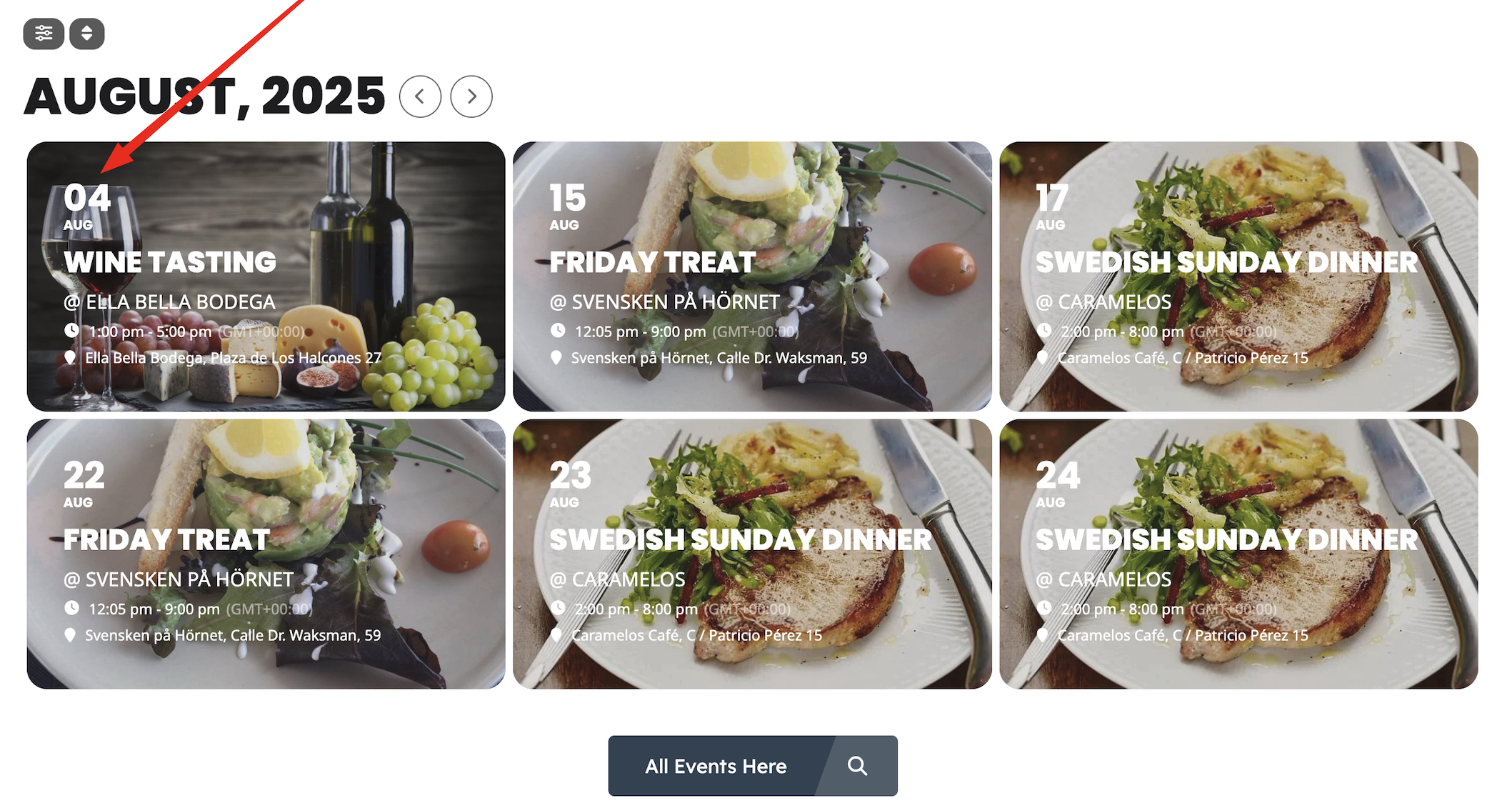
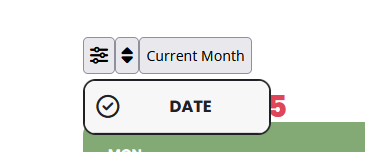
There are Calendar settings buttons that are covering the Month Text – None of this was there before. How do I remove these control buttons? We do not need any of them to display.
(see attached ScreenShot)
Please let me know when you have completed what you will be doing?
Thank You!
I believe that they are referring to this element:
.evo_lightbox.eventcard.eventon_events_list
Try adding the attribute with a JS snippet according to this guide:
https://wordpress.com/go/website-building/how-to-properly-add-javascript-to-wordpress-3-top-methods/
Code example:
https://stackoverflow.com/questions/14935191/adding-data-attribute-to-dom
Hello,
It seems that this issue isn’t related to EventON. Here’s the regular WooCommerce’s Product that also cannot be refunded:
https://www.networkmyclub.co.uk/wp-admin/post.php?post=90897&action=edit
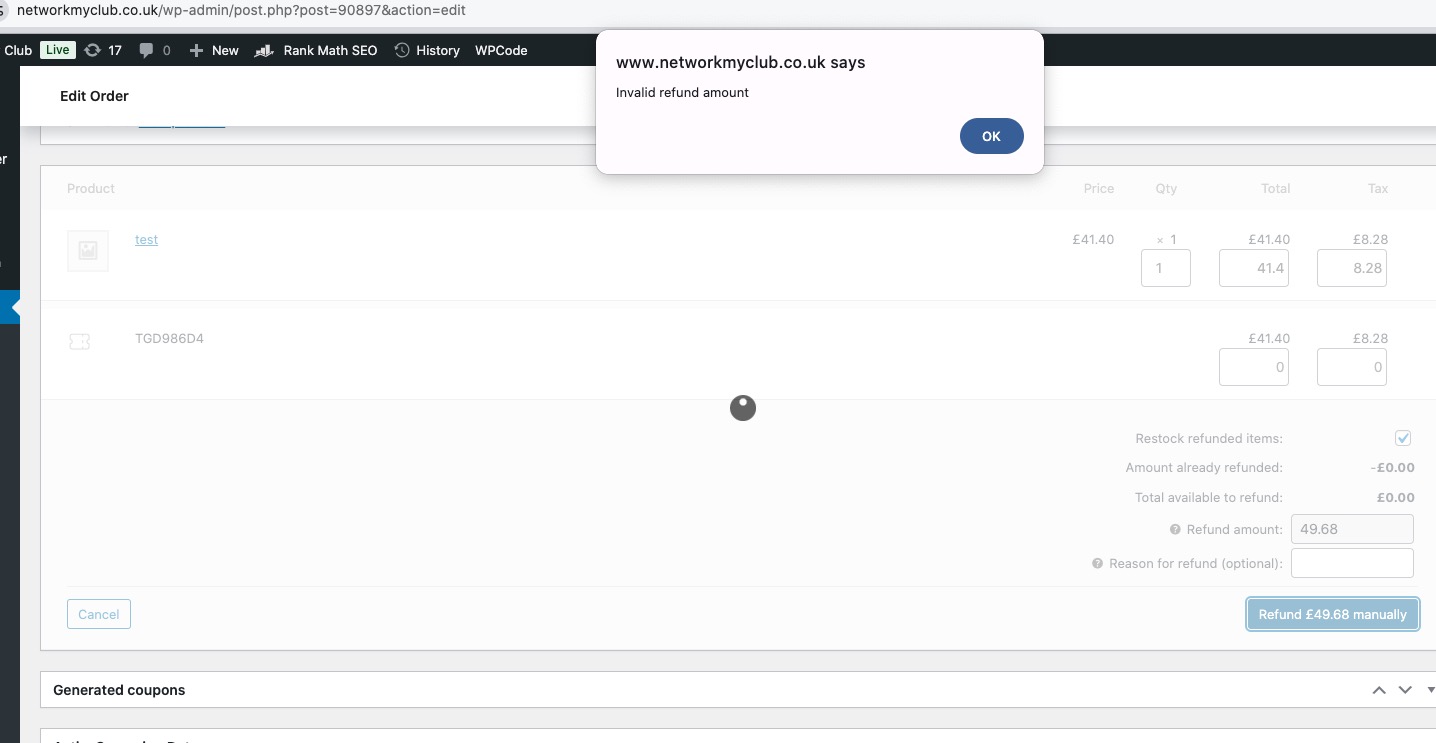
Do you use some kind of custom coupons?