You can add them for each Ticket Holder (#1, #2, …): https://docs.myeventon.com/wp-content/uploads/2018/07/capture.png
Archives: Replies
Replies for tickets on suppota

Reply to: tickets(238355)
Hello,
It seems there is an incompatibility issue with the theme. Please add this CSS code to EventON > Styles (If you don’t see any change, EventON > Scripts & Styling > turn off Write styles to header > save settings > turn on Write styles to header):
.single-ajde_events .evo_page_body { margin-top: 150px !important; }
About description. Please make sure that “EventON Settings > EventCard Data > Event Details” is enabled.
Reply to: tickets(238361)
Hello,
1. Please try this shortcode: [add_eventon tiles=”yes”]
You can change Event Color by going to Edit Event > Event Color:

2. Please use:
[add_eventon_list number_of_months=”12″ hide_empty_months=”yes” hide_month_headers=”yes”]
3. Please check https://docs.myeventon.com/documentations/how-to-show-past-events/
4. You can send us a customization request from Customize EventON Page.
5. Please use this shortcode:
[add_eventon eventtop_style=”2″]
Reply to: tickets(238295)
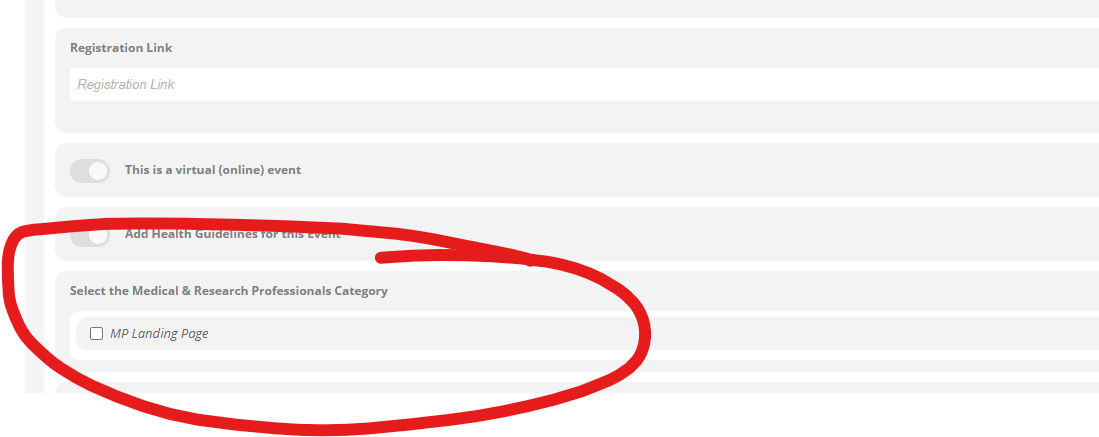
Ha! I just realized this morning…I don’t think I told them which question!
“Select the Medical & Research Professional Category”
I think I was trying to have the form list the category options. There should be two.
Medical Professionals
Persons affected by Vitiligo
Reply to: tickets(238366)
Hello,
1. Please check this page: https://limebayattamarac3.com/7827-2/. Maybe the issue was in quotes?
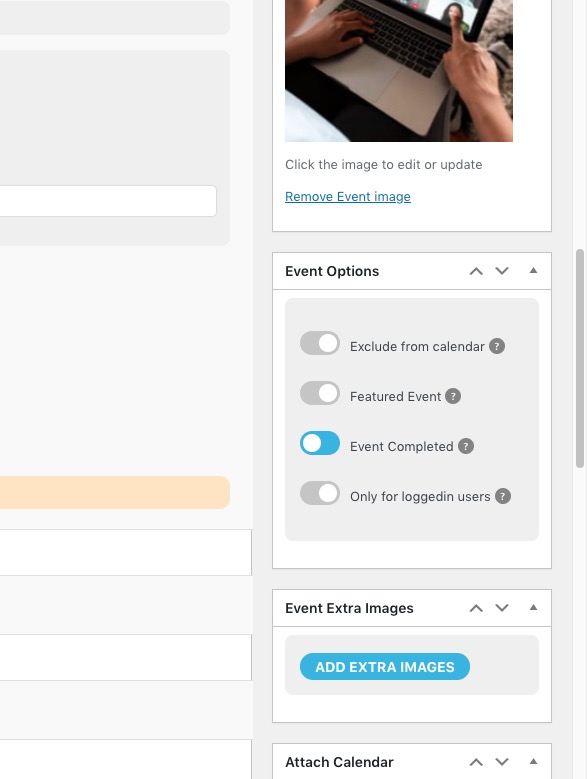
2. This is because they are completed:
3. Please check https://www.myeventon.com/addons/subscriber/. Try on https://dev.myeventon.com/wp-admin/
Reply to: tickets(237981)
it works but there are still some problems.
Could you tell us more about these issues?
Can we stop adding the QR code image as png to the media folder in ticket sales?
Thank you for your great suggestion, at the moment it is not supported. However please create a new ticket and select Feature Request as category so others can vote on your idea and get it moved into development faster. OR You can send us a customization request from Customize EventON Page.
Reply to: tickets(236243)
Sorry for the long delay in response. We’ve been trying a number of options on our side and experimenting with some of your recommendations.
Sadly, the regular calendar page you set up without ajax calls loads far too slow for us. We also tried the shortcode variable ux_val=’3a’ to no effect.
I believe our long-term solution might be integrating the EventON API plugin with Google Calendar. I don’t think there’s anything more to discuss right now so I’m closing this ticket.
FYI: According to my back-end helper, EventON relies on the HTTP POST method to fetch it’s response from the database. And almost every caching plugin just outright ignores the pages or elements that are sending POST requests to ensure data consistency.
That’s compounded by the fact that WordPress doesn’t cache data for logged in users. And all our users must be logged in to access our event information.
Reply to: tickets(238192)
I just noticed that you aren’t using Variations add-on https://www.myeventon.com/addons/ticket-variations-options/https://www.myeventon.com/addons/ticket-variations-options/. So this guide won’t help in your case: https://docs.myeventon.com/documentations/how-to-setup-and-get-started/.
Cart also works:


Could you send us screenshots of your current issues?
Reply to: tickets(238199)
This file looks exactly right: https://helpdeskx.s3.amazonaws.com/wp-content/uploads/2021/05/18030226/3-1.jpg
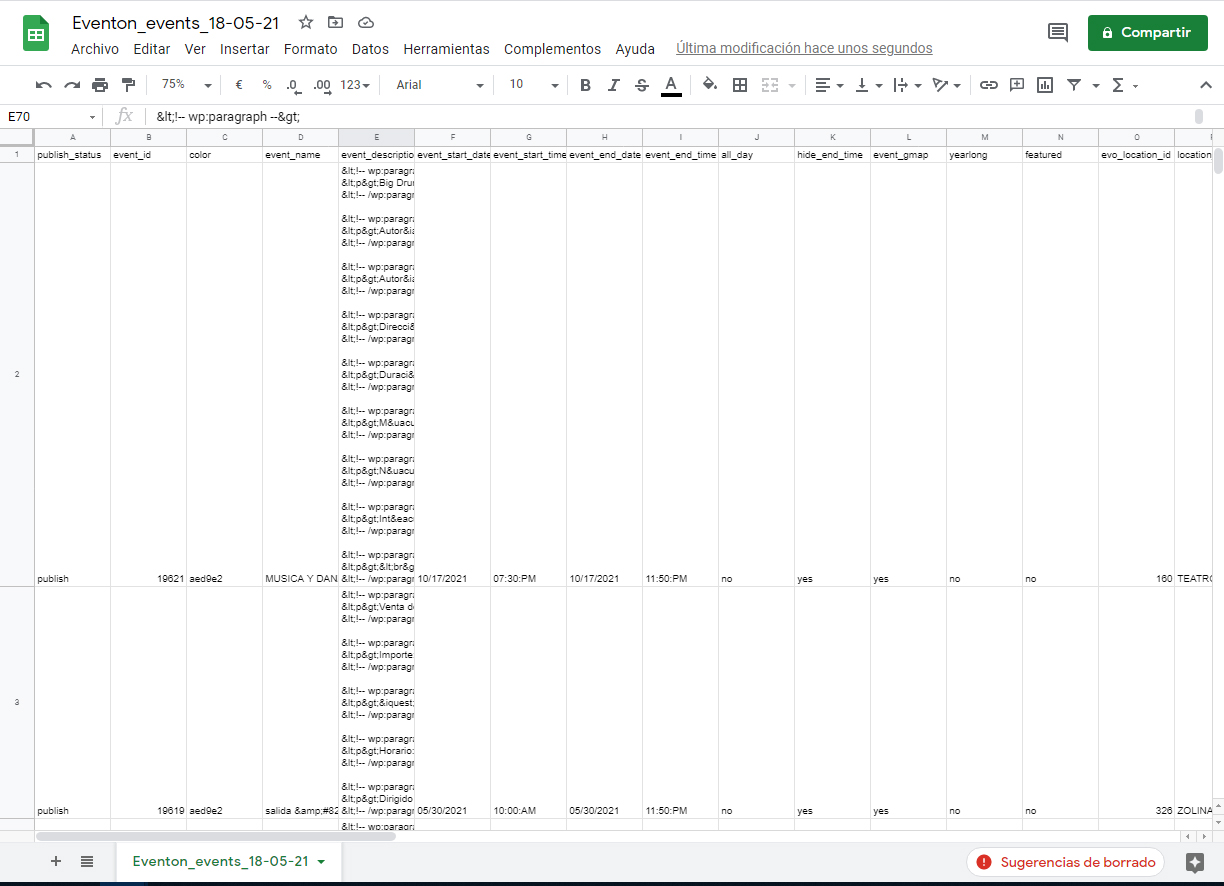
Because Event Description is quite large, Excel increased other columns as well.
Can we check your wp-admin? The access information you have provided did not work for us. Please check them and post the correct login information as a private message, thank you!
Reply to: tickets(238369)
Hi Ryan,
You can install the plugin a fresh. Here is a tutorial you can use. It’s for updating the plugin but in your case it should work just fine.