Great! If you have any further questions or concerns please create a new ticket.
Archives: Replies
Replies for tickets on suppota
Reply to: tickets(237316)
Ashan,
On dev2: https://dev2.myeventon.com/wp-admin/post.php?post=25931&action=edit (original), https://dev2.myeventon.com/wp-admin/post.php?post=26515&action=edit (copy)
Reply to: tickets(237316)
Thank you for your messages, I am going to assign this ticket to Ashan and he will be able to take it from here and find you a solution. Please allow some time for him to get back to you, we greatly appreciate your patience and thank you for being a eventon customer! Also please disable any IP blocking on your site if there are any.
Reply to: tickets(237981)
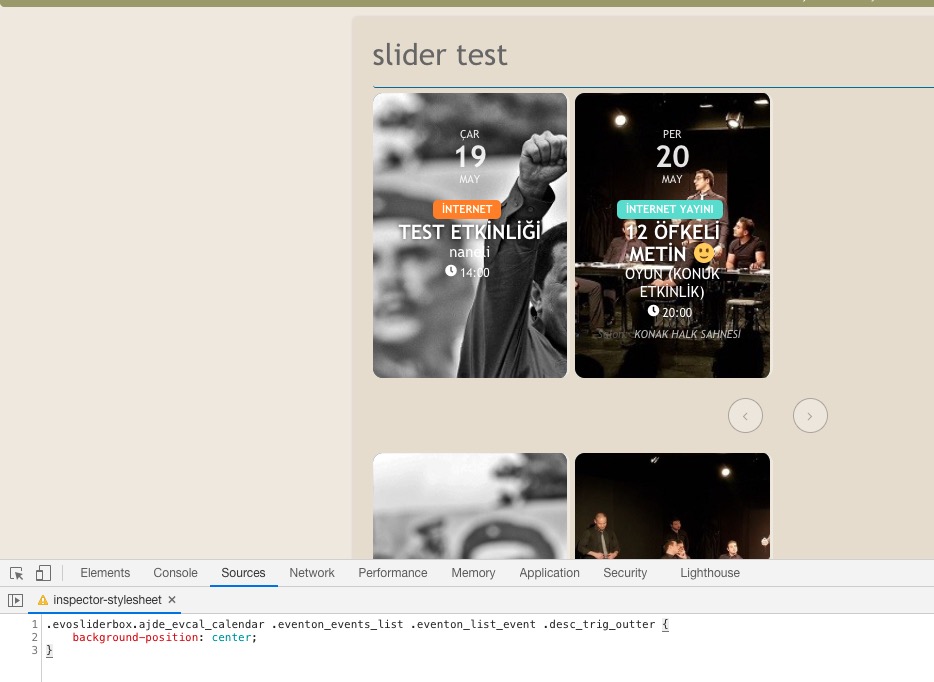
Please add this CSS code to EventON > Styles (If you don’t see any change, EventON > Scripts & Styling > turn off Write styles to header > save settings > turn on Write styles to header):
.evosliderbox.ajde_evcal_calendar .eventon_events_list .eventon_list_event .desc_trig_outter { background-position: center; background-position-x: center; background-position-y: center; }
Reply to: tickets(238173)
Please send us wp-admin access to your site as a private message for us to further assist your situation.
Reply to: tickets(238171)
that is not our calendar
our calendar is https://www.southtechschools.org/eventon-test/
I cannot see a third party plugin that you are using for the full calendar but you don’t have the full calendar addon
see video below
Reply to: tickets(237316)
Hi,
unfortunately it continues to duplicate all the seats making them all available
Reply to: tickets(238162)
Please update eventon to 3.1.5
To update eventon to latest version: If you are unable to do autoupdate, you can go to codecanyon your account > download and get the latest eventon version as zip file. Then you can go to your website, deactivate old eventon, activate (Do not delete eventon settings & data when EventON is uninstalled) from eventon settings, delete old eventon, install new one and activate. This link will further explain the process it. Also you can follow us on twitter to get real-time announcements on updates!
when downloading from code canyon- downoad all files and cocumentation (for some reason the update is in there and not the wordpress installable only) (which is probably why its not showing up in the backend)
Reply to: tickets(238151)
Thank you for your messages, I am going to assign this ticket to Ashan and he will be able to take it from here and find you a solution. Please allow some time for him to get back to you, we greatly appreciate your patience and thank you for being a eventon customer! Also please disable any IP blocking on your site if there are any.
Reply to: tickets(237998)
Ashan
customer wants to know how to start the Zoom meeting
can they simply click on the link in the front end of the event (once signed into zoom) – or do they have to go into zoom.us to start it