they will be able to see the event top- however if they click though to the singe event page- it will say they need to be logged in to view the event
you may need a hide plugin (theres free ones out there- I used to use one called “Hide this”) if you want that single event added to a page via shortcode to be hidden completely for non logged in people
the hide from front end is more so for calendars- hiding it from calendars but when you add it to a dedicated page it doesn’t hide the event top
https://nhkmizmir.org/slider-test/
this is the test page for the slider. If you look at the shortcodes you will see that there is also a problem with “information below” and “information on the left”.
If we will not have any compatibility problems in the future, it is okay to use 1.0.8. We also do not like the 2.0.2 version’s design that shows the information in the middle 🙂 Like 1.0.8 version, it looks more elegant on the left 🙂
You are very much welcome. If you have a moment, we would greatly appreciate if you could kindly leave us a review at codecanyon from your account > downloads.
Cheers!
hi dear friends, hi artem
1.0.8 installed due to this problem on our site in use. but you can see the problem on our test site: https://nhkmizmir.org
we have installed 2.0.2 here. You will see the result of this on the homepage. The results of version 1.0.8 are attached. You can test it by adding a shortcode to a new page and changing the version. they are the original unedited files of both versions.
nhkmizmir.org/wp-admin
agaksel
KeRtileN-17-!
Thanks a lot 🙂
You can close this ticket.
Hello,
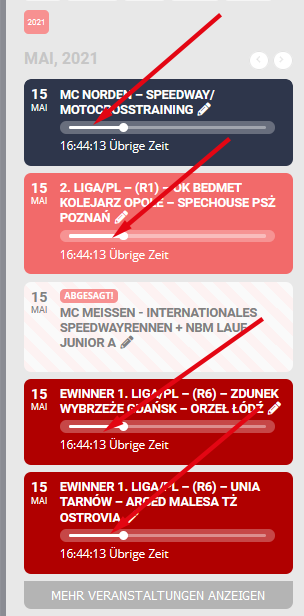
You can remove the progress bar by going to myeventOn > Settings > Event top and enabling the option to hide the progress bar.
Hi Daniel,
I am able to see the option to add variations to tickets on my end. Please take a look at the test event. Here is a tutorial which can help on how to create the ticket variations.
Hi Ella,
In that case use the custom CSS code below to make the text black.
.eventon_events_list .eventon_list_event .evcal_cblock em, .evo_pop_body .evcal_cblock em{color:black !important;}
its working now you can delete the test rsvp