Hello, when the action user add on is active, you cant add the featured image to the site, when it’s of, you can.
there’s seems to be a problema with the admin-ajax.php
user: eventon_admin
pass: TiHYvk0LS%kE$(#hQCXByOOP
https://electronicgroove.com/demo-post/
Thank you!
We are also having issues with our block editor, but we are working to get them resolved. Will keep you updated.
Hello,
EventON hides some inputs of GravityForm, but you can make them visible with this CSS code:
#evcal_list .gravity-theme p {display:block !important}
Please add this CSS code to EventON > Styles (If you don’t see any change, EventON > Scripts & Styling > turn off Write dynamic styles to header > save settings > turn on Write dynamic styles to header). You can also add this code to wp-admin > Appearance > Customize > Additional CSS.
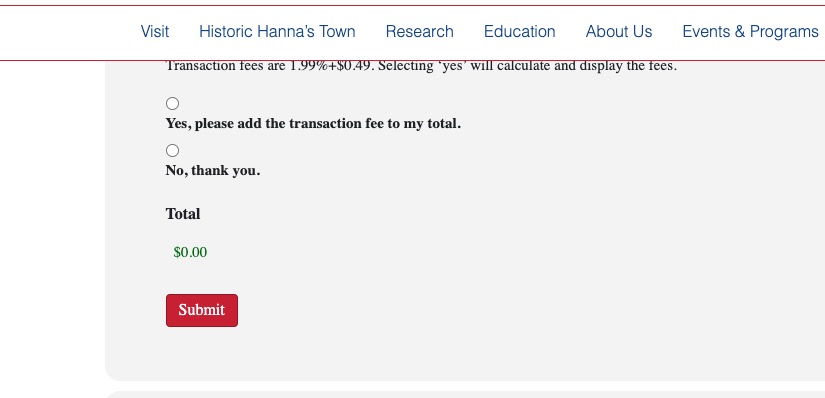
It seems that 0.49 issue is also fixed:
Could you check and let me know?
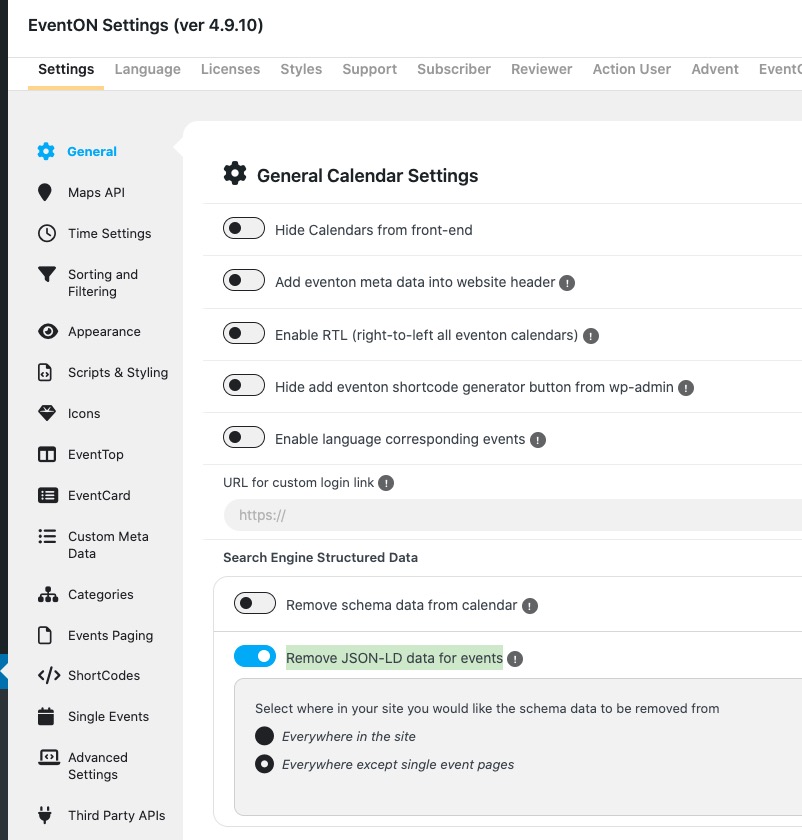
“Remove JSON-LD data for events” can be found in EventON Settings:
Thank you for the into! We are doing tests on our demo site. Will update you soon about the issue.
Please add this CSS code to EventON > Styles (If you don’t see any change, EventON > Scripts & Styling > turn off Write dynamic styles to header > save settings > turn on Write dynamic styles to header). You can also add this code to wp-admin > Appearance > Customize > Additional CSS.
.eventon_events_list .eventon_list_event .evoet_dayblock, .eventon_events_list .eventon_list_event .evoet_cx .evoet_dayblock span, .evo_pop_body .evoet_dayblock { flex-direction: row; align-items: center; }
.evcal_cblock .evo_start em.month, .evcal_cblock .evo_end em.month, .evcal_cblock .evo_start em.day { font-size: 30px; }
This code will turn date block into one row.
Hello,
I don’t see the attached image. Could you upload it somewhere and send us a link?
In order to add a date block to EventTop, please go to EventON > EventTop > add “Event date block”.
Hello,
Thank you for your great suggestion, at the moment it is not supported. However please create a new ticket and select Feature Request as category so others can vote on your idea and get it moved into development faster.
I cannot re-create the issue. Do I need to do anything else apart from just loading the website and switch between months?
Hello,
Perfect! If you have any further questions or concerns please create a new ticket.
We are expirencing a similar ur images upload but the dont asigne, this is everywhere on our site after the last aciton user update. If we disable the adon, it works perfectly.