Hello,
Could you clean your browser cache?
On my side:
Replies for tickets on suppota
Hello,
Could you clean your browser cache?
On my side:
Could you update EventON to 3.1.5?
To update eventon to latest version: If you are unable to do autoupdate, you can go to codecanyon your account > download and get the latest eventon version as zip file. Then you can go to your website, deactivate old eventon, activate (Do not delete eventon settings & data when EventON is uninstalled) from eventon settings, delete old eventon, install new one and activate. This link will further explain the process it. Also you can follow us on twitter to get real-time announcements on updates!
You will also need username and password to the staging site:
username: approach
password: shaggy-synonym
Still not working, I am afraid. Could you please try the instructions mentioned in this documentation to make sure your issue is indeed coming from eventon.
Ashan,
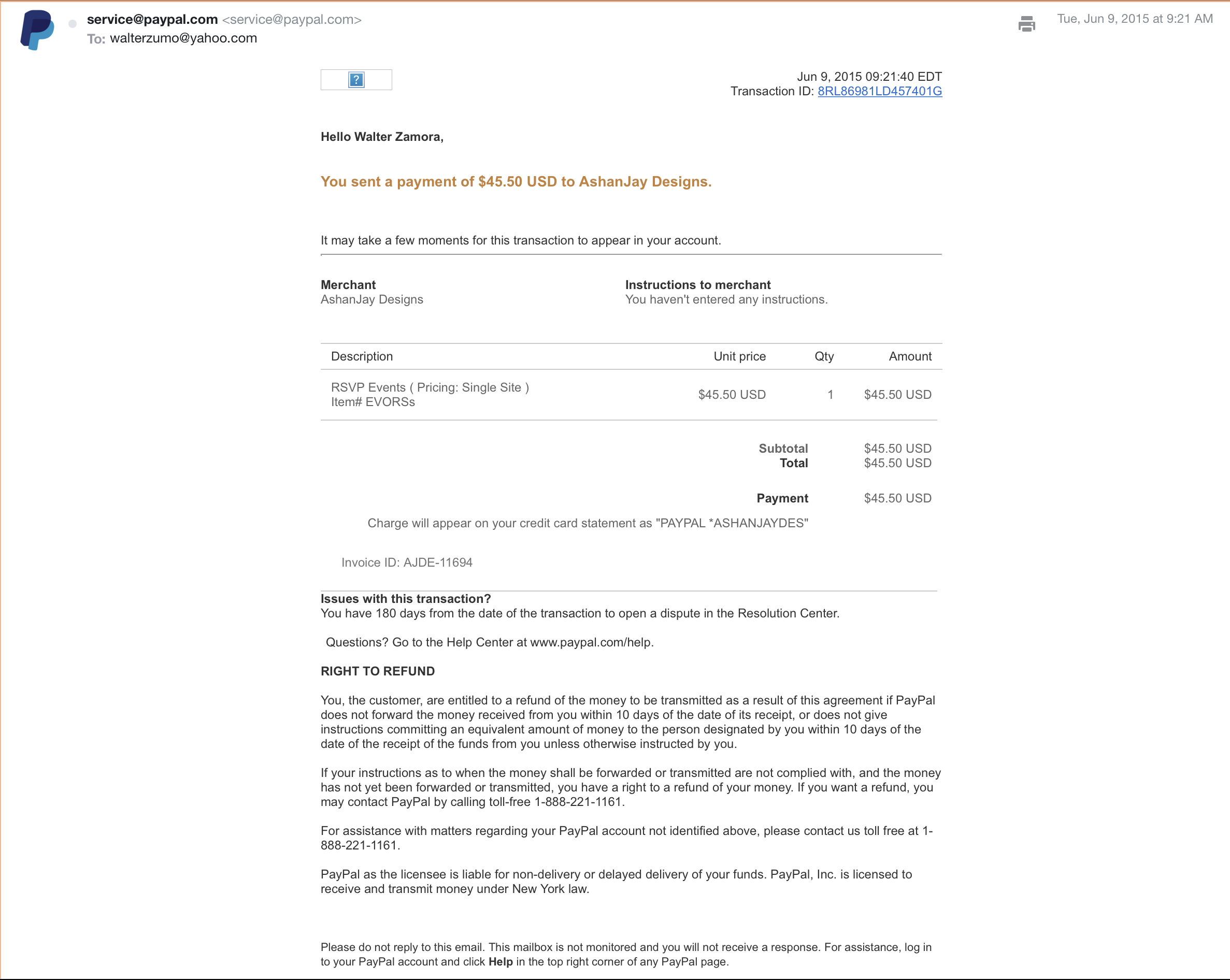
They have two emails: WL@waltlindveld.com (fullcal), waltezumo@yahoo.com (RSVP https://helpdeskx.s3.amazonaws.com/wp-content/uploads/2021/05/07055546/Screen-Shot-2021-05-07-at-8.46.49-AM.png).
The problem is that they don’t see them.
Thank you for your messages, I am going to assign this ticket to Ashan and he will be able to take it from here and find you a solution. Please allow some time for him to get back to you, we greatly appreciate your patience and thank you for being a eventon customer!
Please go to EventON Settings > Single Events > disable Show social media share icons only on single events.
Could you tell us more about how do your users login to your website? Isn’t https://joiabeachmiami.com/wp-login.php the correct link?
Hello,
Please update EventON to 3.1.5 and RSVP add-on to 2.7.2.
To update eventon to latest version: If you are unable to do autoupdate, you can go to codecanyon your account > download and get the latest eventon version as zip file. Then you can go to your website, deactivate old eventon, activate (Do not delete eventon settings & data when EventON is uninstalled) from eventon settings, delete old eventon, install new one and activate. This link will further explain the process it. Also you can follow us on twitter to get real-time announcements on updates!
To update eventon addons: You can download latest eventon addons from myeventon > my account. Then you can go to your website, deactivate old addon and install new one and activate then delete the old addon. This link will further explain the process. Also you can follow us on twitter to get real-time announcements on updates!
Hello,
Please update EventON to 3.1.5 and RSVP add-on to 2.7.2.
To update eventon to latest version: If you are unable to do autoupdate, you can go to codecanyon your account > download and get the latest eventon version as zip file. Then you can go to your website, deactivate old eventon, activate (Do not delete eventon settings & data when EventON is uninstalled) from eventon settings, delete old eventon, install new one and activate. This link will further explain the process it. Also you can follow us on twitter to get real-time announcements on updates!
To update eventon addons: You can download latest eventon addons from myeventon > my account. Then you can go to your website, deactivate old addon and install new one and activate then delete the old addon. This link will further explain the process. Also you can follow us on twitter to get real-time announcements on updates!