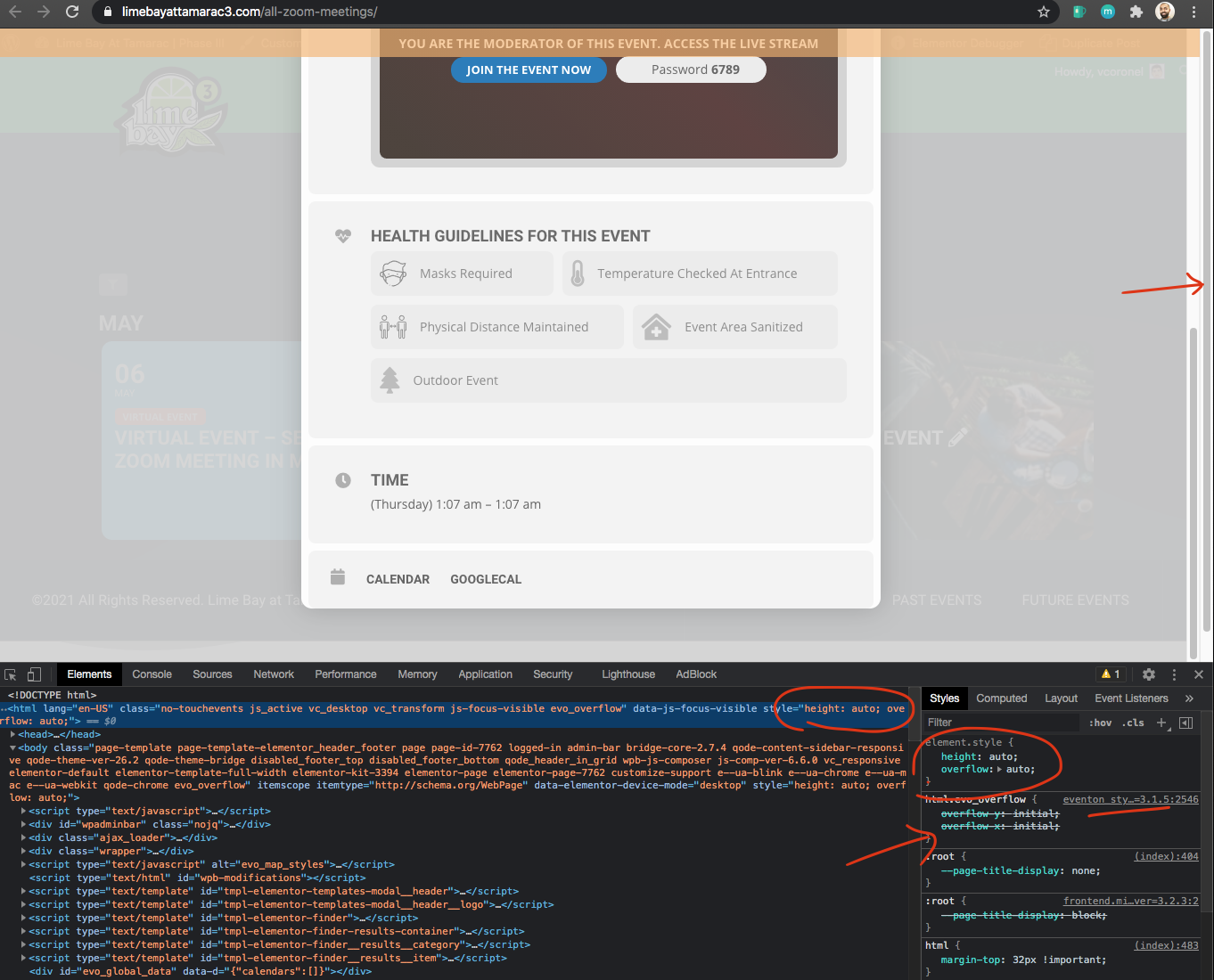
as far as the scroll issue. your website has some styles added to html tag that override eventON styles which makes it possible to scroll on lightbox window.
Although i had no issue scrolling to the bottom of the page. May be these styles overdies are coming from your theme??
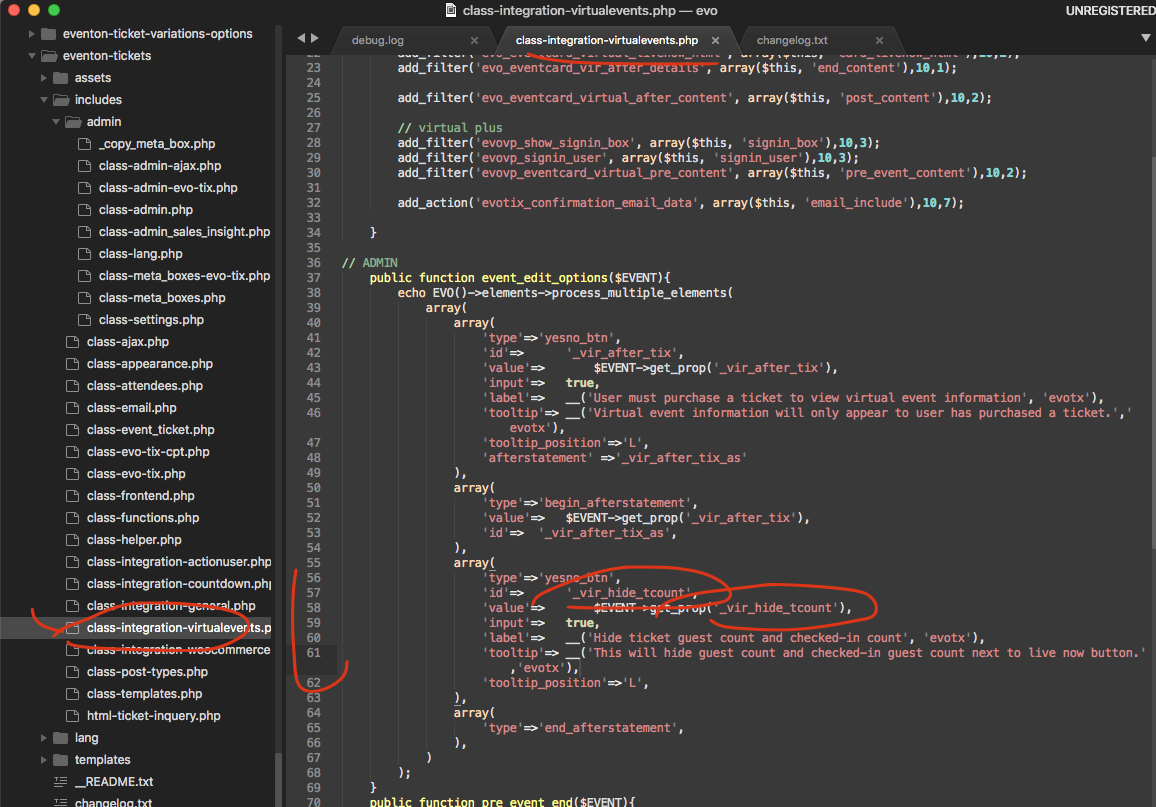
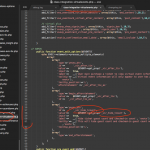
here is the patch fix. Will release this fix in the next update.
I know what is happening so when you save time it is saved at UTC0 and that is what is used to order events currently it does not take into account the timezone offset. Unfortunatly I do not have a better solution for you. We will work on this and see if we can find a solution in the future 🙂
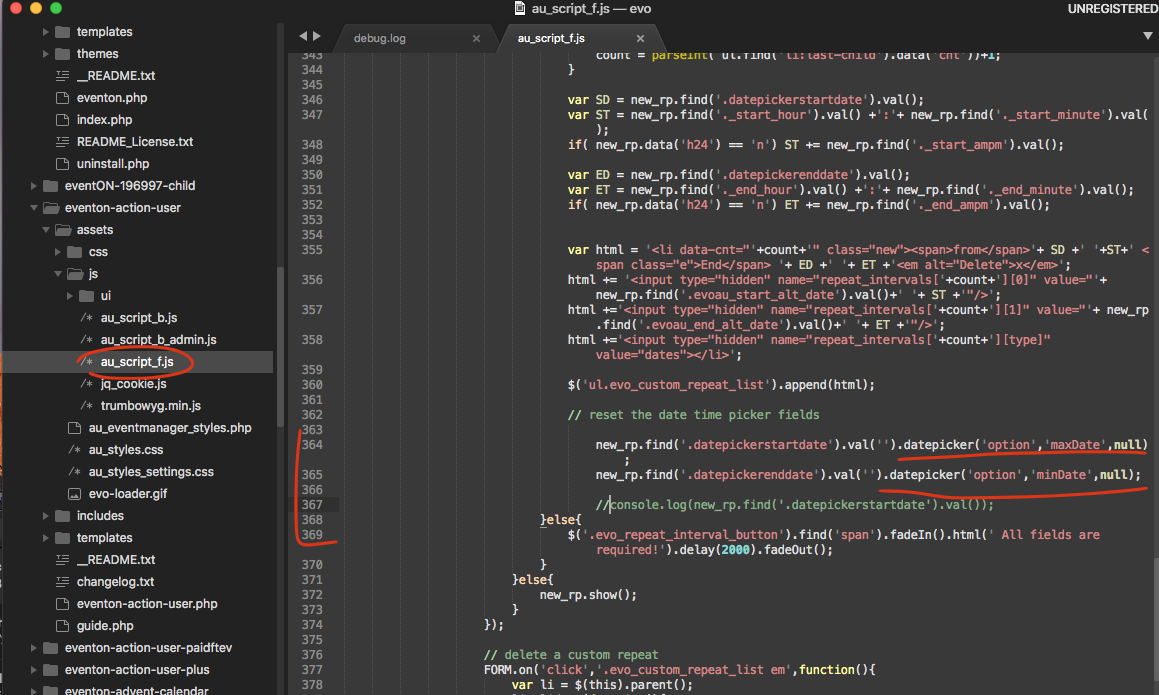
actually here is a patch fix to resolve this.
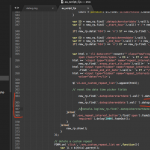
Thank you.
It seems to work as intended.
A couple of things: I did not go in to look at the setup. But I see you added an extra class to achieve this: This is a fictitious class to test ticket variations
Is this a general programming change or is it the way you implemented my situation in my particular site? Is this something I can easily reproduce?
And finally: can I change the order in which the tickets show up at the user’s end?
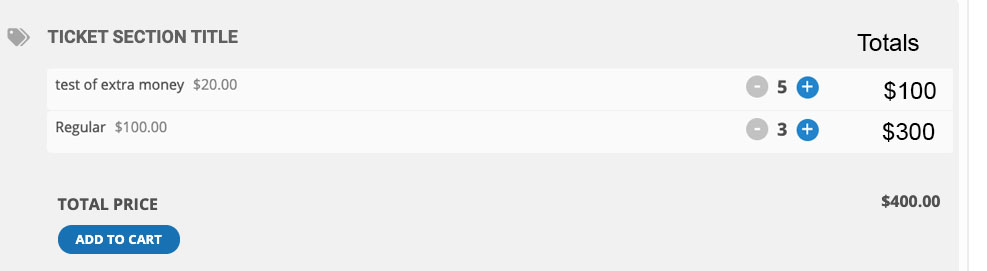
It seems to me a much better implementation and easier on the user would be to have a layout like this:
Thanks in advance
dianna as a temp solution please select the end date first and them it will open up start date after repeat is added. I will get this resolved in thenext version update.
You should use the same date for zoom as the event. What ever date you use for zoom will be the time zoom meeting will be ready to go. And you can use the link from front end to access the event on the date 🙂
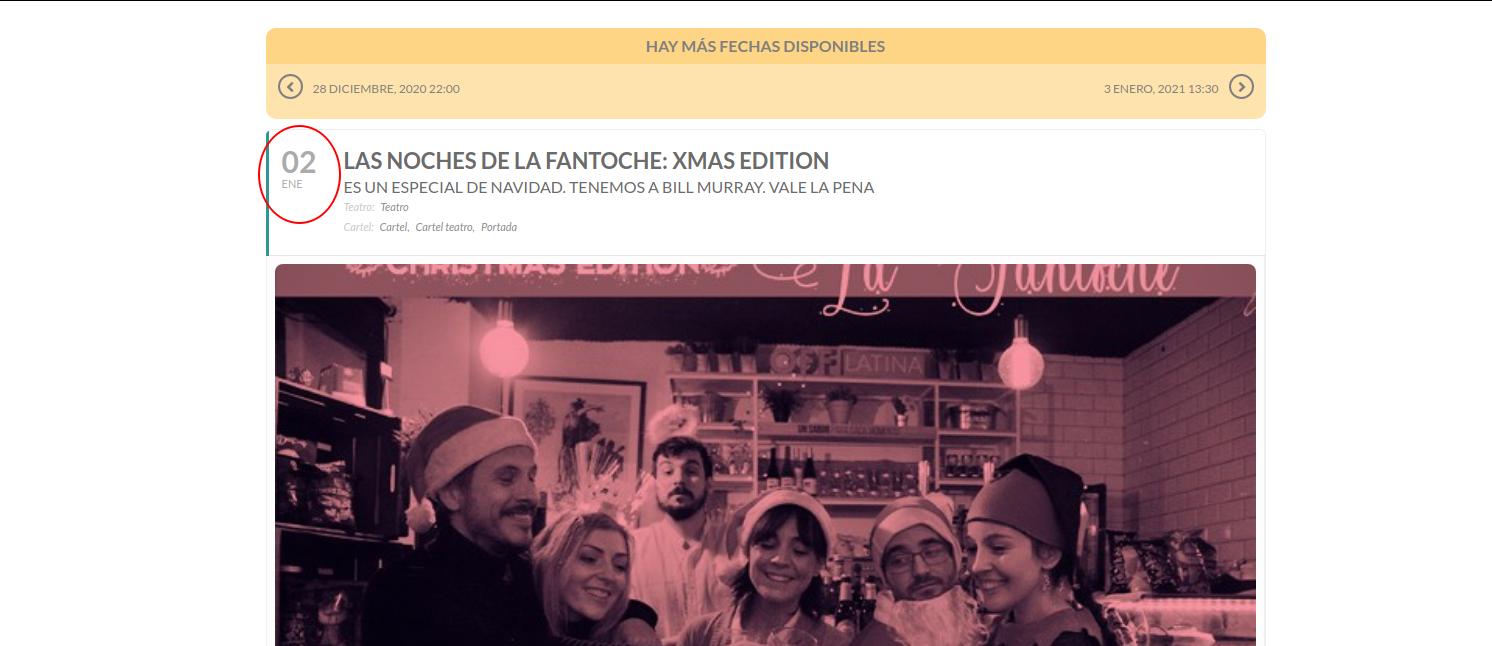
Thank you. It works.
And is there any way to hide from the EventTop, in single event page, Event Date field but show the same field in any calendar view?
1. Do you mean add?
2. You can change the order through the code.
3. It all depends on what kind of fields you are going to add.
4. Please check https://docs.myeventon.com/documentations/how-to-add-additional-fields-at-checkout/ > Code 2. > ‘required’=> false,
5. Please check https://docs.myeventon.com/documentations/how-to-additional-data-to-confirmation-email/
6. WooCommerce handles this part so not sure.
7. Please check https://dev.myeventon.com/wp-admin/
8. Unfortunately, no.
which infos do you need from host?
I would like to know if is it a shared server or a dedicated one?