I have to re-generate ticket and re-send email ticket everytime to have the right number….
Can you solve this ?
Replies for tickets on suppota
I have to re-generate ticket and re-send email ticket everytime to have the right number….
Can you solve this ?
thanks. The update worked. Now an email was also sent after the booking. However, first came an email with a passport. That confused me. We don’t need that. But now I still have the problem that if I delete a booking and synchronize it with the event, the available number of participants is not adjusted. Thank you Thomas
Hi,
Yes but the pdfticket on the customer mails have also a wrong number…. It’s binding.
Please, can you have a look ?
please update eventon to 3.1.5
To update eventon to latest version: If you are unable to do autoupdate, you can go to codecanyon your account > download and get the latest eventon version as zip file. Then you can go to your website, deactivate old eventon, activate (Do not delete eventon settings & data when EventON is uninstalled) from eventon settings, delete old eventon, install new one and activate. This link will further explain the process it. Also you can follow us on twitter to get real-time announcements on updates!
after updating please go to myeventon>>>>settings
scroll to the bottom and select from the drop down
Select the email content type character encoding type
remove
ux_val=”3″
from the shortcode on the events page
I sent a request there.
thanks a lot !
Hi Fabio,
Could you please try the instructions mentioned in this documentation to make sure your issue is indeed coming from eventon.
Hello,
yes it is configured to open in new window but it doesnt work.
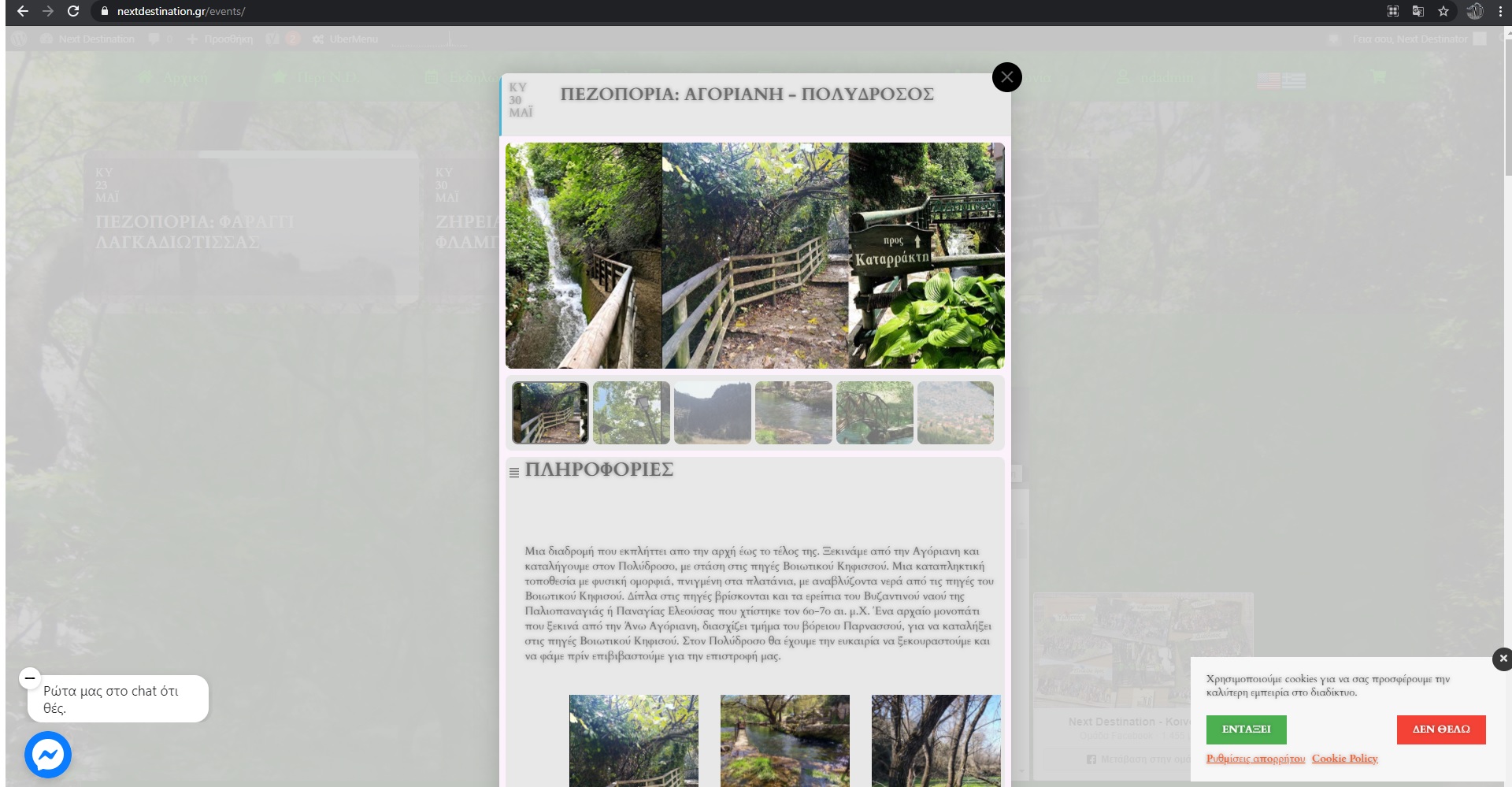
If you go to the events page (as a client) and click on the event… https://nextdestination.gr/events/
When you click on the event it doesnt open in a new window. The event pops up in a lightbox!
Probably want to use custom meta data which is what we call adding an extra field
In myeventon>>>>settings>>>>custom meta data
activate one- make it ….say a button
call is Regsiter
then in myeventon>>>>settings>>>>event card data- activate it and drag it to where you want it
now when creating a (or editing old) events you will have a new field- called register
give the button a title “Register here”
and put the link in- please also add the https:// otherwise the link wont work
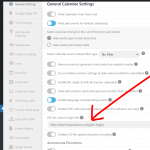
an familiar with peepso but if you go to myeventon>>>>>settings (see screenshot)
you can add a custom login link