Hello,
Could you update EventON to 3.1.5?
To update eventon to latest version: If you are unable to do autoupdate, you can go to codecanyon your account > download and get the latest eventon version as zip file. Then you can go to your website, deactivate old eventon, activate (Do not delete eventon settings & data when EventON is uninstalled) from eventon settings, delete old eventon, install new one and activate. This link will further explain the process it. Also you can follow us on twitter to get real-time announcements on updates!
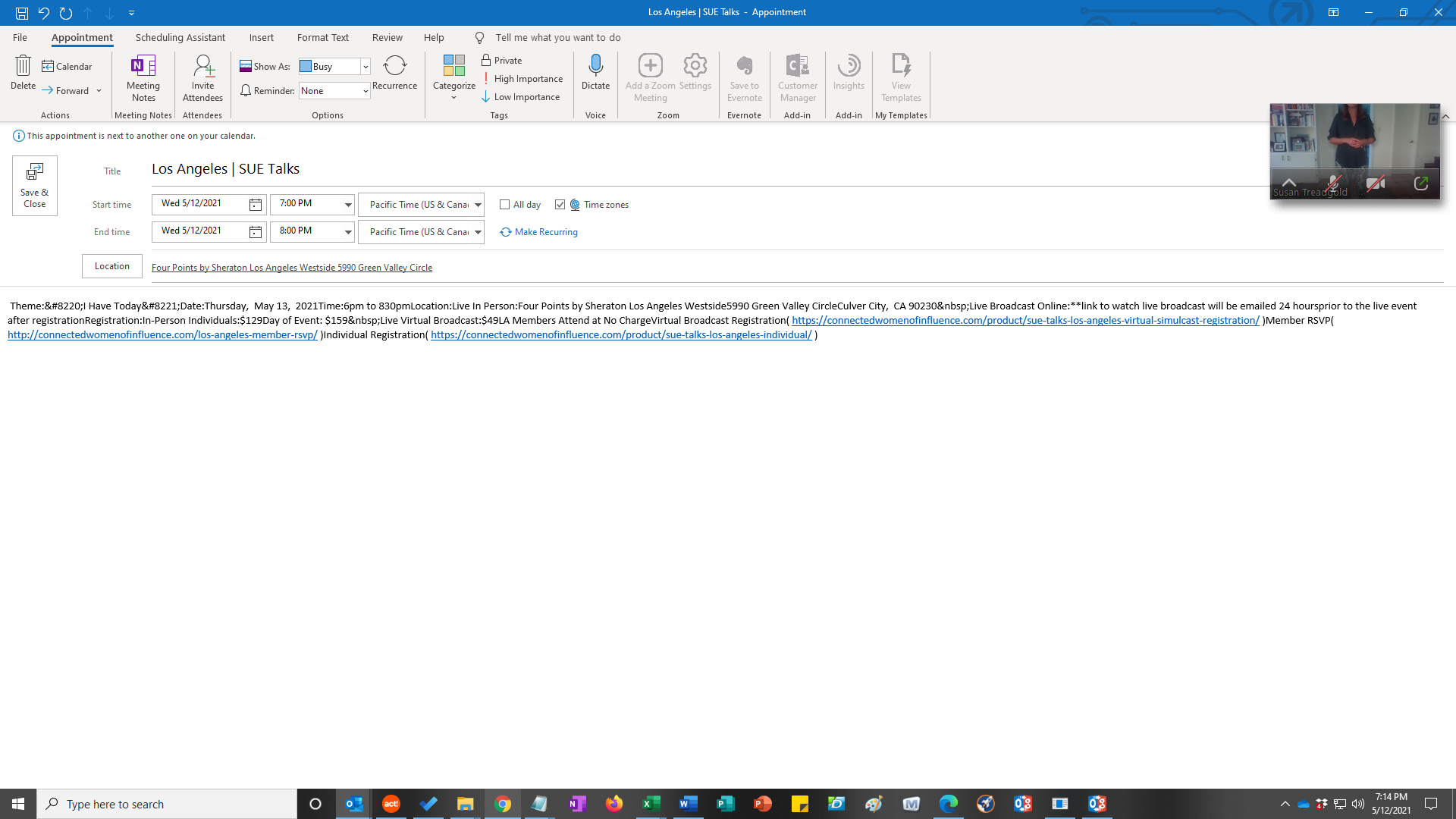
Please also make sure that wp-admin > Settings > Timezone and EventON Settings > Time Settings > Default Event Timezone are same.
Hello,
Thank you for your messages, I am going to assign this ticket to Ashish and he will be able to take it from here and find you a solution. Please allow some time for him to get back to you, we greatly appreciate your patience and thank you for being a eventon customer!
Hi thanks for the reply
I’ve pretty much come to the conclusion that I’m probably not using this in the way you envisioned. So I’m creating my own tables now using single events – https://borrowed-time.info/programme/
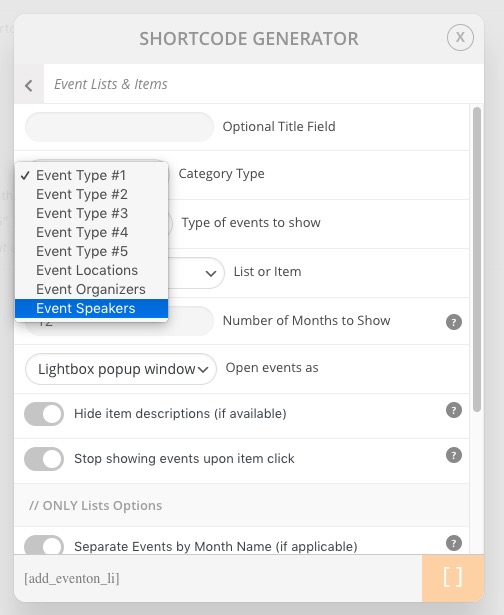
It would be nice to be able to show a summary schedule generated from the events, but it sounds like this is not at all straightforward. I’m making the tables manually because it’s the only way I can get control over the way the information displays. It would be really nice to be able to easily display only the schedule and only the speakers.
Hey Guys –
Our hotel opens tomorrow for the season, and I have no events calendar up on our site!
I really need to get this issue resolved so I can begin to upload all our events for the season and display the monthly calendar for all our guests.
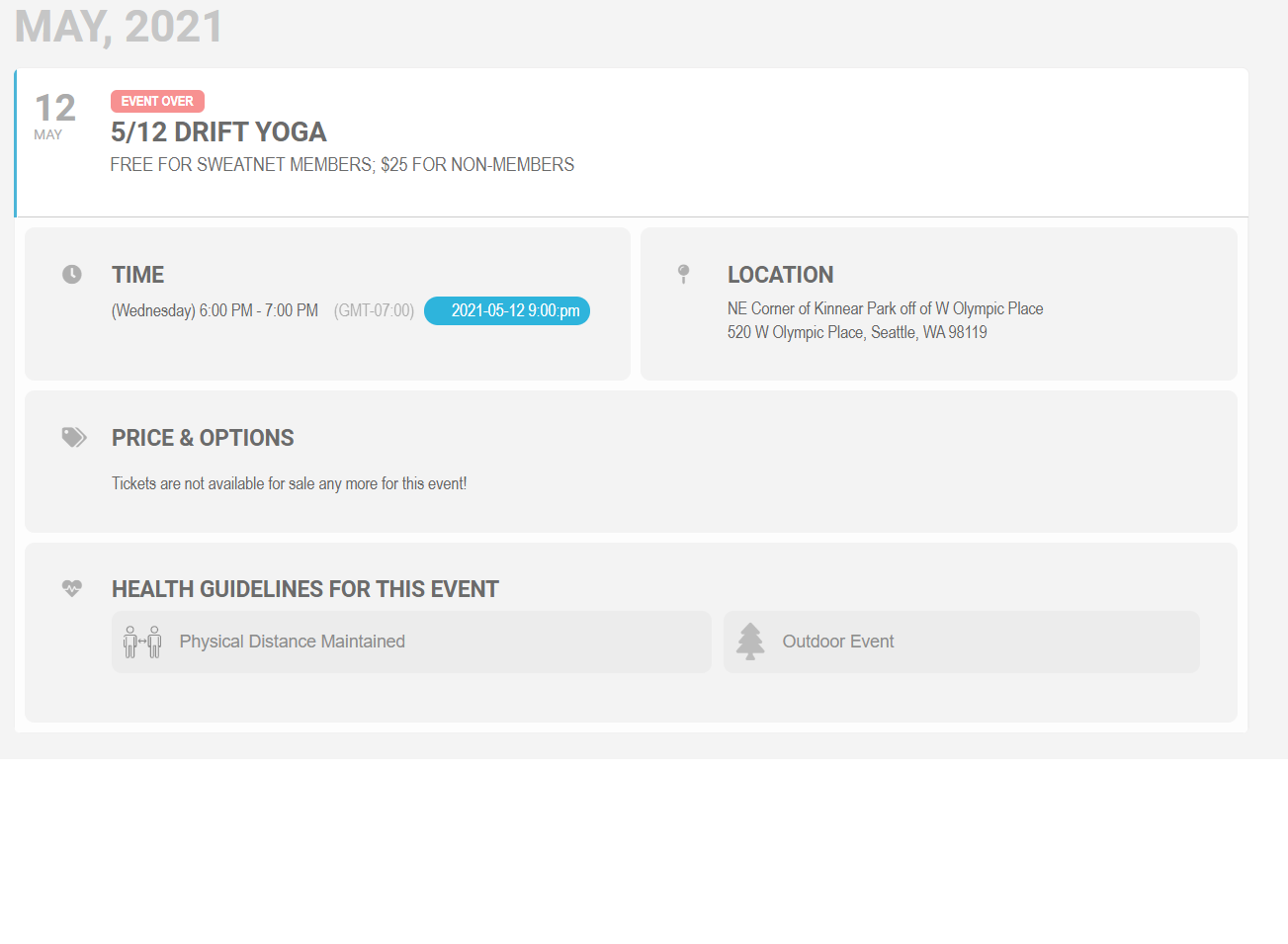
Here is an example. Note the time is 6:00PM (GMT -7). The display in my timezone shows that this should be 9:00 PM. The current time I took this screenshot is 8:00 PM.
We are glad your issue is resolved, if you have any further questions or concerns please create a new ticket.
If you have a moment, we would greatly appreciate if you could kindly leave us a review at codecanyon! from your account > downloads. Cheers!
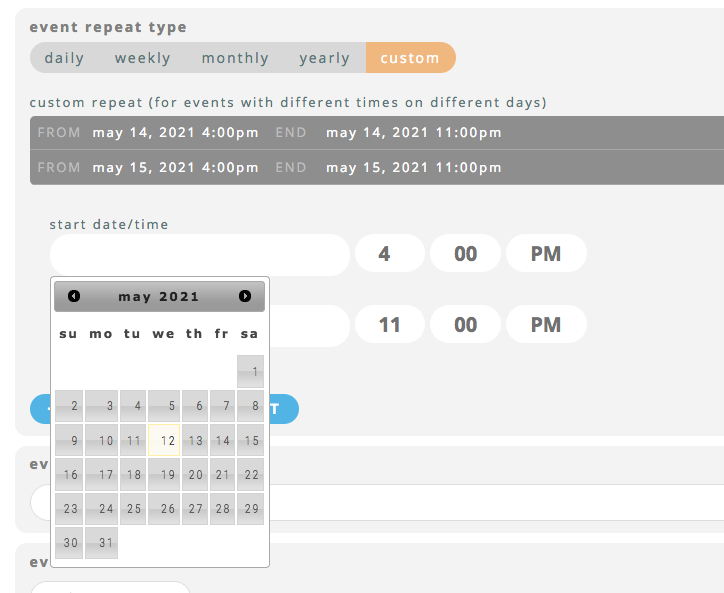
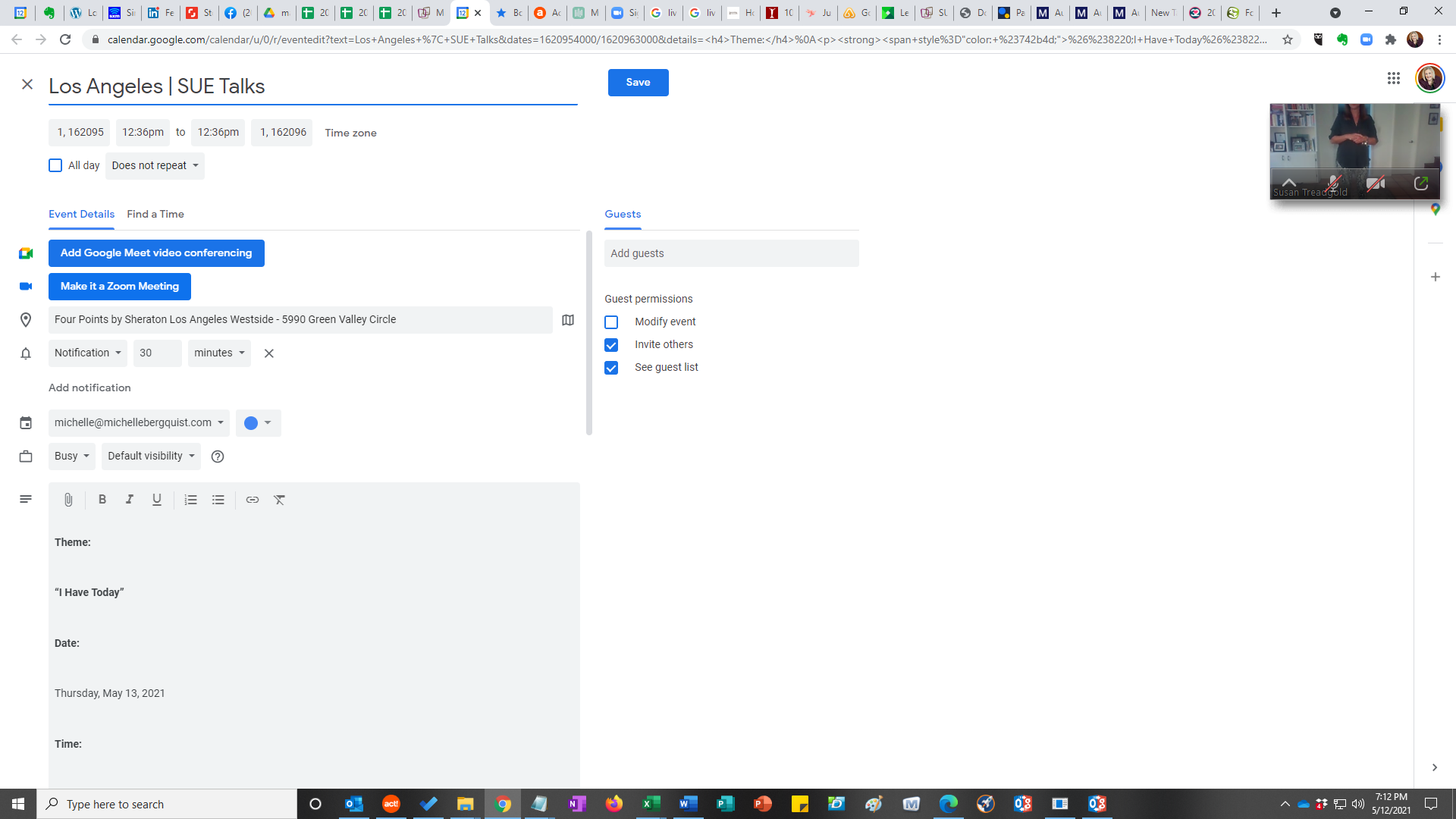
See, this is it working right on the start date time. Only after I click around on the end date and come back to it.