Hey Javi,
We are still reviewing yes, we will be able to update you soon
Replies for tickets on suppota
Hey Javi,
We are still reviewing yes, we will be able to update you soon
Hello,
Could you replace slides_visible = “3” with slides_visible = “5”? Unfortunately, 5 is the highest number you can input.
Could you tell me how to solve the problem…
You can make them Featured from Edit Event and then add only_ft=”yes” to your shortcode to Show only featured events.
I was able to add May 15-16: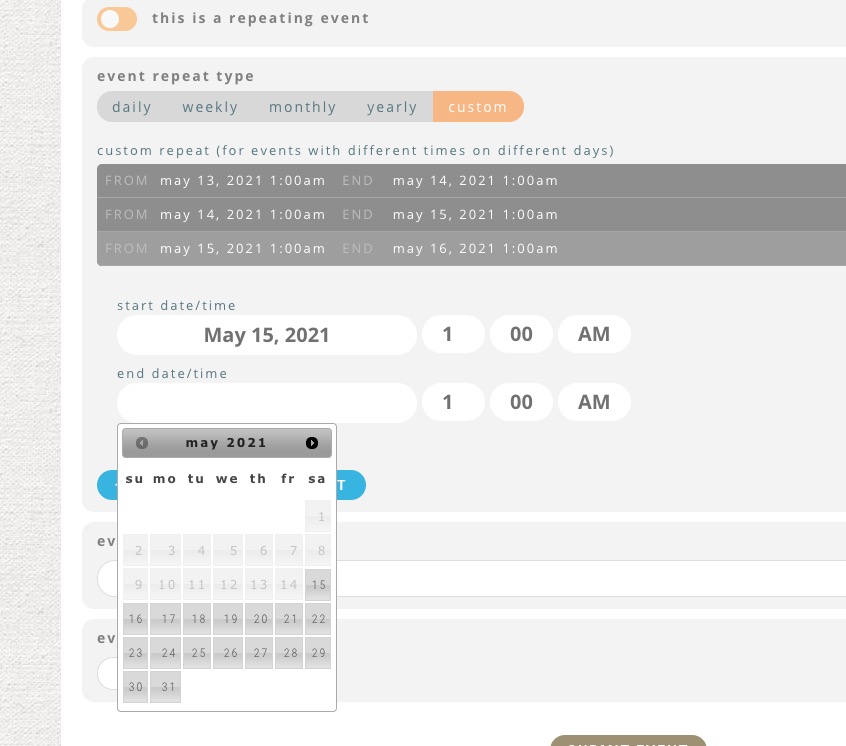
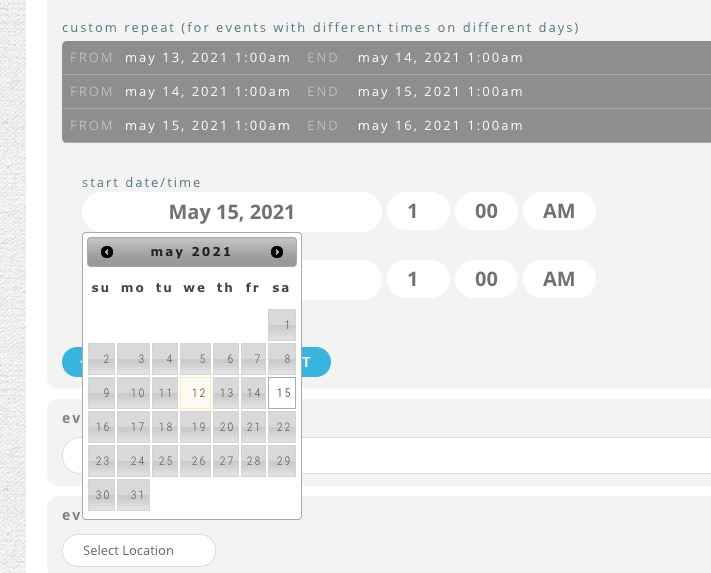
As you can see I can add any date I want.
On this screenshot you clicked on Start or End date? https://helpdeskx.s3.amazonaws.com/wp-content/uploads/2021/05/12121108/event-on-ss.png
Hello,
Unfortunately, we don’t have any access to your CodeCanyon account. Please contact them about the issue.
Hello,
This is possible to be done! It is something have done it already for many customers.
You can send me customization request from Customize EventON Page.
Let me know if any questions.
Hey Thomas,
Done with most of the work, I am sending u tomorrow the plugns
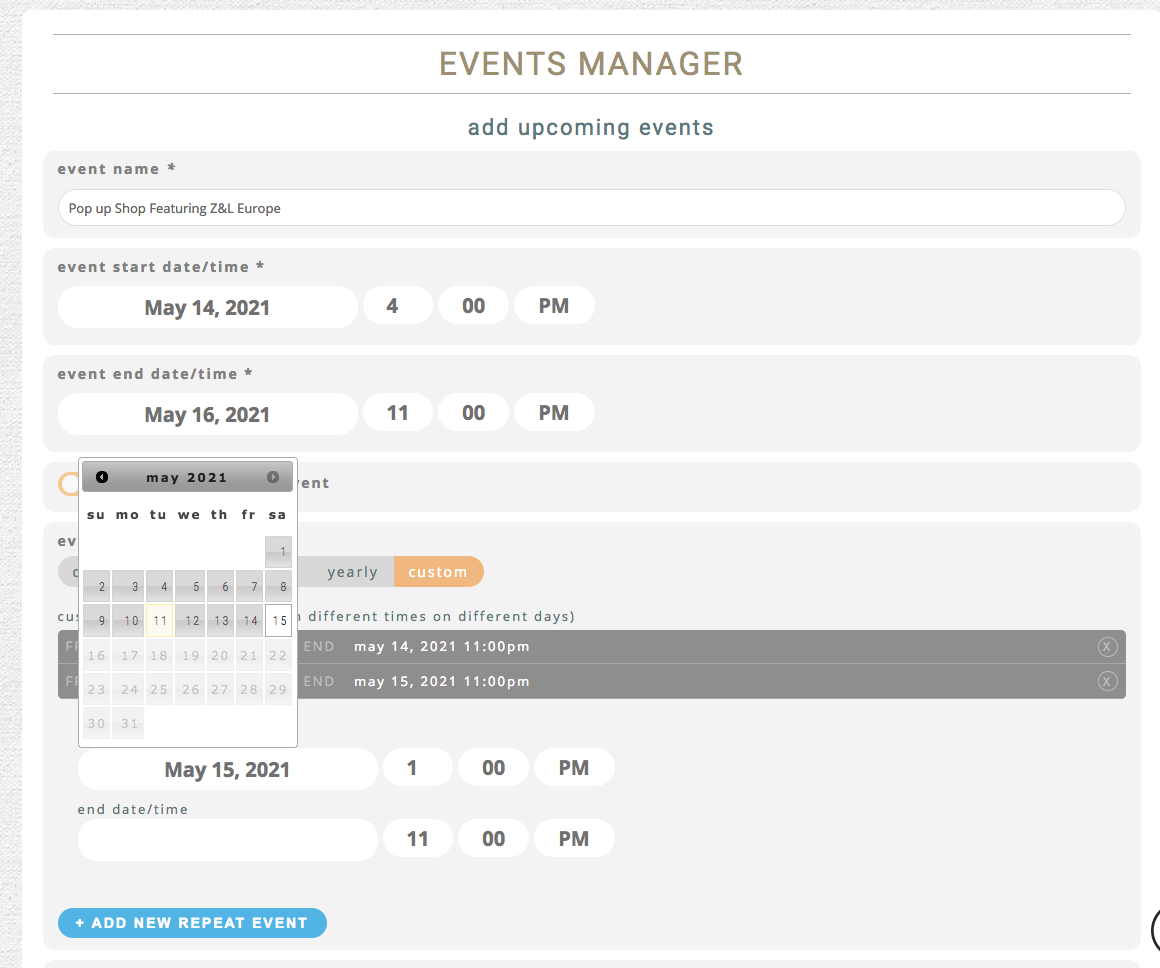
Here is a screenshot, I have a 3 day event, from May 14 through May 16. I add in the first 2 days. Then when I get to the third day, it won’t let me click on the third day, the 16th.
depending on your theme you might be able to hide via css all the event details except for the speakers and schedual what page builder are you using
(it would need the ability to add page specific CSS)
what specific questions do you have for the addon and I can create a video of how to use it on your own website if you provide wpadmin access
are you experiencing any issues from the front end? as in are customers not able to load the calendar?
Please send us wp-admin access to your site as a private message for us to further assist your situation.