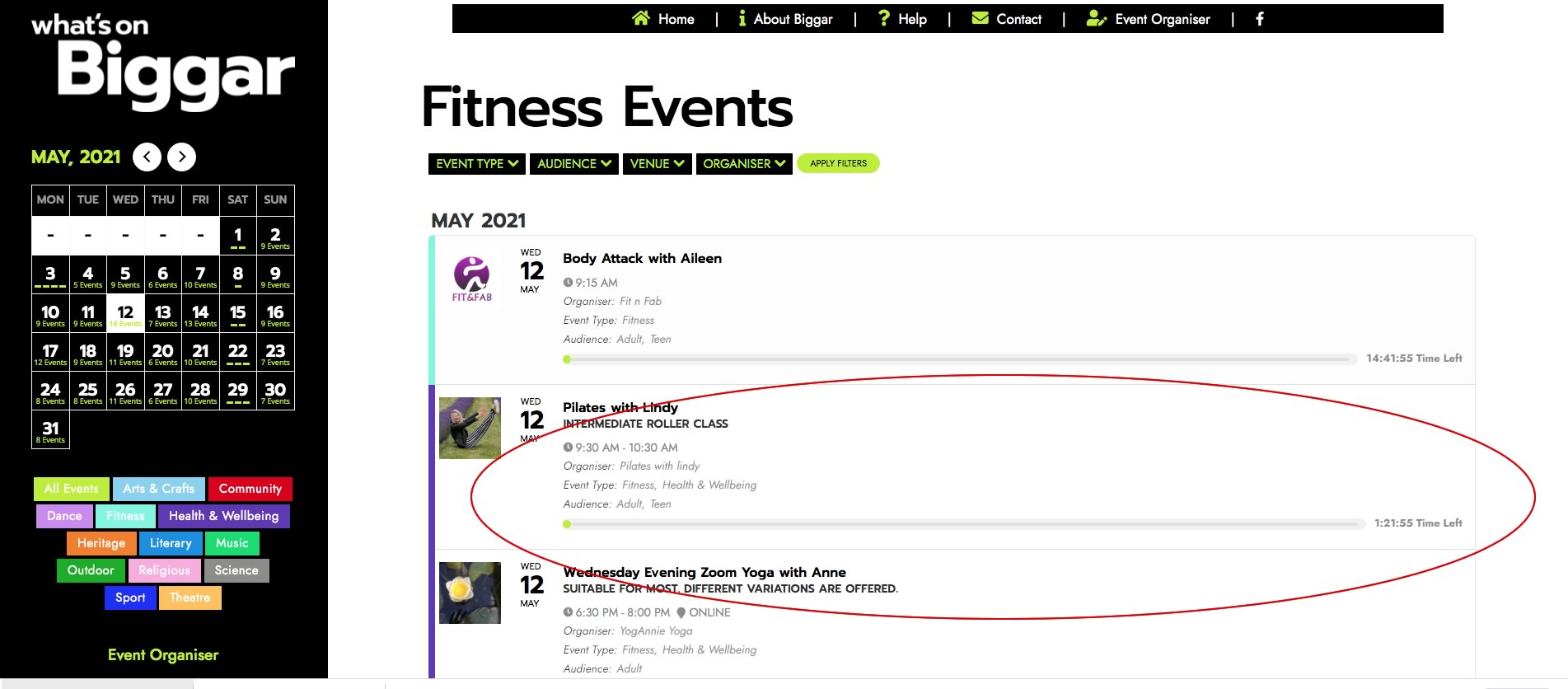
EventON uses Post Date to sort them. Please go to Events > Edit Event > try changing Publish date.
Archives: Replies
Replies for tickets on suppota
Reply to: tickets(237652)
Reply to: tickets(237140)
Hello,
Your server’s timezone is London, but default event’s timezone is +0:
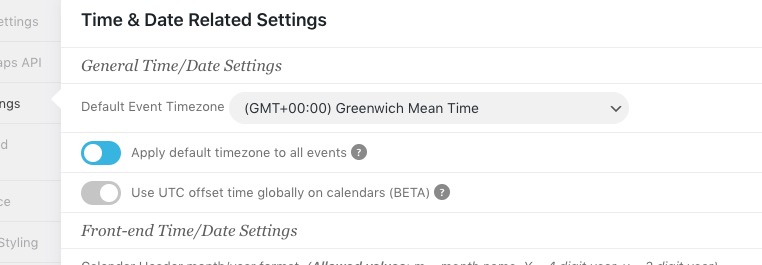
Could you check and also try enabling “Use UTC offset time globally on calendars (BETA)”?
Reply to: tickets(237141)
I tried to sent https://www.foodsorcery.co.uk/wp-admin/post.php?post=61000&action=edit to myself and it worked correctly: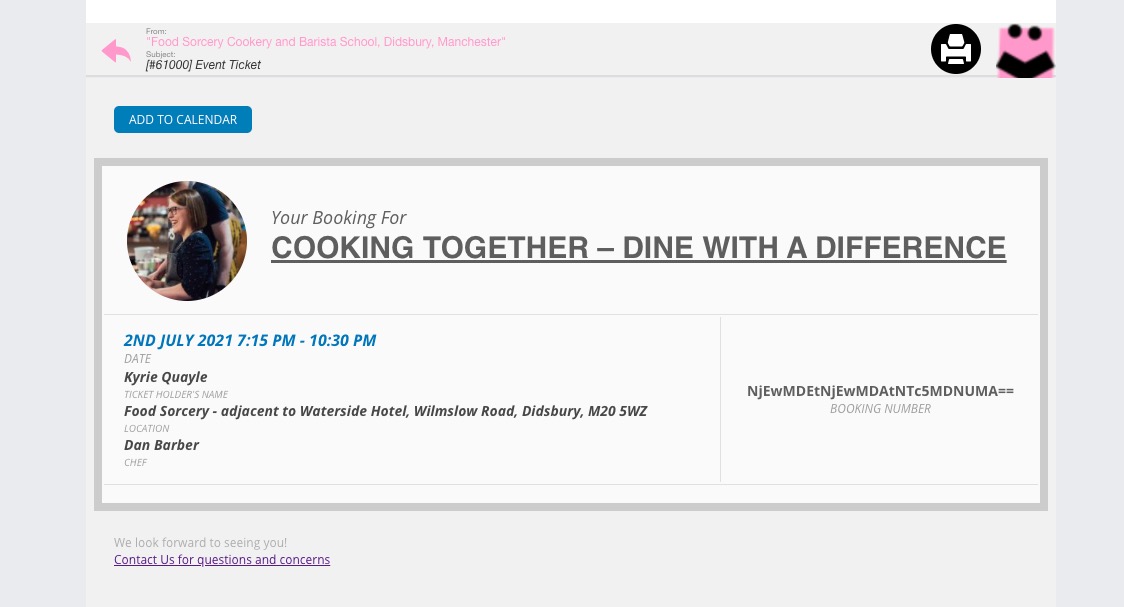
Do you have similar issue with https://dev.myeventon.com/wp-admin/?
Maybe the issue is in Imagify or any other plugin?
Could you also try updating EventON Tickets to 1.9.3?
Reply to: tickets(237588)
Hello,
Please send us a screenshot.
Reply to: tickets(237279)
Could you send us a screenshot of the issue?
Reply to: tickets(235934)
Ashan,
Could you check this one? It seems that some translated strings in Loco can cause this, the problem is that I am not sure how to identify which ones.
Modal window login/pass:
user: academeet
pass: academeet2022
Reply to: tickets(235934)
I don’t think that the problem is in Loco plugin itself but some translated strings that can cause this.
Thank you for your messages, I am going to assign this ticket to Ashan and he will be able to take it from here and find you a solution. Please allow some time for him to get back to you, we greatly appreciate your patience and thank you for being a eventon customer! Also please disable any IP blocking on your site if there are any.
Reply to: tickets(232990)
2. It seems that your theme or WooCommerce adds this.
3. Could you try going to https://the-human-journey.com/wp-admin/admin.php?page=eventon&tab=evcal_tx > Default event ticket stop selling time base: When Event Ends?
Reply to: tickets(237624)
Hello,
Could you try cleaning your browser cache and check again?