Here you have:
https://www.futuregg.com/wp-admin
eventon
9I0D^NI$*xvXvXJ58fSTG5ZQ
Please let me know what changes you made.
Thanks
Javier
Replies for tickets on suppota
Here you have:
https://www.futuregg.com/wp-admin
eventon
9I0D^NI$*xvXvXJ58fSTG5ZQ
Please let me know what changes you made.
Thanks
Javier
If I use WordPress option same issue however…. if I use NO Filter…IT works with Memberpress active. Memberpress support think it is a Jquery issue.
Hi Ashan,
sorry for my delay, the client was on a holiday. She says:
For the alternative name, it could also have been called ‘aucsaboard’. Would it be possible to track the username someway else if the name cannot be found?
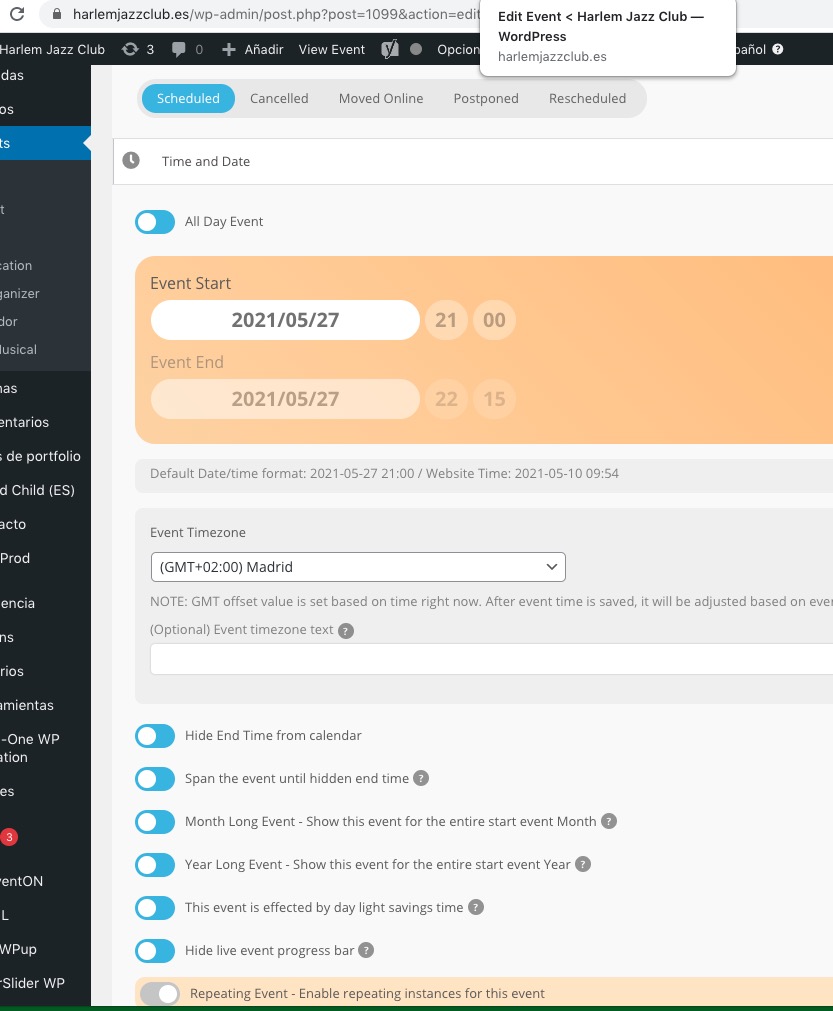
Could you try cleaning it one more time? Maybe there is another cache on the server side? It does work on my side.
Hello,
Could you send us a screenshot of emails with issues?
Hello,
Could you make sure that you are using latest versions of EventON, Tickets and Booking add-on? Your screen looks slightly different from mine:
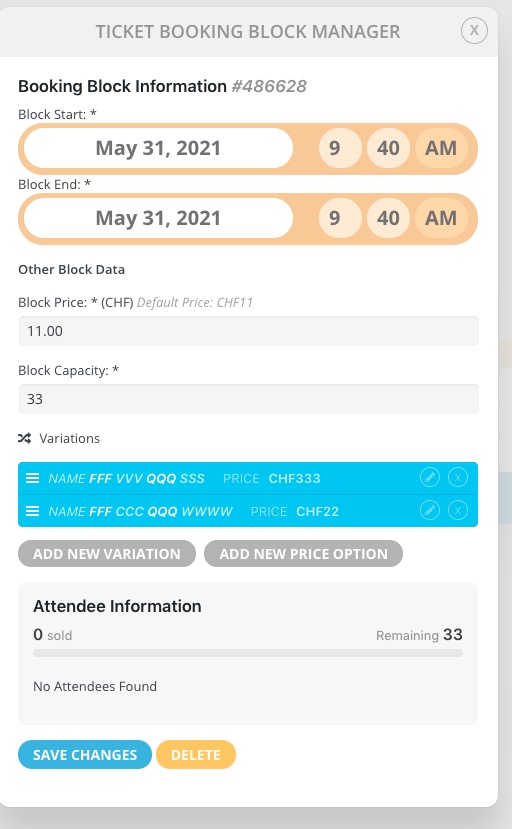 Please check for latest versions of software from here.
Hello,
Please send us wp-admin access to your site as a private message for us to further assist your situation.
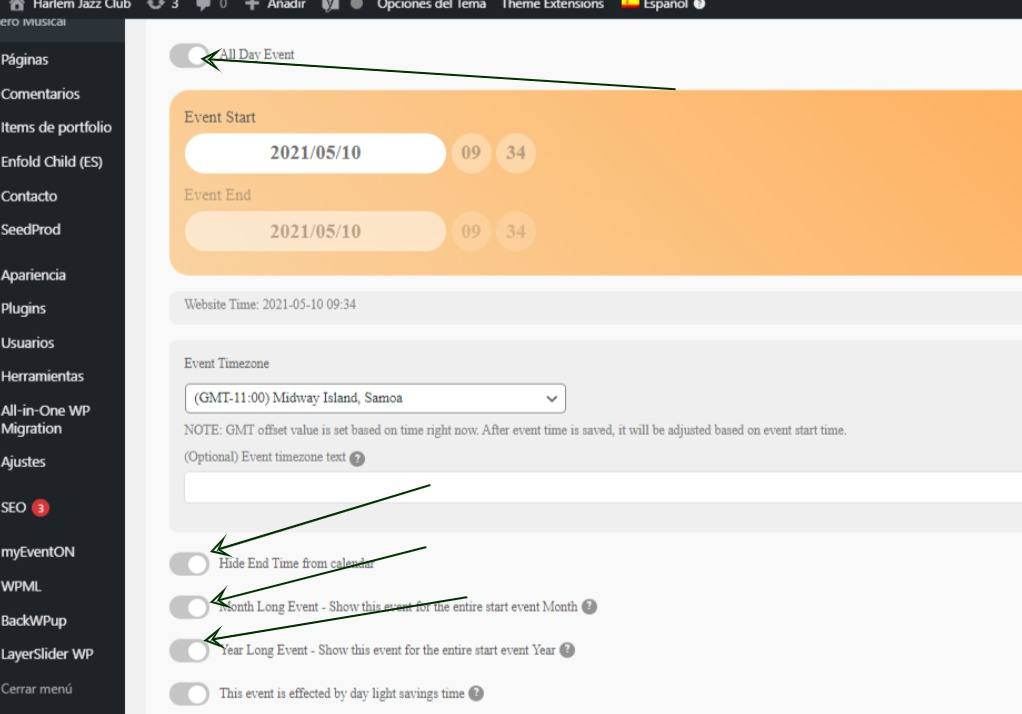
Hello, Done!
now we can select the date put all the buttons can’t be selected…
(image attached)
Could you try going to EventON Settings > try different Select calendar event content filter type?
We are glad your issue is resolved, if you have any further questions or concerns please create a new ticket.
If you have a moment, we would greatly appreciate if you could kindly leave us a review at codecanyon! from your account > downloads. Cheers!