Hello,
1. Please go to EventON Settings > Single Events > enable Sharable Options.
2. Your example looks normal on my side:
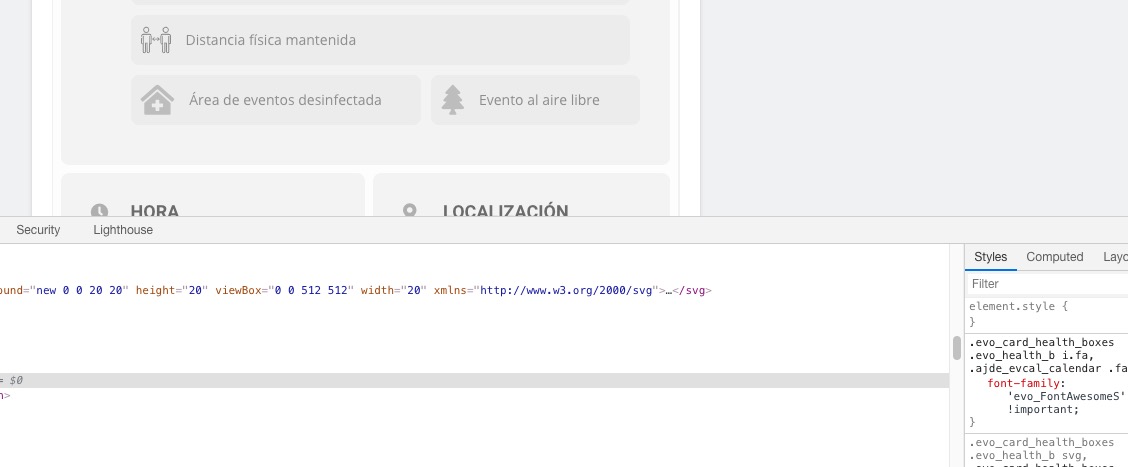
Have you managed to fix the issue?
3. Google requires you to fill in the billing info. There is no alternative, I am afraid.
Replies for tickets on suppota
Hello,
1. Please go to EventON Settings > Single Events > enable Sharable Options.
2. Your example looks normal on my side:
Have you managed to fix the issue?
3. Google requires you to fill in the billing info. There is no alternative, I am afraid.
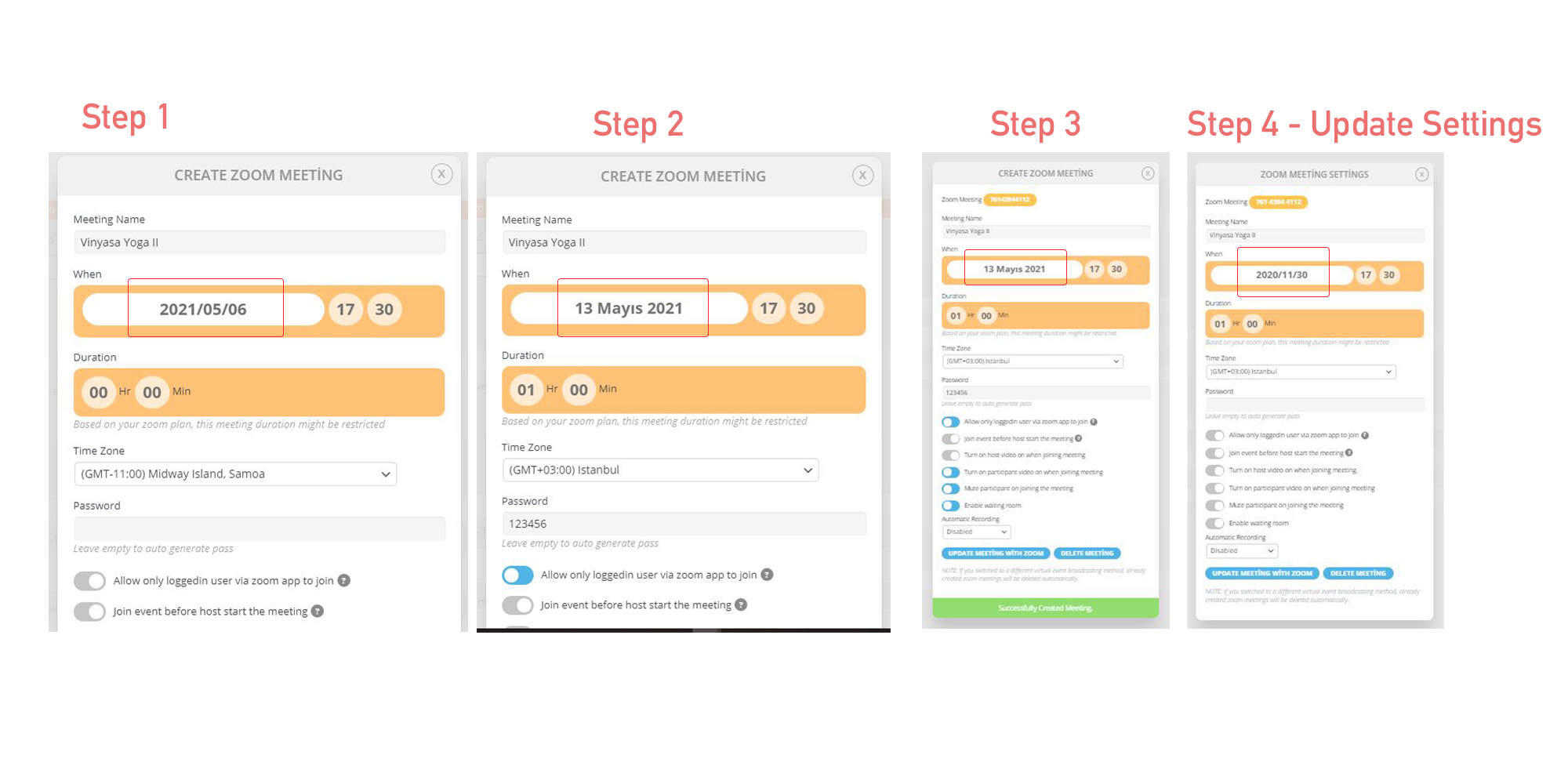
WordPress date format: j F Y
Date format when creating a zoom link: Y-m-d
Under these circumstances, the zoom link is created, but the zoom does not convey the date correctly!
If I want to update the zoom date on the event, I get a past time date alert.
Could you send us Order IDs for your products? I see only one in our system – FullCal.
I am sorry, the access information you have provided did not work for us. Please check them and post the correct login information as a private message, thank you!
Please send us the correct login info.
Try creating a new page template by following https://developer.wordpress.org/themes/template-files-section/page-template-files/. Put the code inside of it.
Hi there,
Please send us wp-admin access to your site as a private message for us to further assist your situation.
The methods I tested:
I deleted the zoom link for each recurring event.
I created a re-zoom link for the upcoming event.
I have to do this for every repetitive activity.
In Jitsi meet settings, it supports me to switch to “full screen” if I log in with the desktop.
But when I log in with the mobile browser, it does not support “full screen”.
How does full screen feature work for mobile devices?
Thank you for your great suggestion. Please create a new ticket and select Feature Request as category so others can vote on your idea and get it moved into development faster.
If you have any other questions, please do not hesitate to create a new ticket.
Thank you. I prepared a test with the scenario you suggested. It works well. I will now buy RSVP Points.
I suggest you make an enhancement that supports role and membership checks. This can be very useful for EventOn.