see my second screenshot, if you have any of those circled settings enabled, make sure they are disabled.
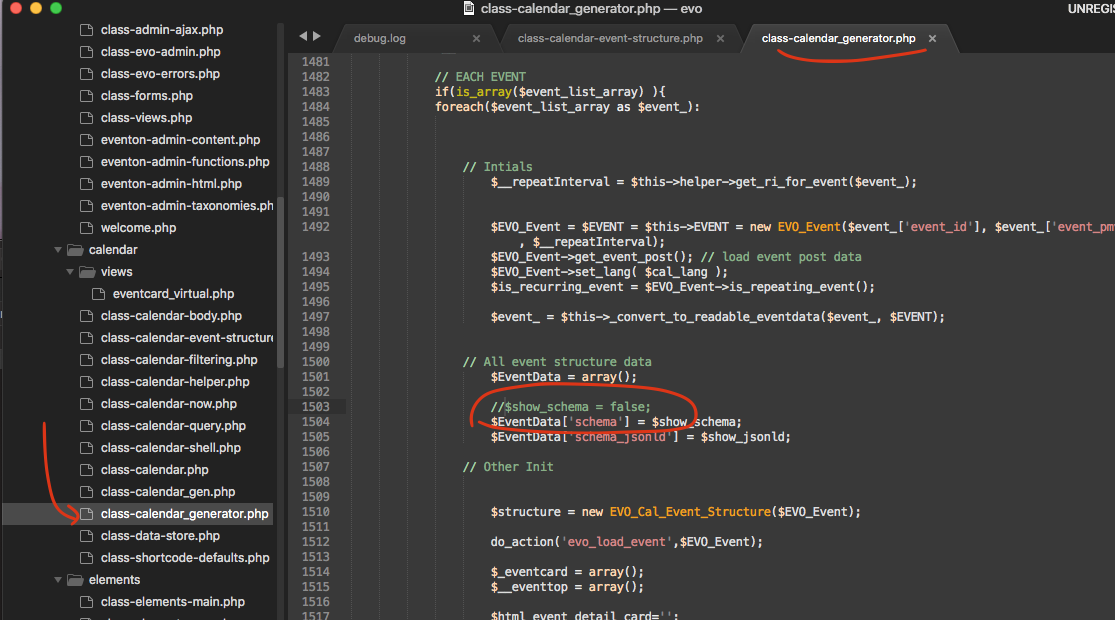
Actually there is a code error and here is the patch fix. — comment out the line in circle
Replies for tickets on suppota
see my second screenshot, if you have any of those circled settings enabled, make sure they are disabled.
Actually there is a code error and here is the patch fix. — comment out the line in circle
Hello,
WP creates slugs based on event titles. The only option is to change their titles and then import.
Please try updating to tickets version 1.9.3
Hello,
To refund the main plugin please contact CodeCanyon.
In order to request a refund for add-ons, please create a new ticket under Billing & Accounts and be sure to include the order ID for which you need a refund for and the reason for requesting a refund.
It seems that the problem is not in something that can be detected by WP_DEBUG. May I try the instructions mentioned in this documentation to make sure your issue is indeed coming from eventon?
Hello,
Please check now:
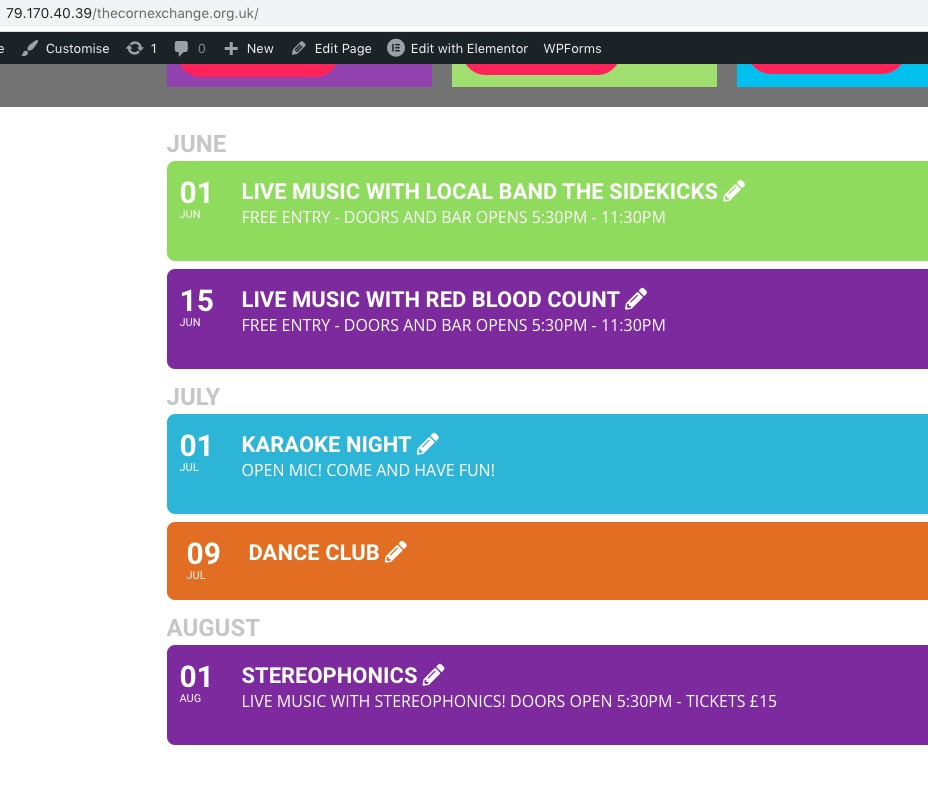
Thanks:
http://79.170.40.39/thecornexchange.org.uk/wp-admin/
UN: helpaccess
PW: wwtyQYlUot
here is the documentation we have for zoom. https://docs.myeventon.com/documentations/how-to-find-zoom-api-keys/
And the video tutorial for that https://www.youtube.com/watch?v=Cr-Z-I_INTs&list=PLj0uAR9EylGrROSEOpT6WuL_ZkRgEIhLq&index=4&t=2s&ab_channel=EventON
Please explain further what you mean by ” not registerning a RSVP”?
I did ask here (pay) for a custom development from someone of your team , are you refering to that ?