Should be good to go, I hope we can figure this out.
Archives: Replies
Replies for tickets on suppota
Reply to: tickets(236479)
Hi Racheal,
That is quite understandable. If you have any other questions please do not hesitate to open a new ticket.
Reply to: tickets(236479)
I already spent more money on an add-on I didn’t really need as a workaround for this, so not really interested in forking out even more for such a simple request, sorry.
Reply to: tickets(236161)
Hi,
I have now even swapped the marketplace plugins in between – events and tickets were transferred. From WCFM to Dokan and back again.
At the moment I actually don’t see any problem with WCFM, except that I don’t see the event tickets in the vendor. Example:
https://portal.kijuaa.de/https-portal-kijuaa-de-shop/media4teens-sii-kids/#tab_links_area
Reply to: tickets(236660)
Ha, yes sorry, I am working on a theme with demo content, so USA will be replaced 🙂 Thanks again!
Reply to: tickets(236217)
Hi,
thank you very much for your Video!
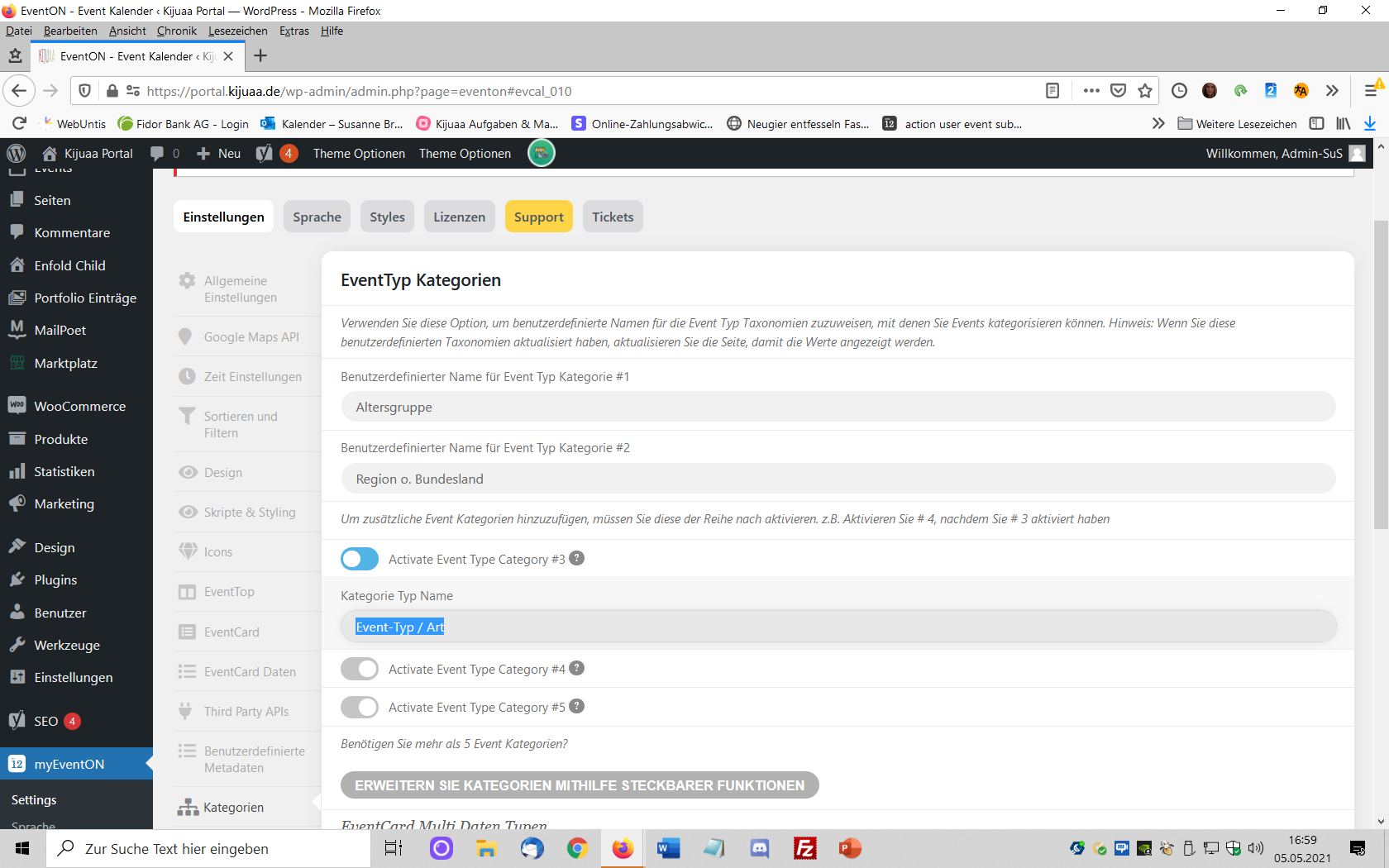
But: I had already created the event categories and unfortunately at the 1st place the wrong category group.
I don’t want to color category #1 “age group” but category #3 “event type / kind”.
How can I now put category #3 in place #1 without having to delete everything?
Reply to: tickets(232525)
Reply to: tickets(232525)
Hello,
Almost a month has passed and I still have no news of this development.
Reply to: tickets(234178)
Hello,
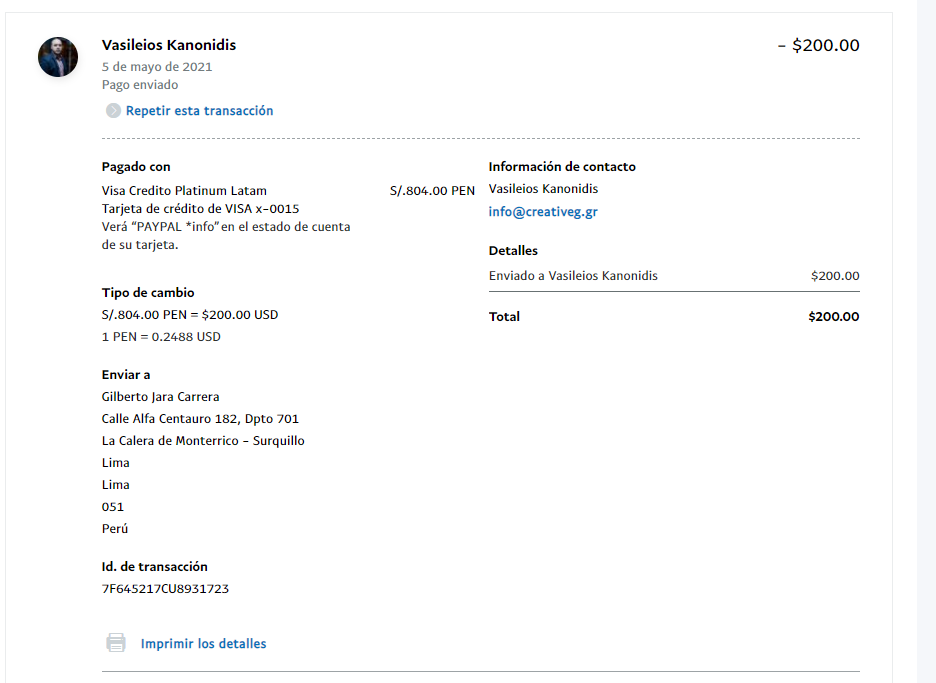
I just made the payment. See attached image.
Reply to: tickets(236649)
It is a different slug for each event.
For example – I want to change https://lakelandmom.com/event/10th-annual-warrior-walk-lakeland
to
https://lakelandmom.com/event/warrior-walk-lakeland
(I had 600+ events on my old calendar and transferred them over to the new calendar via CSV import. I am trying to match the slugs up with the exact slug from the old calendar listings. The permalink structure is the same but new slugs were generated based on the event title)