Yeah I think that if you plan to add more events per day I am sorry to say eventon combined with the server you have will not be what you are after
Perhaps in your case you take a page from google who don’t try and show 400 results on one page- they have a search feature
https://thenashvillepages.com/eventon-search-test/
type for example “art” and see how quick it loads
see video below
I tried installing the daily view plugin which shows one day at a time- but that also took forever to load
even event brite doesn’t try to load 900 events https://www.eventbrite.com/d/online/magic-show/
I am sorry
Ashan,
Please send me a link to all documentation to create a zoom meeting with eventon from beginning to end.
also, I have a plugin ‘Google calendar in my website and also I want to know if I can connect to Google calendar to show it on the front end so I can kill that plugin and stay fully with eventon. Or perhaps one of your addons do that??
hey! i tried adding that bit of shortcode, but it’s still not loading. sorry!
I managed to make good progress on this difficulty because I was finally able to have both sidebars using “Create Single Events Page Sidebar” and the Nimble Builder extension! I have only one difficulty left. To standardize the colors, I therefore did this through CSS but as you can see, it does not go down to the bottom of the page and stops after the last widget … normal ?
Hey there, long time no see 🙂
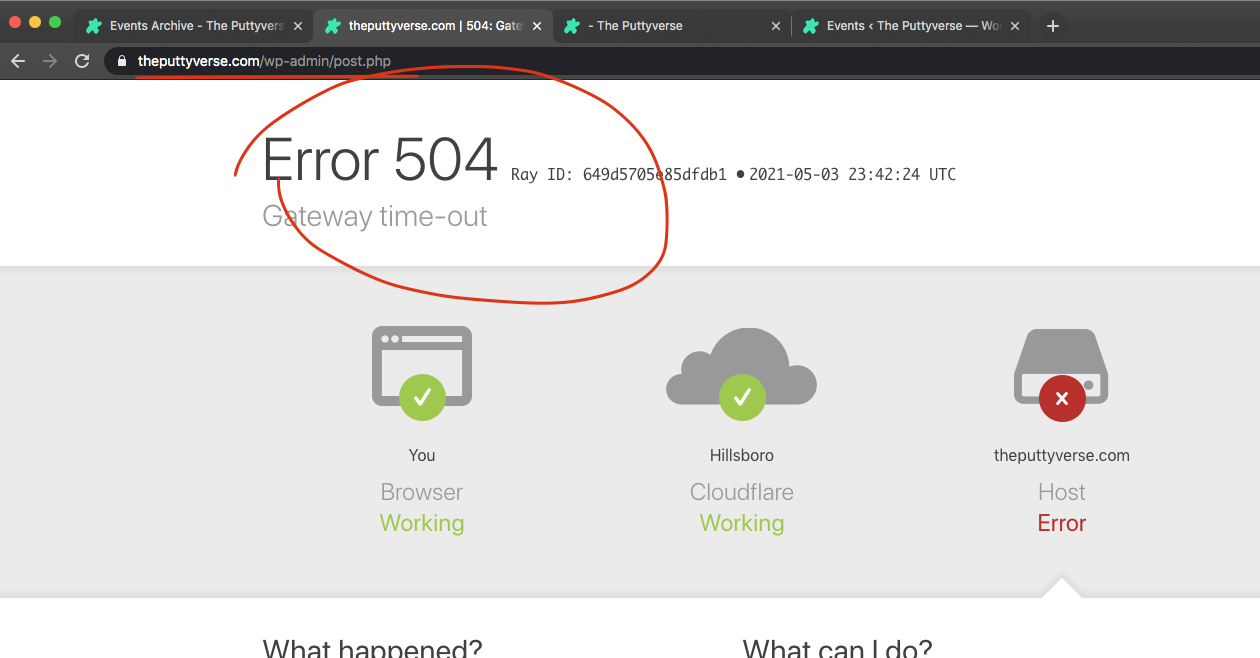
Something is going on in your server.
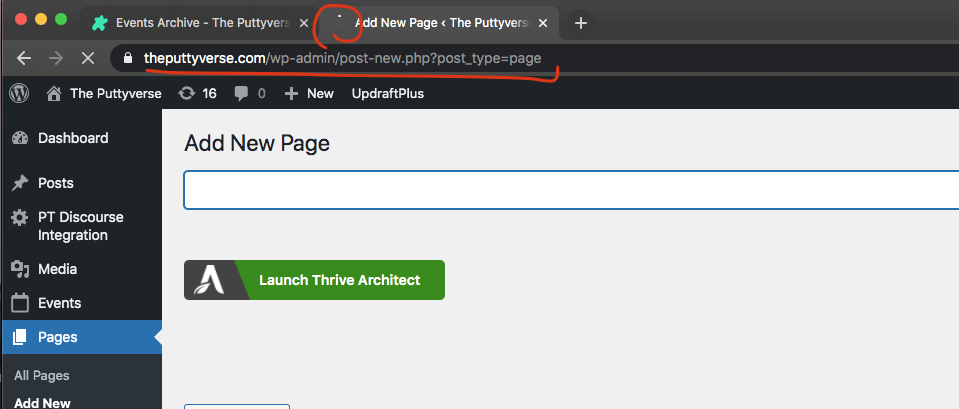
I just clicked add new page and it took like 5-7 seconds to load page content. Even updating edits takes a long time. You got 775 events, and 33 active plugins. I’ve not heard of Vultr hosting. if its a shared server they usually have several ppl on there that share the resources.
Yikes…
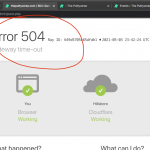
Hmm. So I was able to get the regular calendar working without ajax calls https://theputtyverse.com/117021-2/
the shortcode variable ux_val=’3a’ is another improvement, which would stop event content from loading on page load but will only load via ajax if event is clicked.
Other option is to try disabling one plugin by one and see if any of those cause the spike in slowness…?
I think there is some datepicker UI overridding going on from what we use but, the date picker work fine for me.

perhaps try clearing cache on website and if possible on server level?
We have seen this issue before. If you are using any cache plugin please try clearing cache on wordpress database tables, specially wp_options. that is where the license information is stored and if old cache is loaded on page saying license is not active, those warning pops up.
May be you removed eventON? i can not see eventON in your website any more.
I think the issue is with your type of langugae shifter you are using.
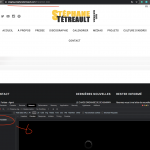
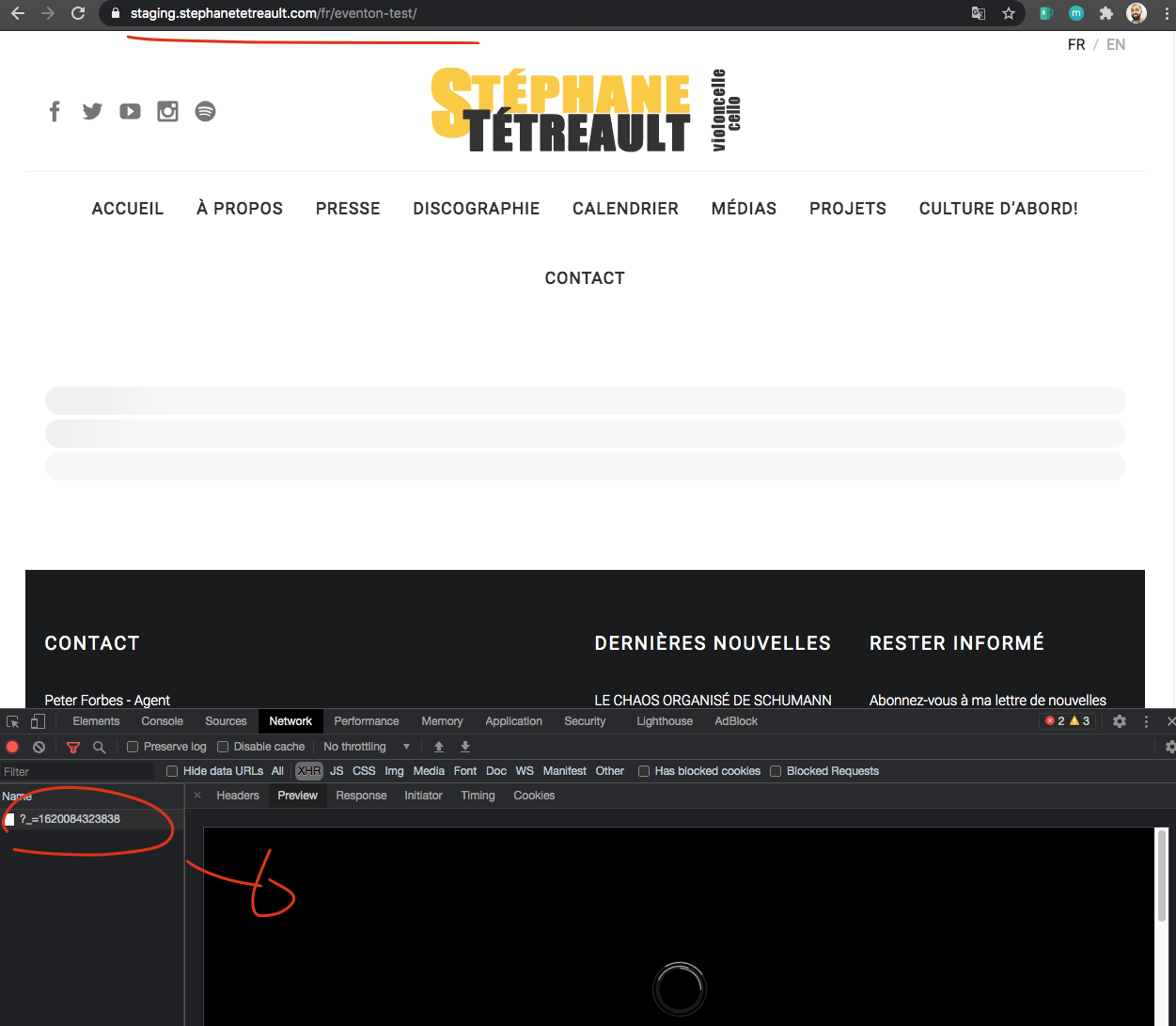
it uses some ajax method to load the new version of the page, but it doesnt run all necessary on page load javascript codes. So i’d recommend contacting who ever built this language shifter thing.
Once a user RSVP it shows the success message. and there is a close button for user to close it. It the form is closed auto the user will not see success message. So therre need to be some delay in closing this. We may implement this in the future.