After the change you’ll be able to edit /events.
Archives: Replies
Replies for tickets on suppota
Reply to: tickets(229926)
Unfortunately, the only solution is to change Slug: https://docs.myeventon.com/documentations/change-events-slug/
Reply to: tickets(236238)
Hello,
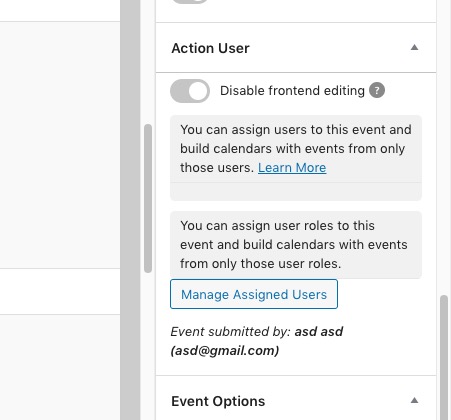
Please go to wp-admin > Edit Event > Action User:
Reply to: tickets(236037)
1. CSV Import requires manual import and ICS Import has a schedule option.
2. Please check https://docs.myeventon.com/documentations/import-additional-fields-using-hooks/. ICS Import: https://docs.myeventon.com/documentations/add-support-additional-ics-fields/
3. Please go to EventON Settings > Download all eventON events. > CSV FORMAT.
Reply to: tickets(236013)
Could you try this setting: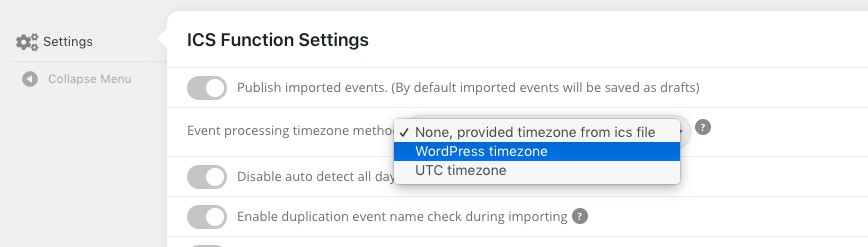
Could you also send us a link to the .ics file?
Reply to: tickets(236239)
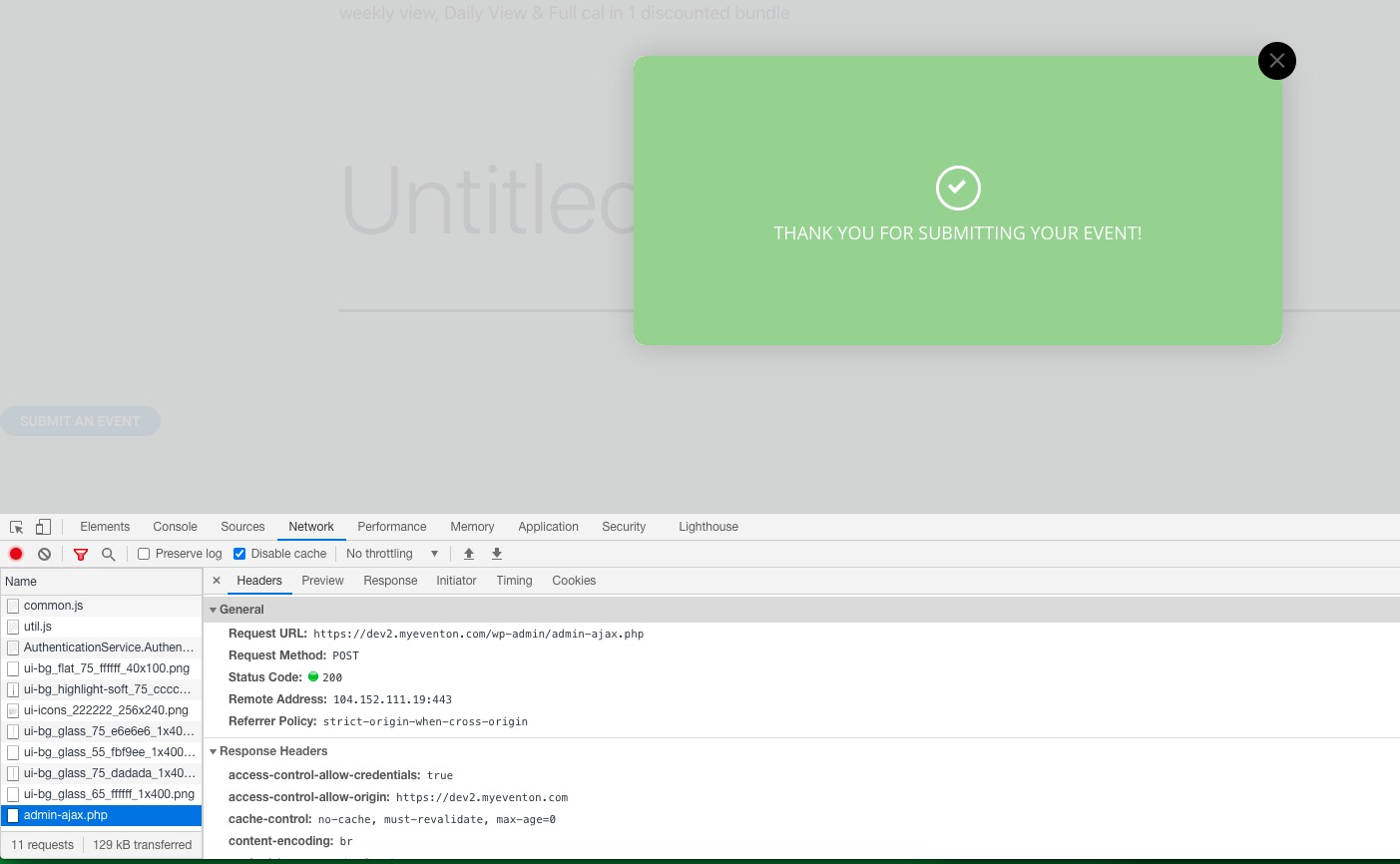
It seems to be working on our test server:
https://dev2.myeventon.com/26411-2/
Could you please try the instructions mentioned in this documentation to make sure your issue is indeed coming from eventon.
I think the problem is in this request:
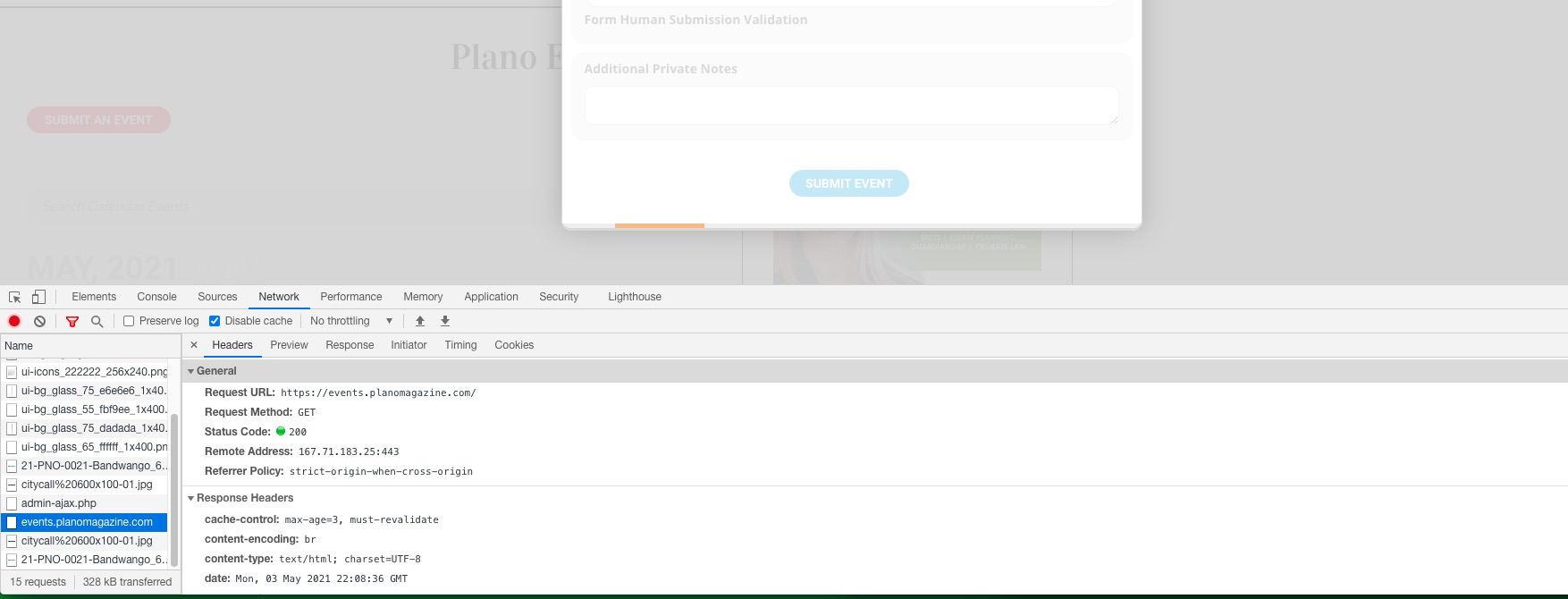
Our test server:
Reply to: tickets(232977)
superforms not working
https://congressiconvegni.it/eventi/corso-di-chirurgia-e-protesi-su-impianti-edizione-2020/
Gravity form it’s ok
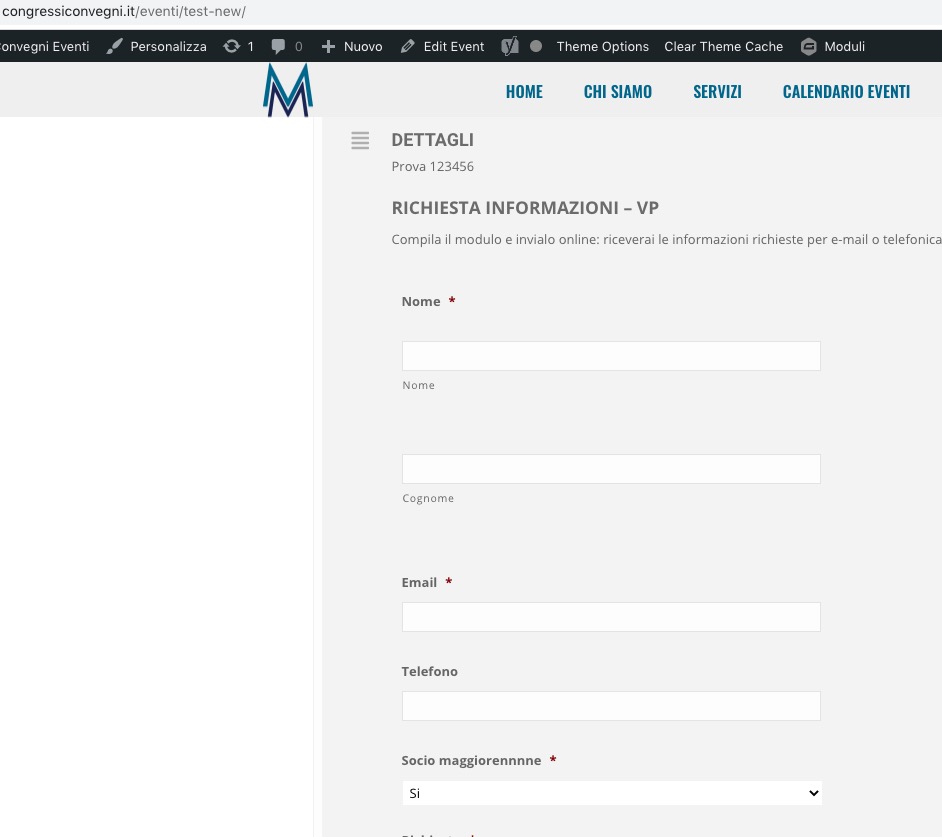
https://congressiconvegni.it/eventi/test-new/
Reply to: tickets(236273)
Hello,
Unfortunately, EventON doesn’t have such functionality. Since WooCommerce handles the payment system you need to check what kind of options (plugins) it can offer: https://woocommerce.com/products/
You can also send us a customization job request by creating a new ticket in here and selecting Customization Request as the category. Maybe one of our developers can extend EventON.
Reply to: tickets(236239)
Can you try this?
https://events.planomagazine.com/wp-login.php
MainAdmin
gJlTV32j!n4h7#h079@xv0hW
Thanks!
Reply to: tickets(232977)
Gravity Form is visible when you switch to “Select calendar event content filter type: Default WordPress Filter”:
As for checkboxes, could you try switching your theme and disabling other third-party plugins?