Yes in the latest version 3.1.4
in myeventon>>>>>settings>>>>scripts and styles
the last toggle is to turn off the jitsi api
To update eventon to latest version: If you are unable to do autoupdate, you can go to codecanyon your account > download and get the latest eventon version as zip file. Then you can go to your website, deactivate old eventon, activate (Do not delete eventon settings & data when EventON is uninstalled) from eventon settings, delete old eventon, install new one and activate. This link will further explain the process it. Also you can follow us on twitter to get real-time announcements on updates!
so I have fixed the image it should just show the image now
load more – loads more for that month only
currently you are using main calendar which shows one month at a time with the ability to switch months with arrows
events list shows a large list of events however many months you wish to show
in your case I would recommend creating a dedicated events page which has all the events on it in a big list
on your home page have your calendar as it is BUT when they click the load more- it redirects to the dedicated calendar page instead
Alternatively we do have an addon that will show the next (for example) 3 events and then you click load more and it will load more events regardless of which month they are in
called events list extended which among other things will have the next x events regardless of the month https://www.myeventon.com/addons/event-lists-extended/
That google user permissions error only happens on the page where I’m using the Events Map Addon.
If I go to the home page, https://staging6.xn--h9j7a0c4cs2a.jp, and select an event there is still no map on the card but no Google console error.
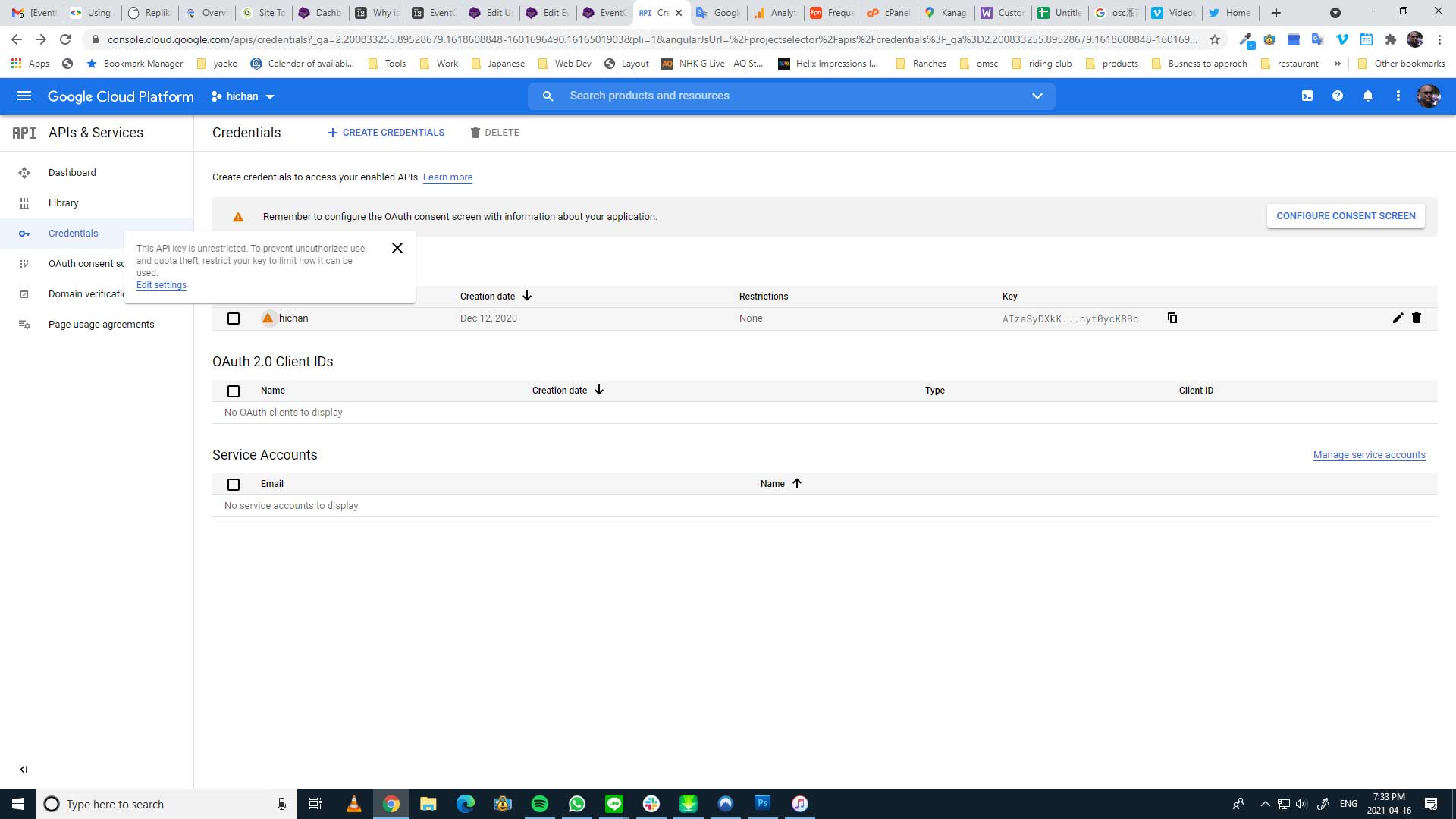
No error are being generated now. I removed all domain restrictions and verified the Japanese version of the url ひーちゃん.jp as well.
The card still doesn’t show the map.
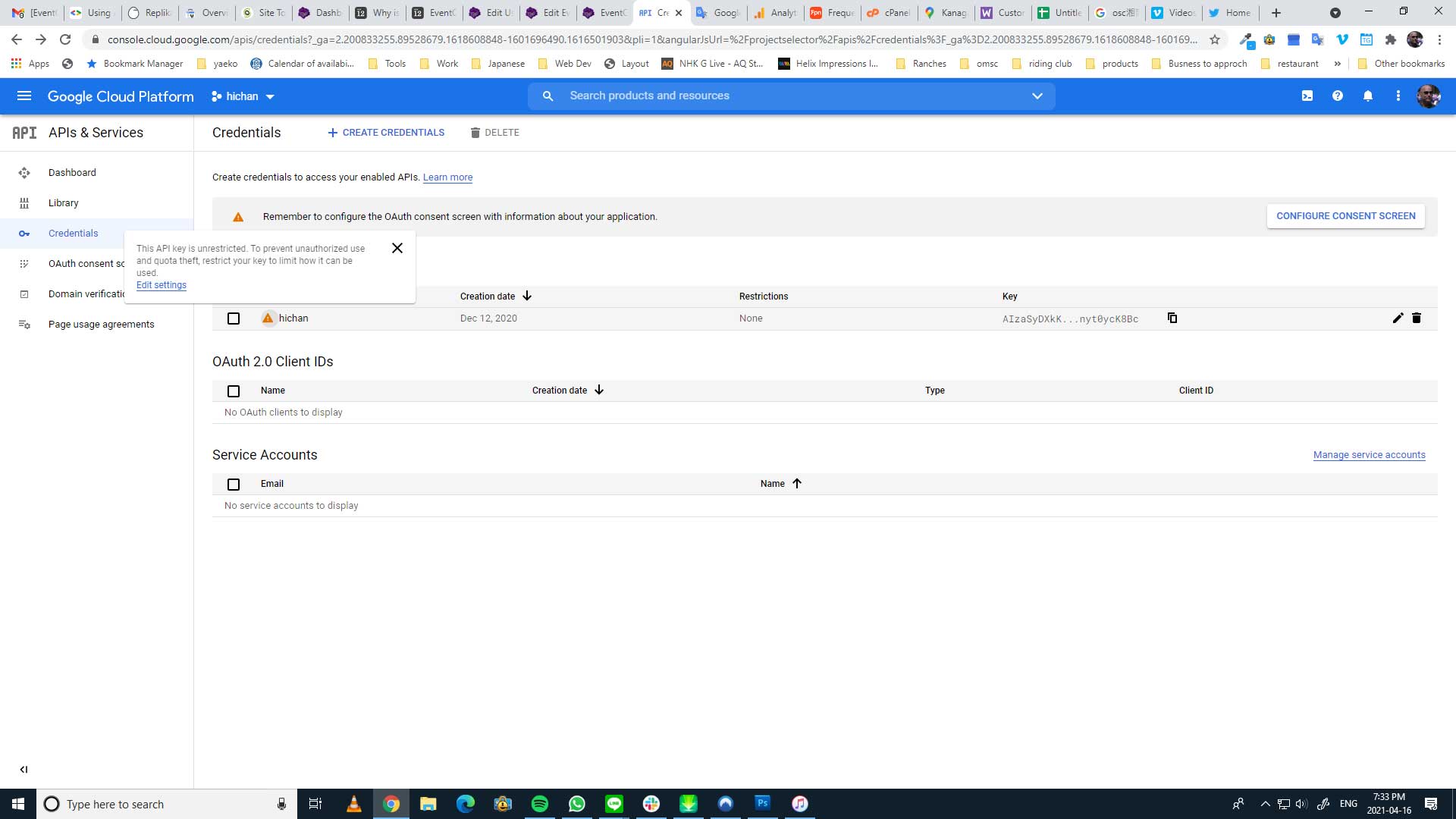
Nothing to fix on the google end.
There are no restrictions. Why does the main map work?
Hello,
Could you tell us more about how we can re-create the issue?
Please send us wp-admin access to your site as a private message for us to further assist your situation.
Because of enabled “Show a message if a loggedin customer has purchased a ticket already” you can purchase only one ticket at a time.
Please go to https://holisweek.com/carrello/ and remove the ticket.
Hello,
Please send us wp-admin access to your site as a private message for us to further assist your situation.
Ashan,
The image in the circle is on the left and not in the center Fields are moved and also location address.
Similar on dev2: https://dev2.myeventon.com/event-location/maultsch-im-gewerbepark/
Hello,
Thank you for your messages, I am going to assign this ticket to Ashan and he will be able to take it from here and find you a solution. Please allow some time for him to get back to you, we greatly appreciate your patience and thank you for being a eventon customer! Also please disable any IP blocking on your site if there are any.
The blank space between the bottom of the image and the next section is increased.
It seems that your disabled Google Map API. Could you go to EventON Settings > Google Maps API > enable it and fill in Google maps API Key (Required)?