I must admit, i’m very new to this. If you could give me an example of the server specifications, I can figure it out on mine. Also, how do I send you FTP access? Do I send you my bluehost login information? thank you in advance for your help! I’m sorry I’m not more versed in code! Lori
Archives: Replies
Replies for tickets on suppota
Reply to: tickets(235079)
Hello
i use this methode
Through WPML https://docs.myeventon.com/documentations/wpml-eventon-front-end/
Reply to: tickets(234633)
Honestly, if it takes a lot of time, I’m going to forgo doing anything with it. I’m so far beyond my original scope of what I was doing on this website right now – lol. I’m sure that’s a common story you hear!
But, just for the sake of explaining things… the site I’m working on is a tourism website. We promote visiting the county and all the events that happen within the county. The county itself is made up of 10 main communities each of which has a representative entering their events into the website. Some communities do more than others.
So there are two identifiers that differentiate each community – the city of the event and Type #2 which is “community”. So for instance, the community of Cambridge’s events are all listed here: https://enjoyjeffersoncounty.com/event-type-2/cambridge/
I wondered if there was an easy way to send that info to the specific community’s websites. But again, if it’s not EASY, then don’t worry about it. They haven’t asked me for it – I was just wondering!!
One other question on the export though – is the only way to access that export for the user to have access to settings? I have a user group called “community” and I’d like for them to be able to download the csv file but if they also have to have access to settings, then I don’t want to do it. Hopefully that makes sense.
I’d like to put a feature request in – allow people on the front end to download events by date/type (only the fields I choose that they can download). We have hotels in our area who pull out the events for a certain time period for their guests. Would be nice to allow them to go to a page and put in the date range and type (i.e. community, if they want to) and download those events.
Thank you for all your help!
Reply to: tickets(235142)
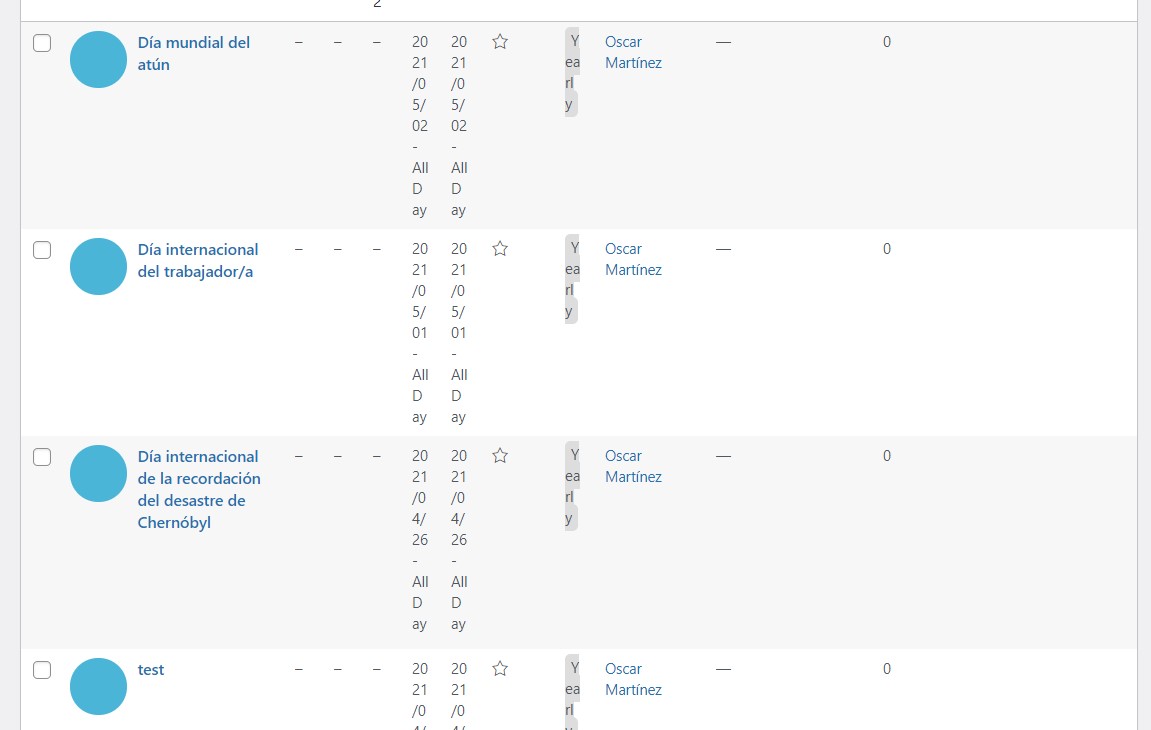
but when I add events, they don't appear on the page...
https://www.geografiaconlospies.com/eventos/
Reply to: tickets(235248)
Hi Lori,
Could you let us know more about your server specifications? Also, would you mind following the instructions in this documentation to activate debug in your site to see any PHP errors are recorded that can provide insight on to what’s going on. Please reply with a link to debug.log file. If you are not able to do this please send us FTP access to your site so we can do this for you.
Reply to: tickets(235248)
Yes, I tried and did all of that already.
Reply to: tickets(231457)
Hello Adam Wes and Keenan Don,
Could you try following Keenan’s suggestion? After you saved it, you can try disabling Use WP default Date format in eventON calendar (Excluding eventCard event date format) and save again.
Reply to: tickets(235154)
Ashan,
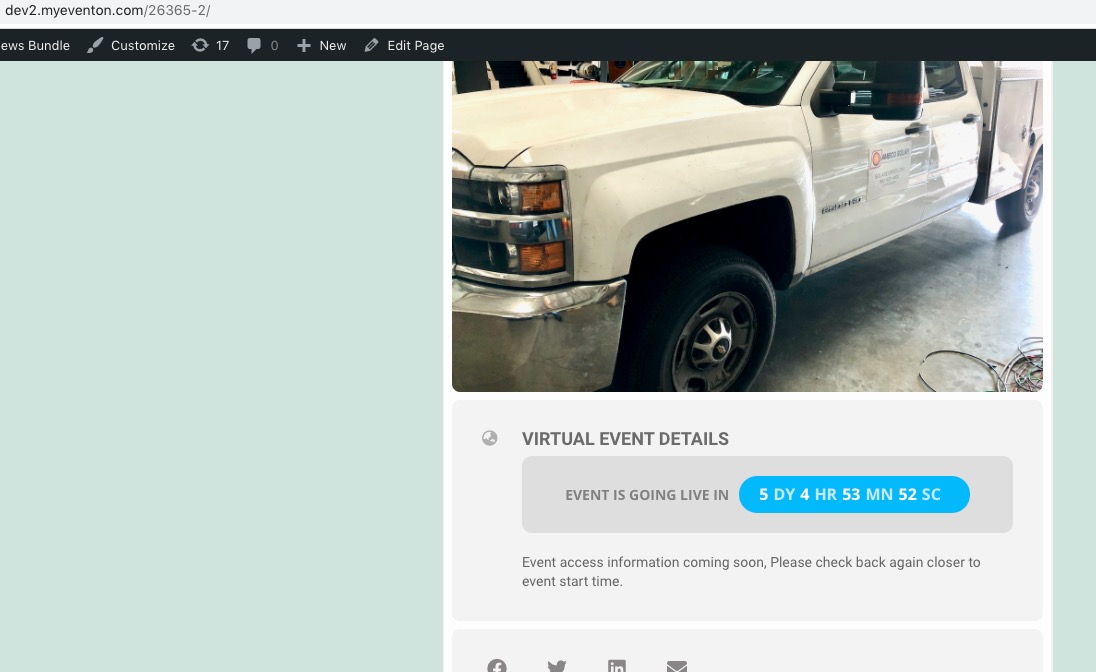
It seems that the problem is in Virtual Event Details. There was a similar ticket with included fatal error. Cannot find it, unfortunately.
Could you check?
Reply to: tickets(231457)
It started working for me suddenly. I did not change that setting, but I did change several other unrelated settings and suddenly it started working. Just wanted to report that in case it is helpful to anyone else.
Reply to: tickets(232015)
Ashan,
The same on dev2: https://dev2.myeventon.com/26365-2/
Event: https://dev2.myeventon.com/wp-admin/post.php?post=26364&action=edit