I cannot access wp-admin and wp-login.php anymore, both redirect to /404.
Please add this CSS code to EventON > Styles (If you don’t see any change, EventON > Scripts & Styling > turn off Write dynamic styles to header > save settings > turn on Write dynamic styles to header). You can also add this code to wp-admin > Appearance > Customize > Additional CSS.
.ajde_evcal_calendar.evoFC { min-height: 600px; }
This is going to set minimal height to the calendar, so maybe it will fix the issue.
Sorry for the delay. The only fatal error in debug.log is this one:
[01-Aug-2025 06:59:13 UTC] PHP Fatal error: DOMDocument::loadHTML(): Cannot use output buffering in output buffering display handlers in /home/d6dm2mw2kywv/public_html/wp-content/plugins/gravityforms/includes/libraries/class-dom-parser.php on line 206
Could you create a clone website, so we can do tests there without affecting the live website?
Hello,
Please send us wp-admin access to your site from “Access Info” box on right side menu, to further assist your situation.
I also checked your website and no issues on the front-end, so I need to check the back-end:
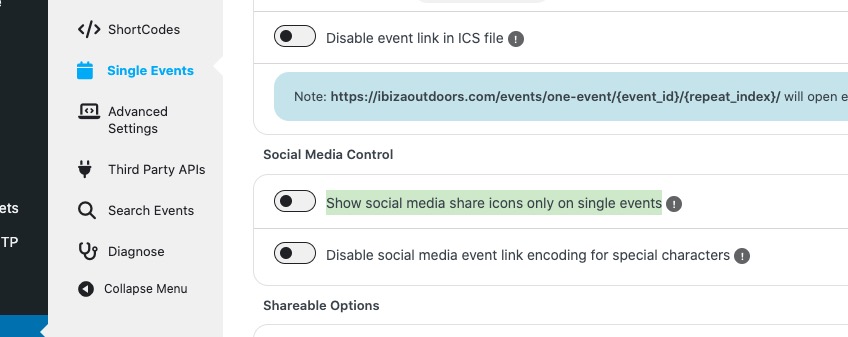
I disabled “Show social media share icons only on single events”, so now the social section is visible:
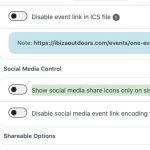
Completely forgot about the setting. Sorry.
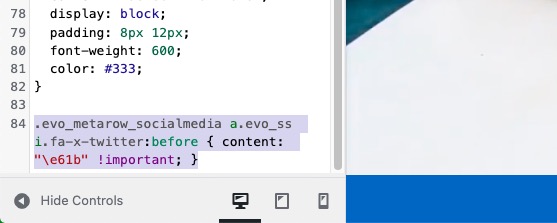
I also added custom CSS code to fix the twitter icon:
https://ibizaoutdoors.com/wp-admin/customize.php?return=%2Fwp-admin%2Fadmin.php%3Fpage%3Deventon%26tab%3Devcal_3
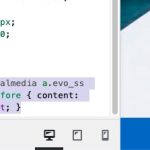
Please check and let me know.
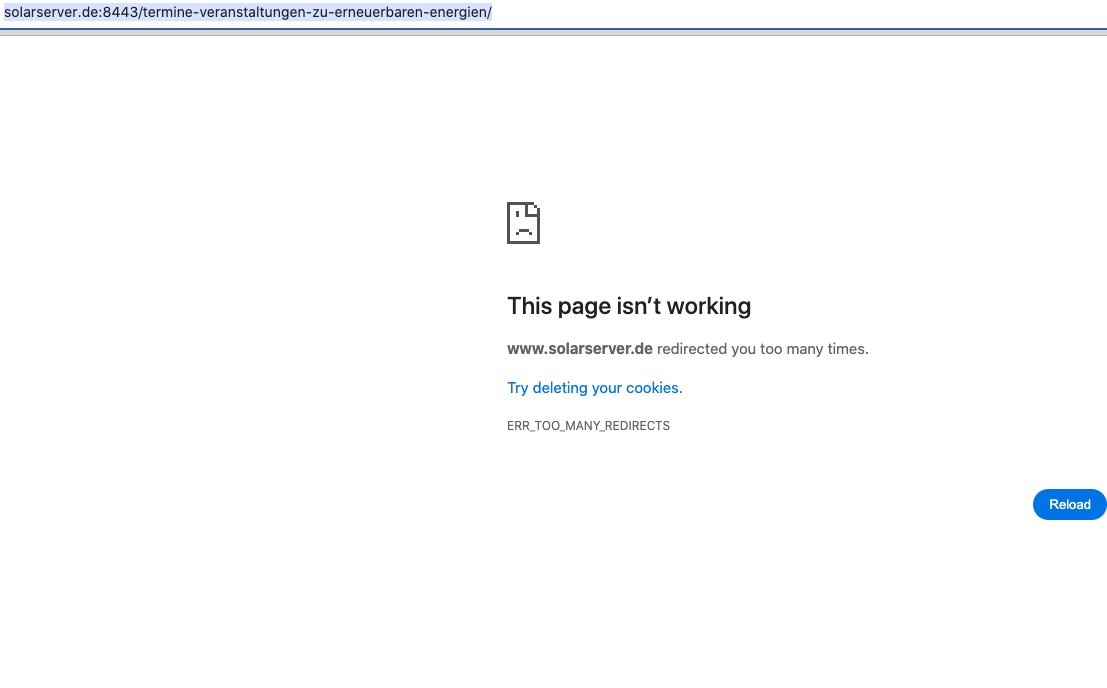
I disabled all plugins and switched the theme. Now the website stopped working:
We usually don’t do any direct updates on customer’s website.
I disabled/enabled WPBakery, then cleared the cache plugin. Seems to be working now. Please check and let me know.
First of, could you make sure that all of your shortcodes have correct quotes. Please check this shortcode:
https://pastebin.com/T228CDTN
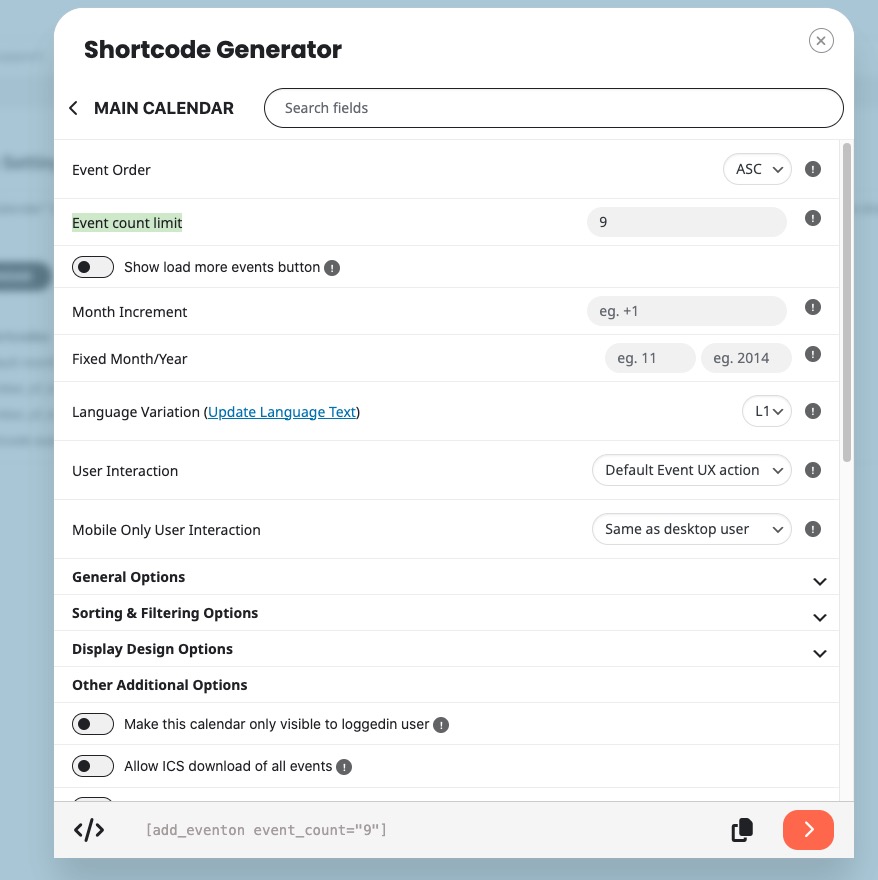
Please open Shortcode Generator by going to EventON > Shortcodes:
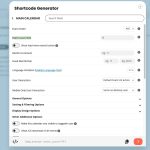
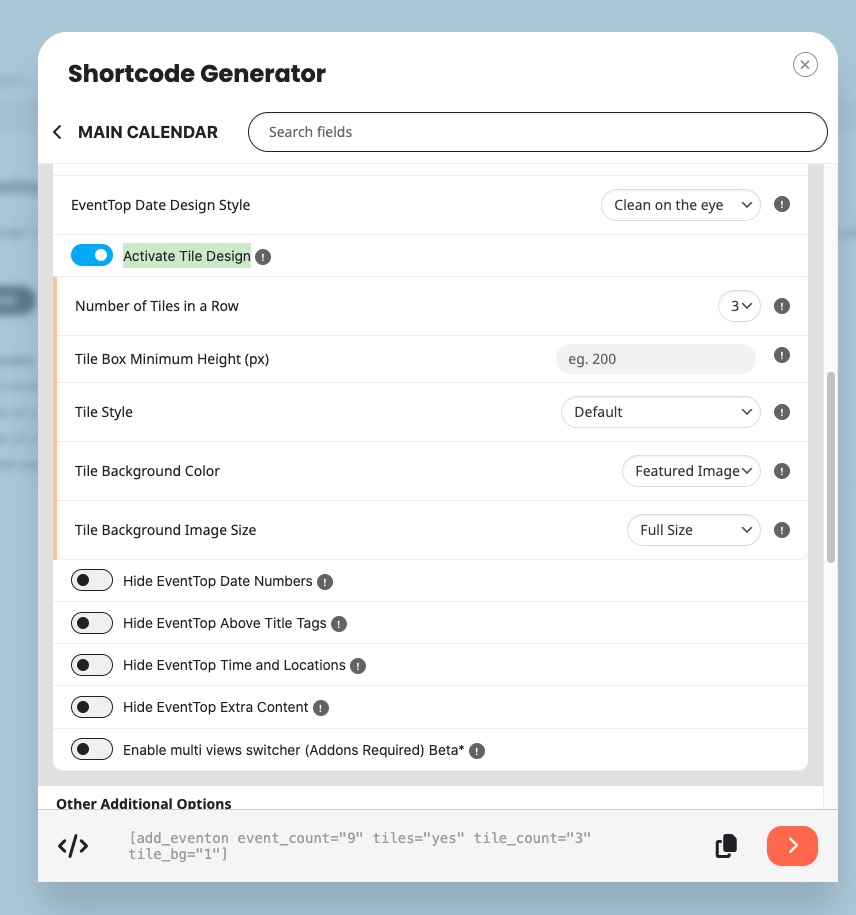
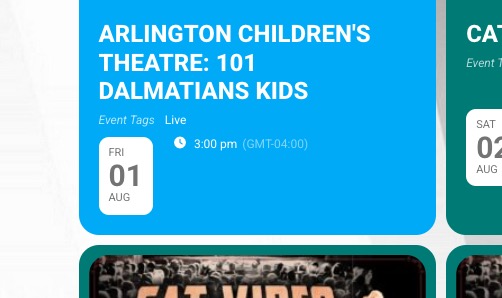
Now add 9 to “Event count limit“. Enable “Activate Tile Design” and select all related options:
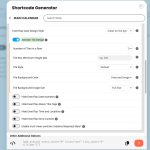
Copy the shortcode.
Hello,
Could you elaborate more?
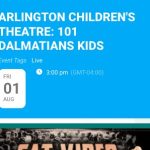
It’s already in the date block:
Hello,
Please take a look at these two guides:
https://docs.myeventon.com/documentations/confused-event-type-categories/
https://docs.myeventon.com/documentations/how-to-use-event-types-to-do-more/
You can use Event Types to create such filters.
The thing is that for each filter you described, we have an add-on that does what you need.
For example, Event Map:
https://www.myeventon.com/addons/events-map/
Or WeeklyView:
https://www.myeventon.com/addons/weekly-view/
Or DailyView:
https://www.myeventon.com/addons/daily-view/
Try all of them on
https://dev.myeventon.com/wp-admin/